


Faky - Imposter Game
Play on PC with BlueStacks – the Android Gaming Platform, trusted by 500M+ gamers.

Page Modified on: Jun 27, 2026
Play Faky - Imposter Game on PC
Ready to discover who among your friends can fake it best? Faky is the hilarious party game that’s taking social media by storm!
How to Play
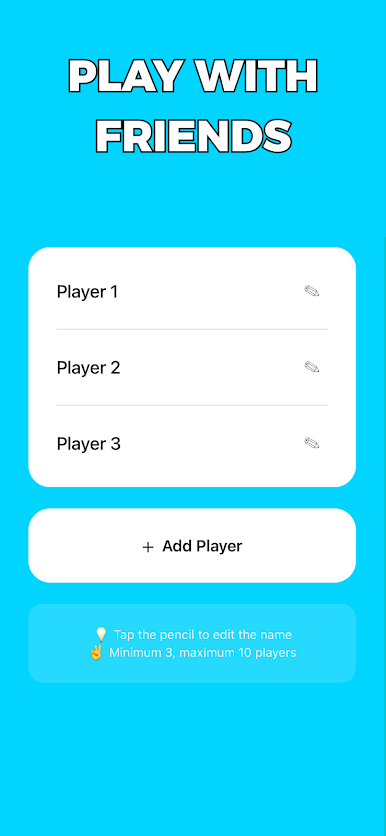
Gather your friends and start a round.
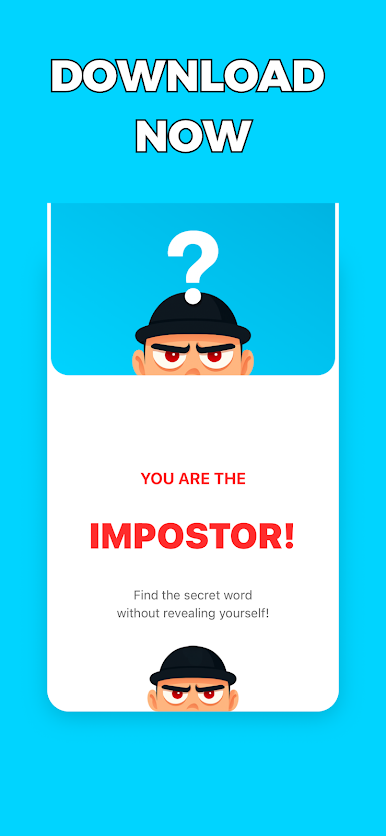
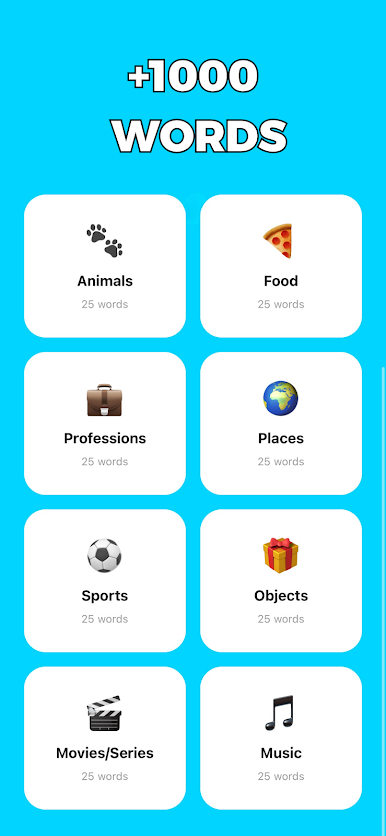
Everyone gets the same secret word — except one impostor!
Each player gives a clue… but the impostor has to fake it!
After everyone speaks, vote to find who’s faking.
Why you’ll love it
• Simple, fast, and addictive party fun.
• Perfect for groups, game nights, and creators.
• Play anywhere – all you need is your phone!
• Guaranteed laughter and chaos.
Join the trend
The #FakyChallenge is exploding on TikTok — now it’s your turn to create hilarious moments with your friends!
Think you can fake it and fool everyone? Download Faky and prove it!
Privacy Policy: https://thiagopinhogit.github.io/faky-legal/privacy.html
Terms of Use: https://thiagopinhogit.github.io/faky-legal/terms.html


Play Faky - Imposter Game on PC. It’s easy to get started.
-
Download and install BlueStacks on your PC
-
Complete Google sign-in to access the Play Store, or do it later
-
Look for Faky - Imposter Game in the search bar at the top right corner
-
Click to install Faky - Imposter Game from the search results
-
Complete Google sign-in (if you skipped step 2) to install Faky - Imposter Game
-
Click the Faky - Imposter Game icon on the home screen to start playing

