


MobileLife - Life Simulator
Play on PC with BlueStacks – the Android Gaming Platform, trusted by 500M+ gamers.

Page Modified on: Apr 18, 2023
Play MobileLife on PC or Mac
Join millions to experience MobileLife, an exciting Simulation game from Falling Star Games. With BlueStacks App Player, you are always a step ahead of your opponent, ready to outplay them with faster gameplay and better control with the mouse and keyboard on your PC or Mac.
About the Game
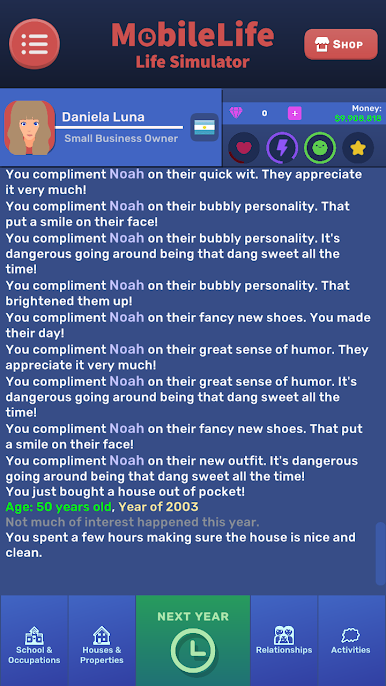
Ever wondered what it’d be like to live a completely different life, one tap at a time? MobileLife lets you jump into a quirky simulation where every decision crafts your own story. Will you chase a high-powered career, go for the chill life, or maybe try juggling a wild family? Basically, it’s all up to you—and things can turn out in ways you’d never expect.
Game Features
-
Choice-Driven Gameplay
Want to switch jobs, study something new, or just do nothing at all? Every tap is a chance to shake things up. No two lives end up the same since your decisions actually matter. -
Career Adventures
From your very first job to snagging your dream role, you’ll have tons of paths to explore. Promotions, sudden changes, or maybe a few setbacks—work life is never boring here. -
Family & Relationships
Start a family, meet new people, or decide to go solo. MobileLife covers everything from unexpected romances to family drama and even those quiet moments in between. -
Everyday Surprises
There’s always something happening—random events, unexpected choices, even a chance encounter that sends you down a totally new path. Makes you wonder what the next tap might bring. -
Pocket-Friendly Fun
Since MobileLife runs on your phone (and yep, works great on BlueStacks too if you like bigger screens), you can play those “what if” scenarios anywhere, whenever the mood hits.
Start your journey now. Download the game on BlueStacks, invite your friends, and march on a new adventure.
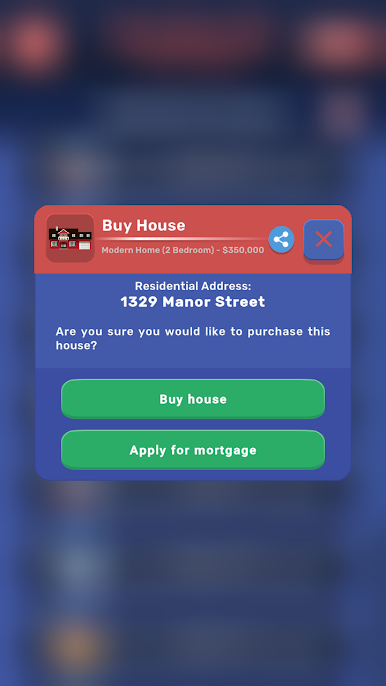
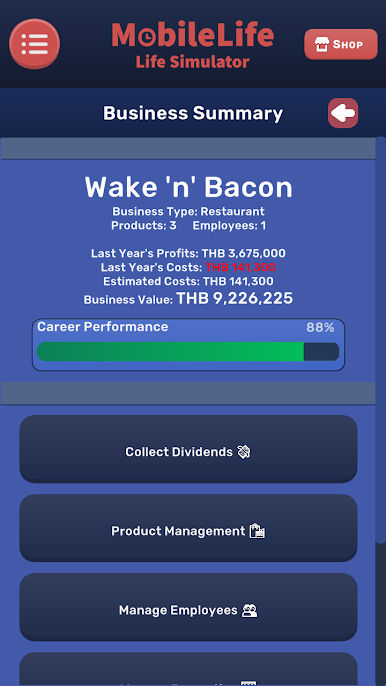
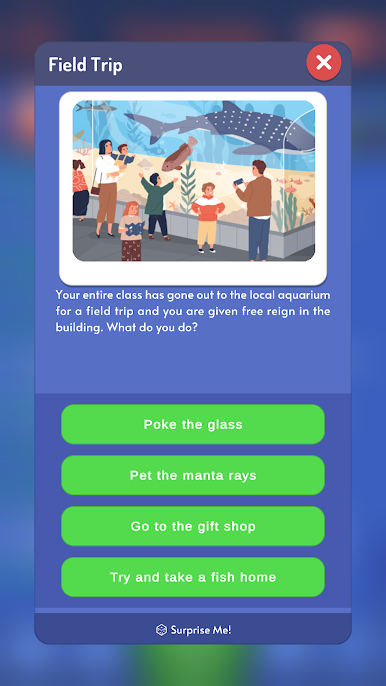
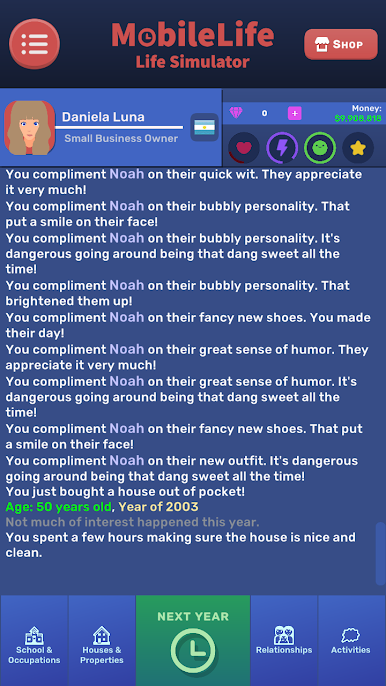
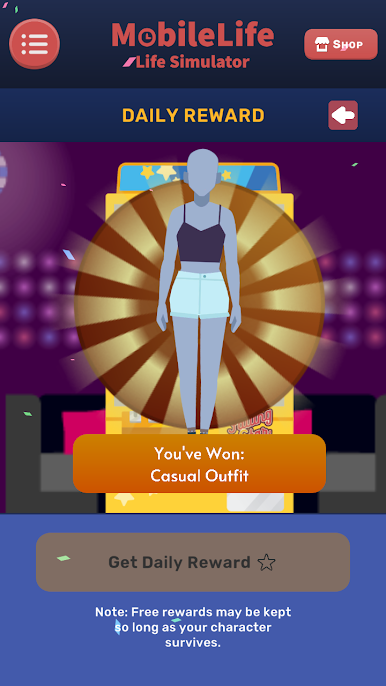
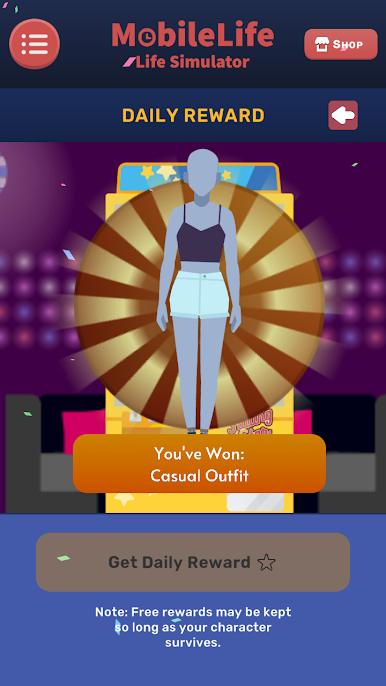
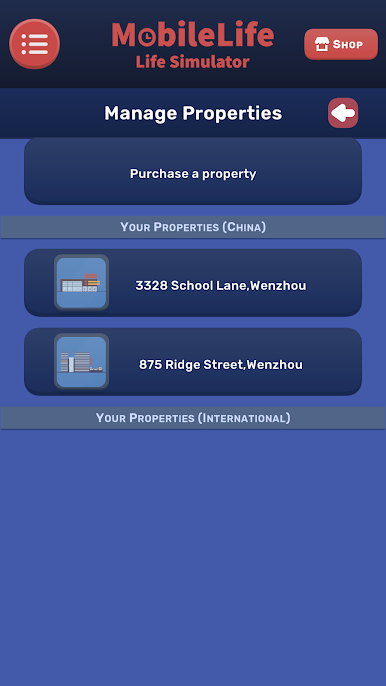
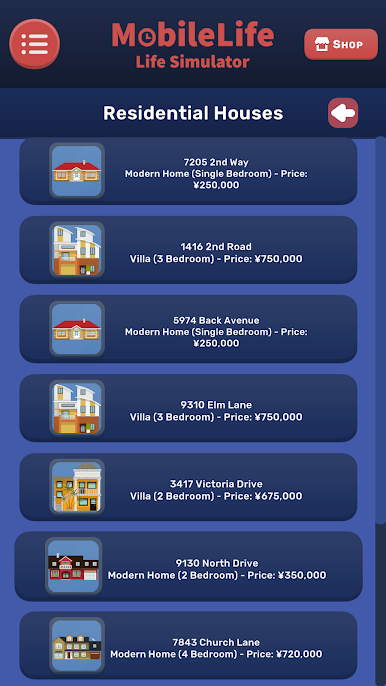
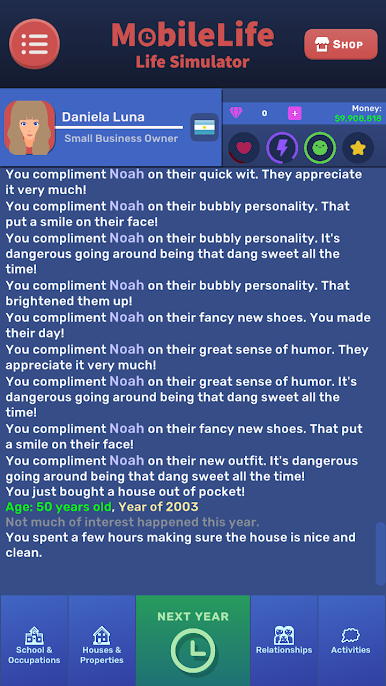
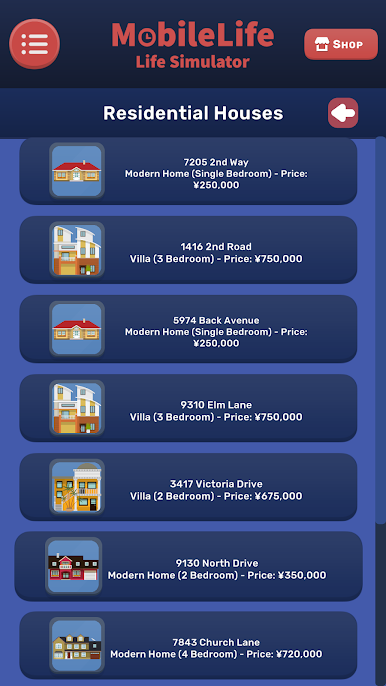
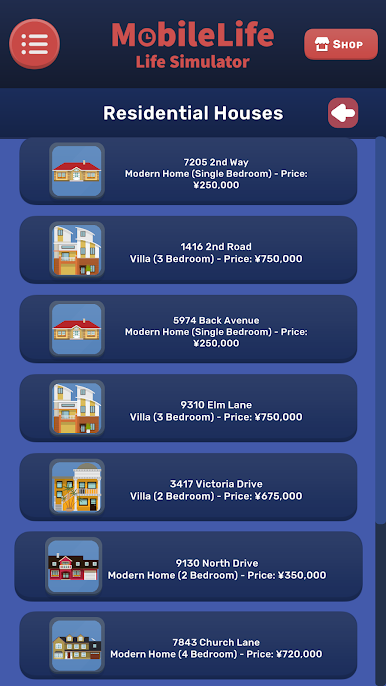
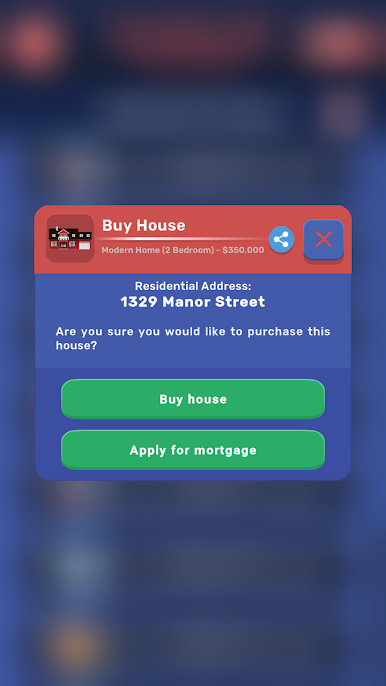
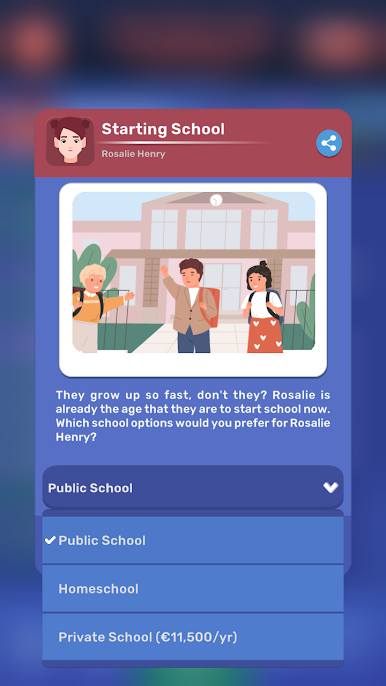
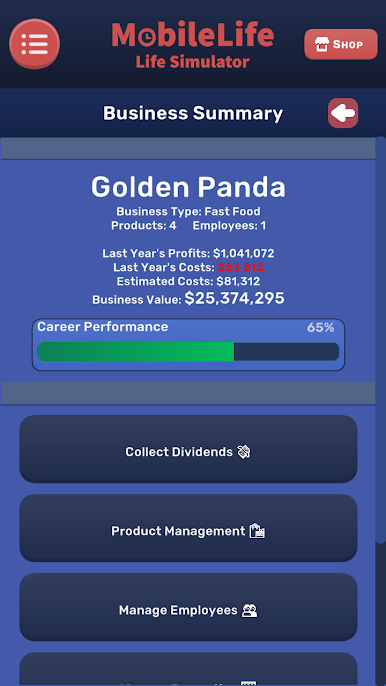
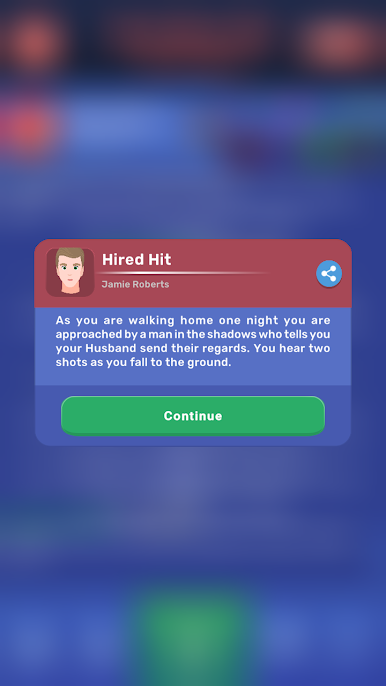
Play MobileLife - Life Simulator on PC. It’s easy to get started.
-
Download and install BlueStacks on your PC
-
Complete Google sign-in to access the Play Store, or do it later
-
Look for MobileLife - Life Simulator in the search bar at the top right corner
-
Click to install MobileLife - Life Simulator from the search results
-
Complete Google sign-in (if you skipped step 2) to install MobileLife - Life Simulator
-
Click the MobileLife - Life Simulator icon on the home screen to start playing

