


Coach STARTER Basketball
Play on PC with BlueStacks – the Android Gaming Platform, trusted by 500M+ gamers.

Page Modified on: Mar 11, 2026
Play Coach STARTER Basketball on PC
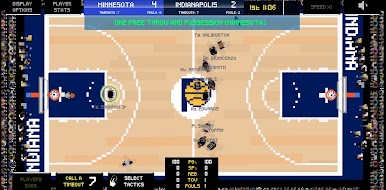
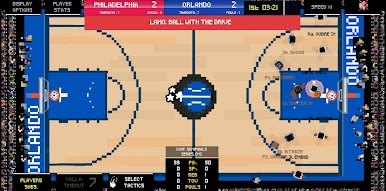
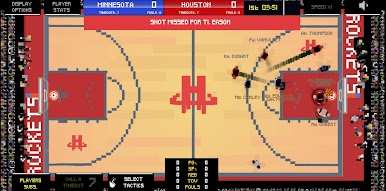
Key Game Features: Pixel RETRO STYLE !
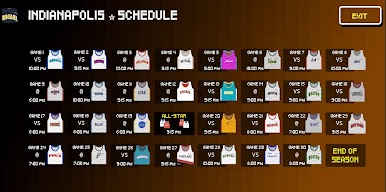
• 30 teams and their Eastern and Western Conferences.
• Simple and clear game interface.
• Rebuild the team, qualify for the Play-In or the Playoffs – these are the challenges ahead. You have a contract and its terms to respect.
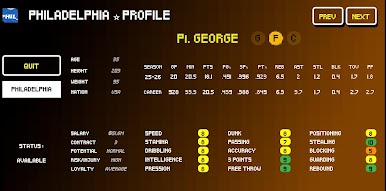
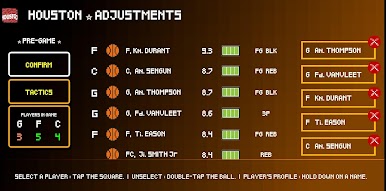
• Adjust each player's training and observe the results.
• Choose your game tactics.
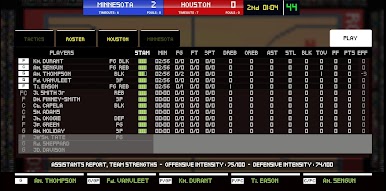
• Give instructions on the sidelines by calling plays, directing players to shoot, or passing the ball.
• Compare your team's offensive and defensive strengths to those of the opponent with the help of your assistant coaches.
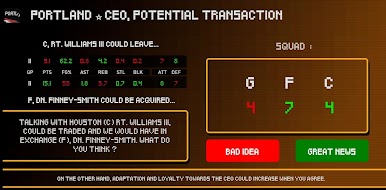
• Meet with the CEO to suggest players to improve the team and share your vision for the game.
• Cancel practices to better manage your players' physical health (load management).
• Control the East or West team during the All-Star Game, or Team USA or Team World.
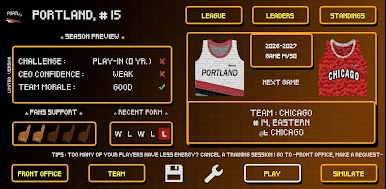

Play Coach STARTER Basketball on PC. It’s easy to get started.
-
Download and install BlueStacks on your PC
-
Complete Google sign-in to access the Play Store, or do it later
-
Look for Coach STARTER Basketball in the search bar at the top right corner
-
Click to install Coach STARTER Basketball from the search results
-
Complete Google sign-in (if you skipped step 2) to install Coach STARTER Basketball
-
Click the Coach STARTER Basketball icon on the home screen to start playing

