


Fantasia: AI chat, Story, Play
Play on PC with BlueStacks – the Android Gaming Platform, trusted by 500M+ gamers.

Page Modified on: Nov 5, 2026
Run Fantasia: Character AI Chat on PC or Mac
Upgrade your experience. Try Fantasia: Character AI Chat, the fantastic Entertainment app from MINDZEN AI, from the comfort of your laptop, PC, or Mac, only on BlueStacks.
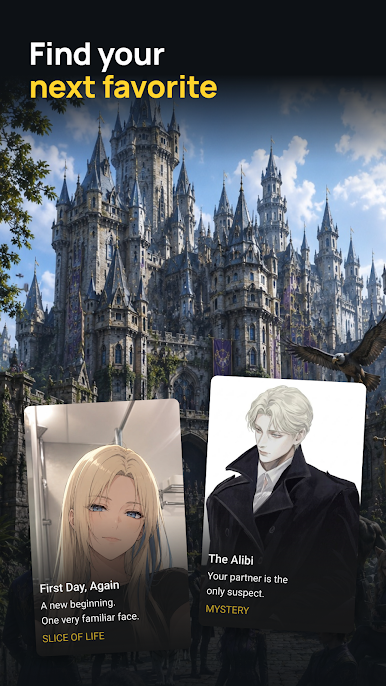
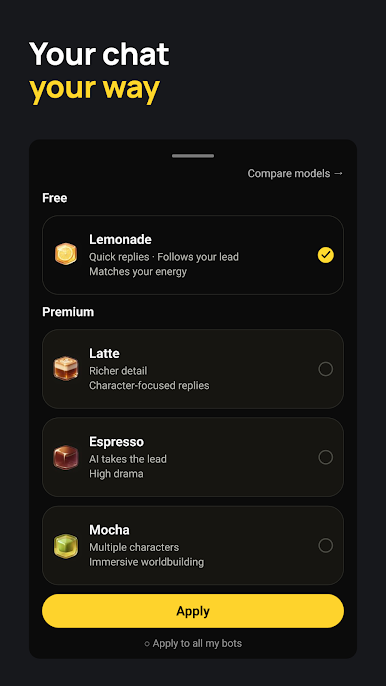
Fantasia: Character AI Chat feels like a sandbox for conversations with characters from anime, movies, and original fantasy worlds. It is built around long running chats where the characters remember past details, so throwaway jokes, backstory, and preferences stick around and show up later. Players can also create their own character, set a personality, style, and quirks, then watch the app generate fitting art and short video snippets to match the mood. The mix of text with visuals keeps chats from feeling flat, and the tone of each character can be tuned so it leans sweet, dramatic, or adventurous without getting awkward.
The draw is how the relationships change over time. Story threads nudge forward and respond to choices, so a casual chat can turn into an ongoing plot without needing to plan it. Role-play folks and storytellers will probably get the most from it, though it also works as a low pressure companion when someone just wants to talk. On PC through BlueStacks, typing with a keyboard makes a big difference for longer replies, and the larger window makes juggling multiple characters less tiring. The library is broad, plus there are plenty of user made personalities to discover, so browsing becomes part of the fun. Nothing feels locked to a single script, and the memory system lets characters grow with the player over weeks. It is not a traditional game with goals, more like a creative chat box that becomes what someone puts into it.
Big screen. Bigger performance. Use BlueStacks on your PC or Mac to run your favorite apps.
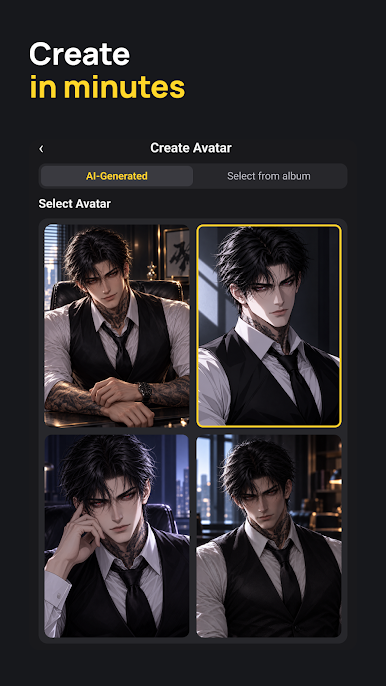
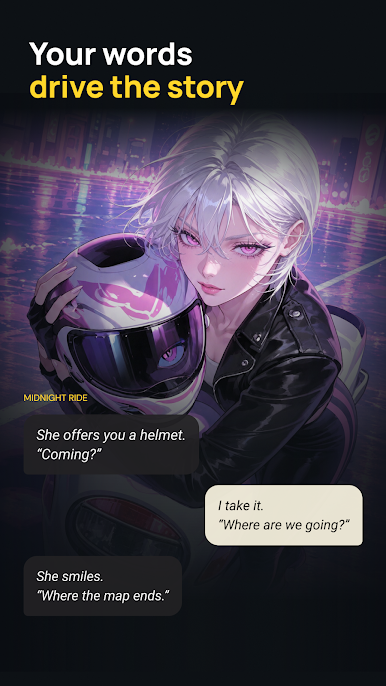

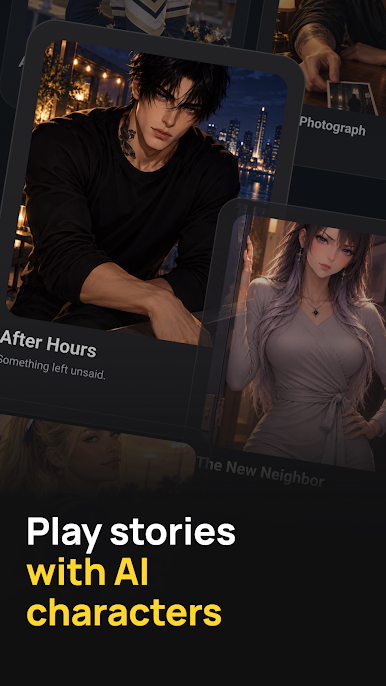
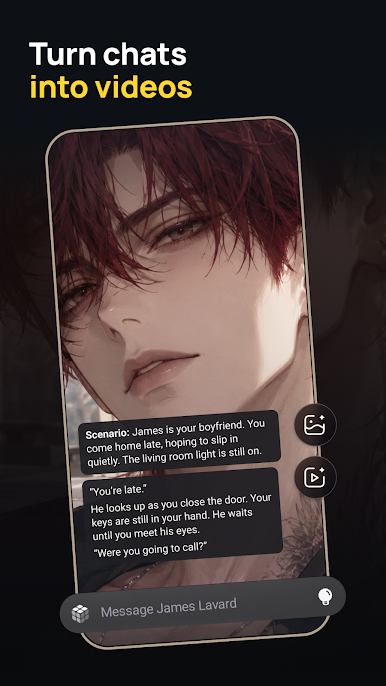
Play Fantasia: AI chat, Story, Play on PC. It’s easy to get started.
-
Download and install BlueStacks on your PC
-
Complete Google sign-in to access the Play Store, or do it later
-
Look for Fantasia: AI chat, Story, Play in the search bar at the top right corner
-
Click to install Fantasia: AI chat, Story, Play from the search results
-
Complete Google sign-in (if you skipped step 2) to install Fantasia: AI chat, Story, Play
-
Click the Fantasia: AI chat, Story, Play icon on the home screen to start playing

