


Crystal Legends
Play on PC with BlueStacks – the Android Gaming Platform, trusted by 500M+ gamers.

Page Modified on: Sep 23, 2025
Main Crystal Legends on PC
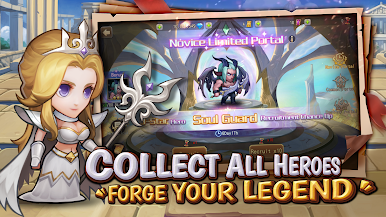
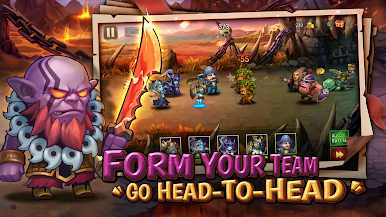
Step into a realm filled with Holy Paladins, Fearsome Dragons, Malevolent Sorcerers, and over 50 other legendary heroes! Assemble a powerful roster of characters inspired by timeless legends and engage in epic battles that evoke the most memorable worlds.
- Collect and Strengthen Heroes: Discover and recruit a diverse array of heroes, each boasting unique abilities and personalities. Build your legendary team and rise to greatness!
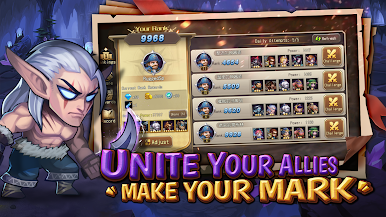
- Join Guilds & Conquer the World: Team up with players from around the globe, form guilds, and leave your mark by climbing the leaderboards and challenging rivals in thrilling battles.
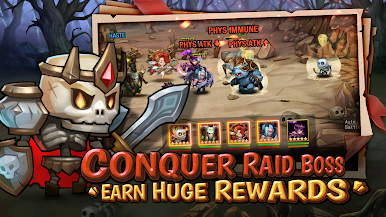
- Team Up for Epic Guild Raids: Face formidable Bosses alongside your allies to earn massive rewards and exclusive gear that will enhance your heroes’ power.
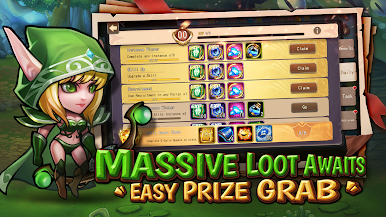
- Endless Rewards & Hero Summons: Enjoy generous rewards, including frequent hero summons, giving you the chance to bolster your roster and devise new strategies.
Are you ready to forge your legend and ascend to greatness? Download Crystal Legends now and embark on your epic adventure!
Play Crystal Legends on PC. It’s easy to get started.
-
Download and install BlueStacks on your PC
-
Complete Google sign-in to access the Play Store, or do it later
-
Look for Crystal Legends in the search bar at the top right corner
-
Click to install Crystal Legends from the search results
-
Complete Google sign-in (if you skipped step 2) to install Crystal Legends
-
Click the Crystal Legends icon on the home screen to start playing

