

My Boy! - GBA Emulator
Play on PC with BlueStacks – the Android Gaming Platform, trusted by 500M+ gamers.

Page Modified on: Aug 28, 2026
Play My Boy! - GBA Emulator on PC or Mac
My Boy! – GBA Emulator brings the Arcade genre to life, and throws up exciting challenges for gamers. Developed by Pixel Respawn LLC, this Android game is best experienced on BlueStacks, the World’s #1 app player for PC and Mac users.
About the Game
My Boy! – GBA Emulator from Pixel Respawn LLC turns your Android device into a pocket-friendly way to replay your favorite handheld classics. It focuses on accuracy and speed, with loads of smart tools that make playing, saving, and customizing feel effortless. Prefer a bigger screen? You can also run it on your PC with BlueStacks for a comfy setup and easy controls.
Game Features
- Blazing speed: Lightning-fast performance keeps games responsive, so action feels smooth even on older phones and tablets.
- Broad compatibility: Play a huge range of Game Boy Advance titles without hunting for special settings or fixes.
- Link play options: Simulate a link cable on one device or connect across phones over Bluetooth or Wi‑Fi for multiplayer sessions.
- Sensor support: Use your phone’s tilt, gyro, and even a solar-sensor simulation—plus vibration for that satisfying rumble.
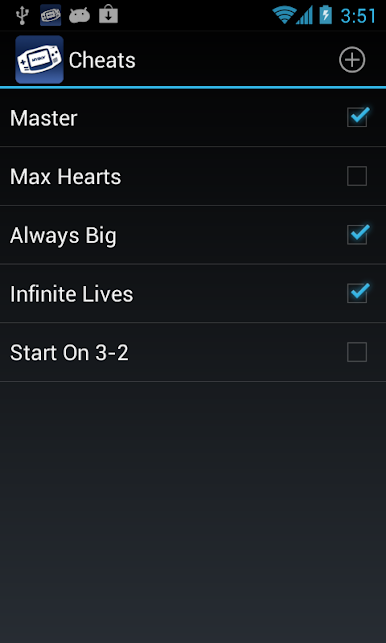
- Easy cheats: Add GameShark, Action Replay, or CodeBreaker codes and toggle them while the game is running.
- No BIOS files: Jump right in—high‑level BIOS emulation means there’s nothing extra to download.
- Patch-ready: Apply IPS/UPS ROM patches to try fan translations, balance tweaks, or visual mods.
- Flexible graphics: Choose OpenGL for crisp rendering (or a software fallback) and layer on GLSL shader filters for a look you love.
- Time controls: Fast-forward through slow scenes or nudge the game into slow motion to nail a tricky spot.
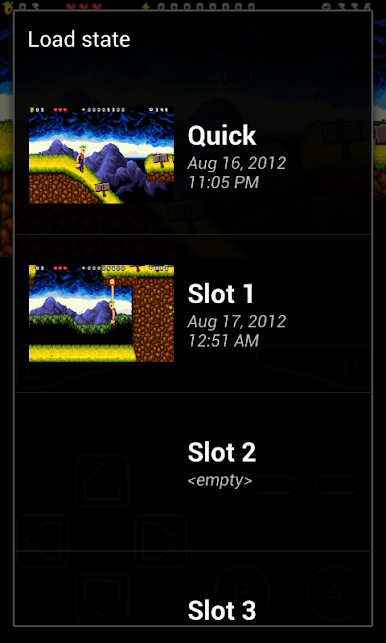
- Save anywhere: Create save states whenever you want, complete with screenshots for quick reference.
- Cloud sync: Back up to Google Drive so you can continue your adventure on another device without missing a beat.
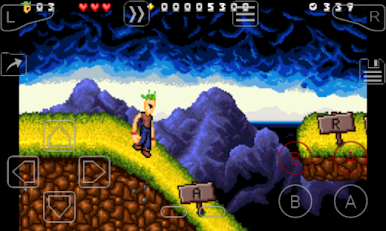
- Custom controls: Move, resize, and fine-tune the on-screen buttons, then save multiple layouts and key-mapping profiles.
- Quick launch: Pin shortcuts to your favorite games on your home screen for instant play.
- BYO library: No games are included—add your own legally obtained titles. Not affiliated with Nintendo.
Start your journey now. Download the game on BlueStacks, invite your friends, and march on a new adventure.
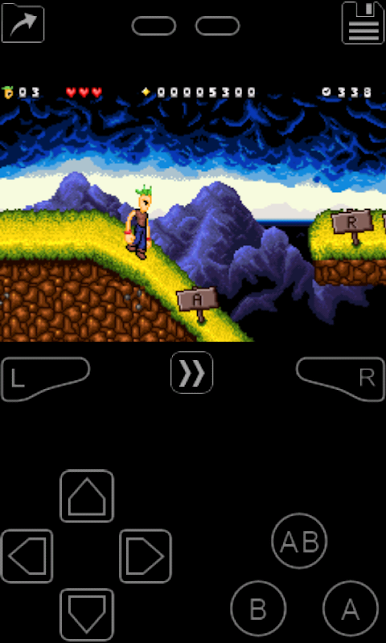
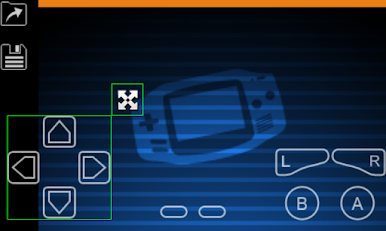
Play My Boy! - GBA Emulator on PC. It’s easy to get started.
-
Download and install BlueStacks on your PC
-
Complete Google sign-in to access the Play Store, or do it later
-
Look for My Boy! - GBA Emulator in the search bar at the top right corner
-
Click to install My Boy! - GBA Emulator from the search results
-
Complete Google sign-in (if you skipped step 2) to install My Boy! - GBA Emulator
-
Click the My Boy! - GBA Emulator icon on the home screen to start playing

