


My Boy! - GBA Emulator
Play on PC with BlueStacks – the Android Gaming Platform, trusted by 500M+ gamers.

Page Modified on: Oct 5, 2025
Main My Boy! - GBA Emulator on PC
Highlights:
• Super fast emulation, thanks to the JIT recompiler.
• Very high game compatibility. Run nearly all games without a problem.
• Link cable emulation either on the same device, or across devices over Bluetooth or Wi-Fi.
• Gyroscope/tilt/solar sensor and rumble emulation through your Android's hardware sensors and vibrator!
• Enter multilined GameShark/ActionReplay/CodeBreaker cheat codes and enable/disable them on the fly while the game is running.
• High-level BIOS emulation. No BIOS file needed.
• IPS/UPS ROM patching
• OpenGL rendering backend, as well as normal rendering on devices without a GPU.
• Cool video filters through the support of GLSL shaders.
• Fast-forward to skip long stories, as well as slow down games to get past a level you cannot in normal speed.
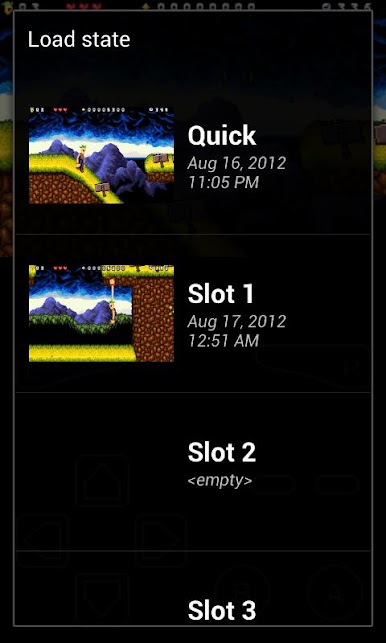
• Save games at any time with screenshot
• Sync saves with Google Drive. Play and save games on one device and continue on the others!
• On-screen keypad (multi-touch requires Android 2.0 or later), as well as shortcut buttons such as load/save.
• A screen layout editor, with which you can define the position and size for each of the on-screen controls, as well as for the game video.
• Clean & simple yet well-designed user interface. Seamlessly integrated with the latest Android.
• Create and switch to different screen-layout and key-mapping profiles.
• Create shortcuts to easily launch your favorite games from your desktop.
No games are included in this app and you need to obtain yours in a legal way. Place them onto your device storage and you are good to go.
LEGAL: This product is not affiliated with, nor authorized, endorsed or licensed in any way by Nintendo Corporation, its affiliates or subsidiaries.
*** Unlike many others, we are the actual core emulation developers.
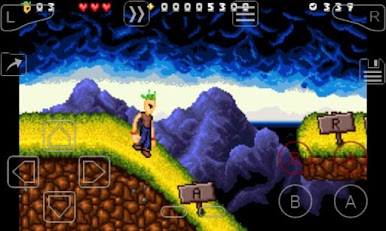
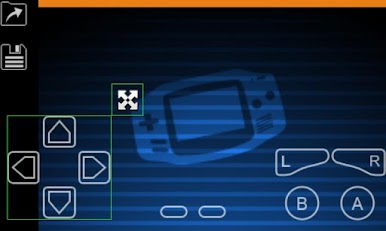
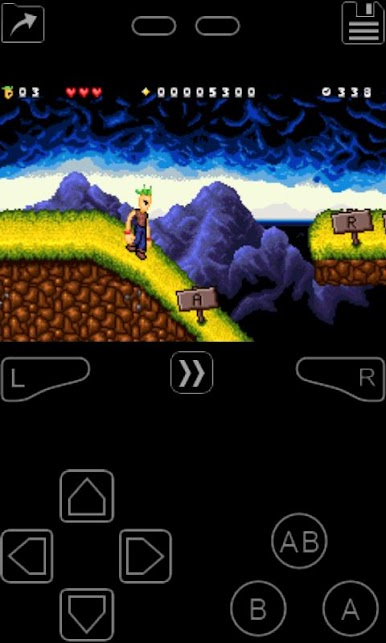
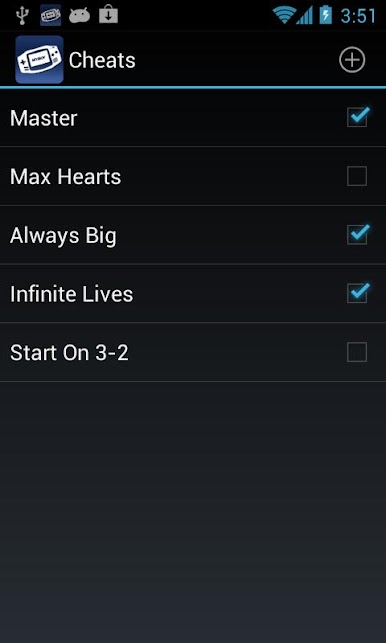
Play My Boy! - GBA Emulator on PC. It’s easy to get started.
-
Download and install BlueStacks on your PC
-
Complete Google sign-in to access the Play Store, or do it later
-
Look for My Boy! - GBA Emulator in the search bar at the top right corner
-
Click to install My Boy! - GBA Emulator from the search results
-
Complete Google sign-in (if you skipped step 2) to install My Boy! - GBA Emulator
-
Click the My Boy! - GBA Emulator icon on the home screen to start playing

