


FATEK IoT
Play on PC with BlueStacks – the Android Gaming Platform, trusted by 500M+ gamers.

Page Modified on: Jun 18, 2026
Play FATEK IoT on PC
Main Features :
【Data Access】
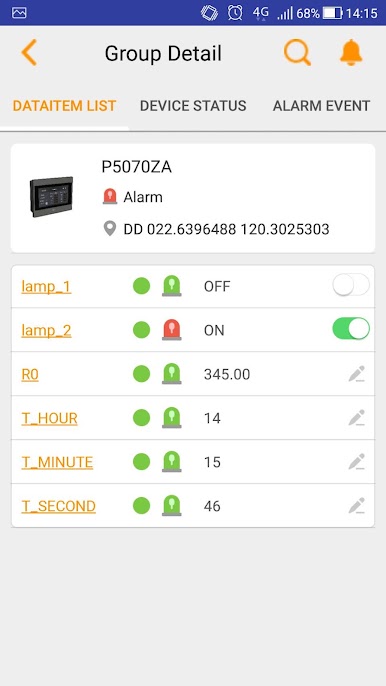
Monitor and set the status or data of the relays and registers of your devices.
【Data Log】
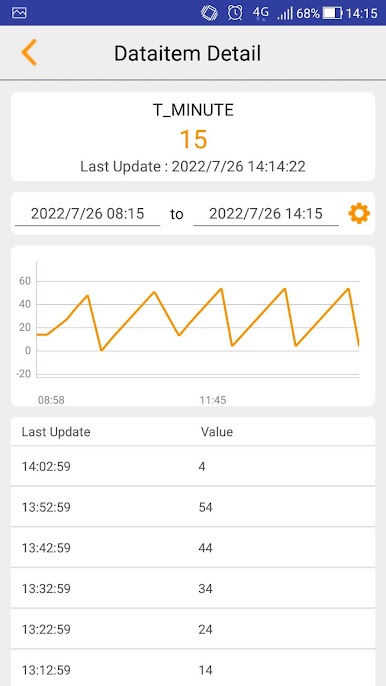
List all the data logged in the task, no need to worry about missing crucial moments anymore.
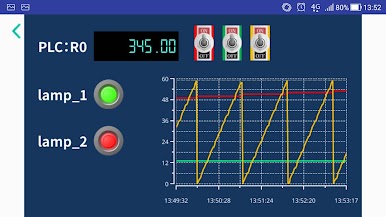
【Trend Mapping】
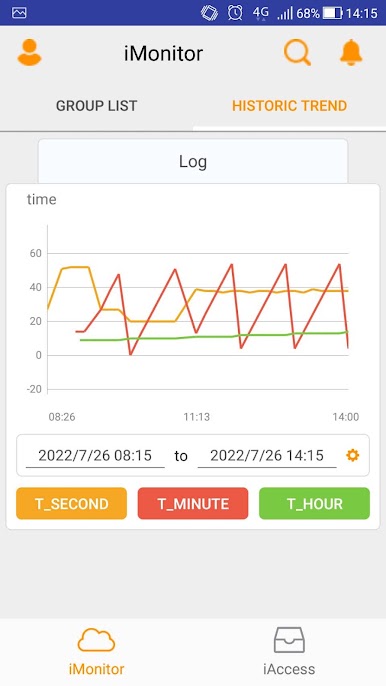
Map the historical or instant data into trend chart. Make it easier to analyze data changes.
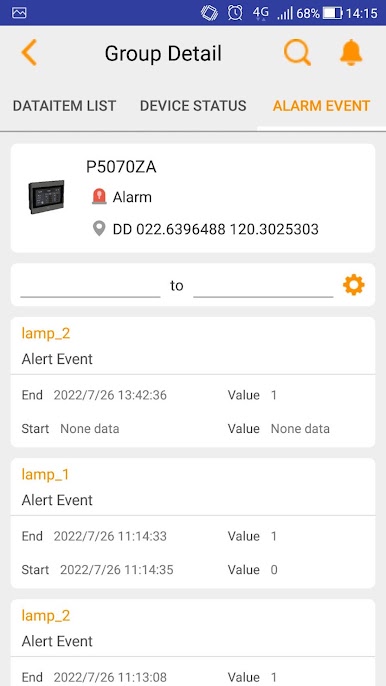
【Alarm Notification】
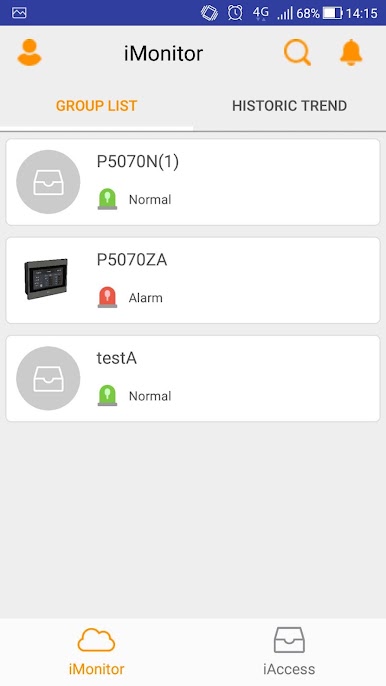
Notification would be sent though App when alarm occurs and the alarm status could also be monitored.
【iAccess viewer】
Monitor and operate the HMI remotely.
Play FATEK IoT on PC. It’s easy to get started.
-
Download and install BlueStacks on your PC
-
Complete Google sign-in to access the Play Store, or do it later
-
Look for FATEK IoT in the search bar at the top right corner
-
Click to install FATEK IoT from the search results
-
Complete Google sign-in (if you skipped step 2) to install FATEK IoT
-
Click the FATEK IoT icon on the home screen to start playing

