


FBReader Premium
Play on PC with BlueStacks – the Android Gaming Platform, trusted by 500M+ gamers.

Page Modified on: Mar 5, 2026
Play FBReader Premium on PC
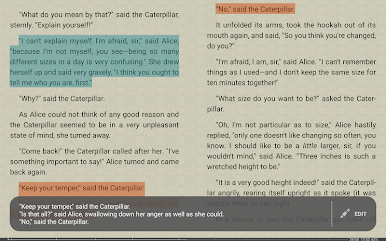
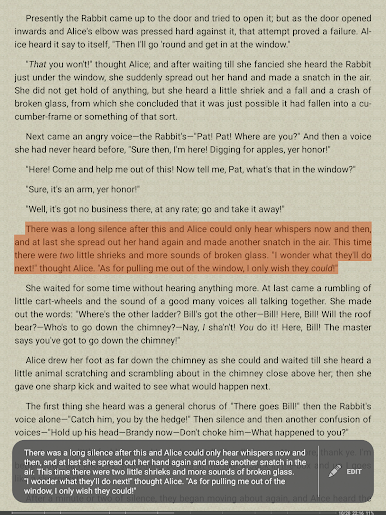
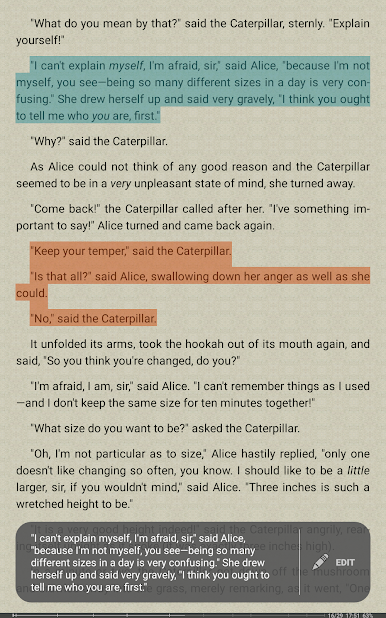
FBReader Premium offers advanced reading tools, smart integrations, and extended format support, all designed to provide an exceptional reading experience on both LCD and e-ink devices.
Premium features:
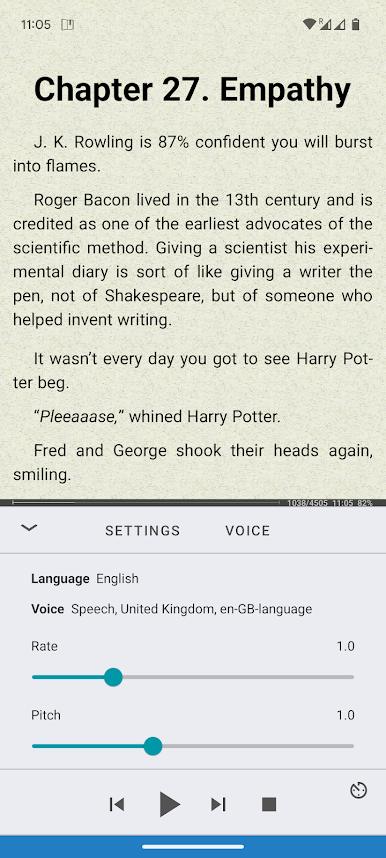
• Read aloud with Android text-to-speech
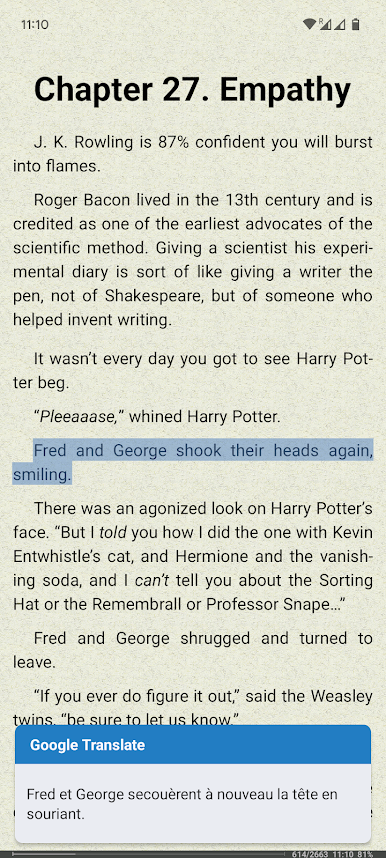
• Instant translation using Google Translate or DeepL
• Built-in support for PDF and comic books
Reads almost any ebook:
• ePub (including ePub3), PDF, Kindle azw3, fb2(.zip), CBZ/CBR
• Common text formats like DOC, RTF, HTML, and TXT
• Opens DRM-free books and titles protected with Readium LCP
Smart reading tools:
• Quick dictionary lookups using your preferred dictionary app
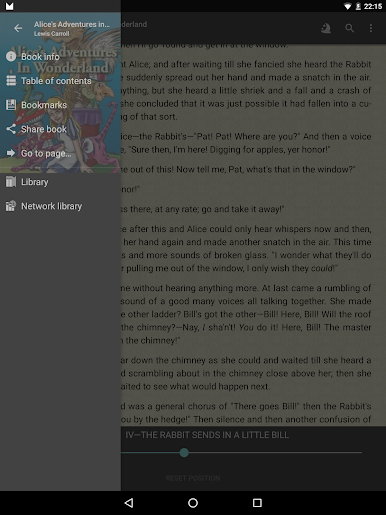
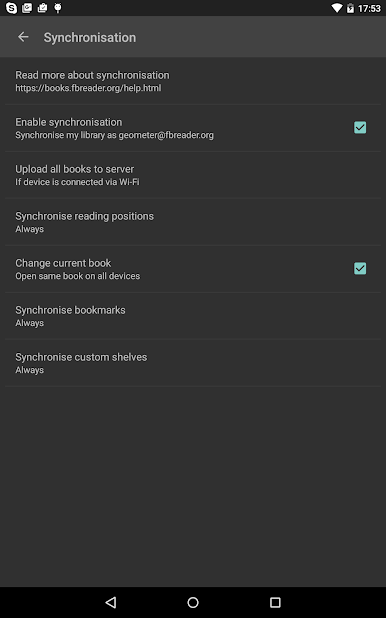
• Optional cloud sync for your library and reading positions with the FBReader Book Network (Google Drive based)
Highly customizable:
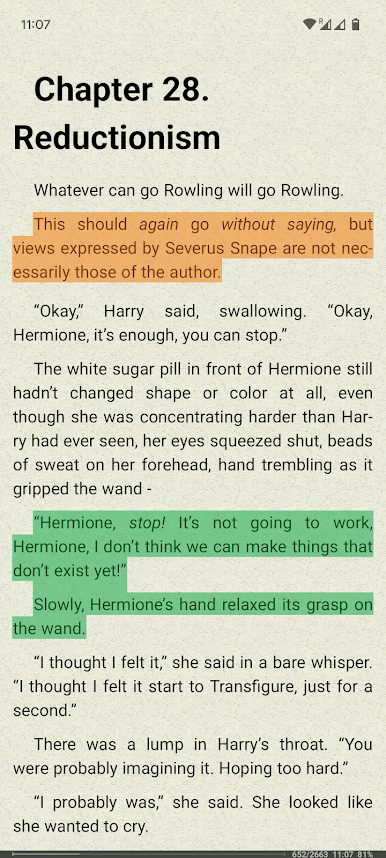
• Use your own fonts and backgrounds
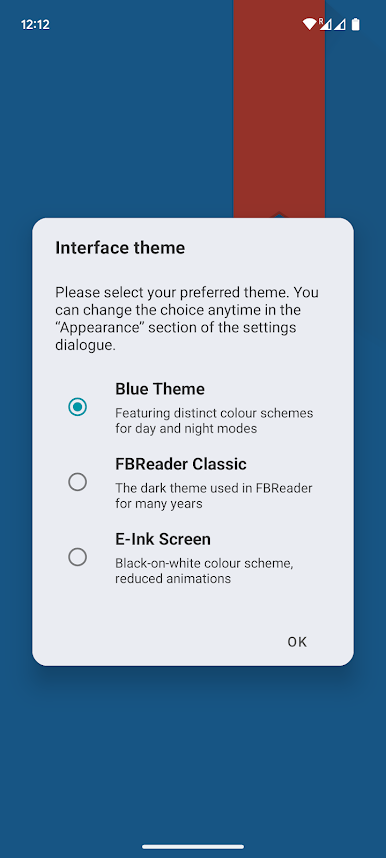
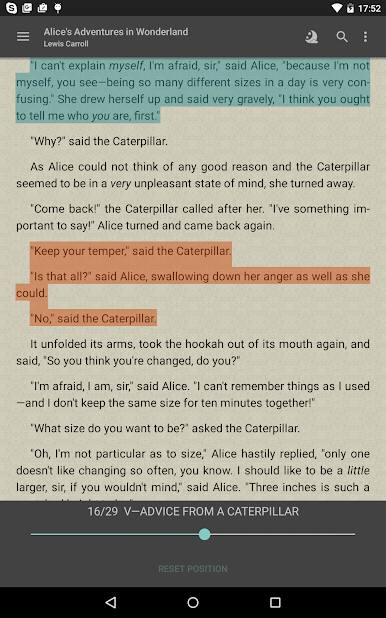
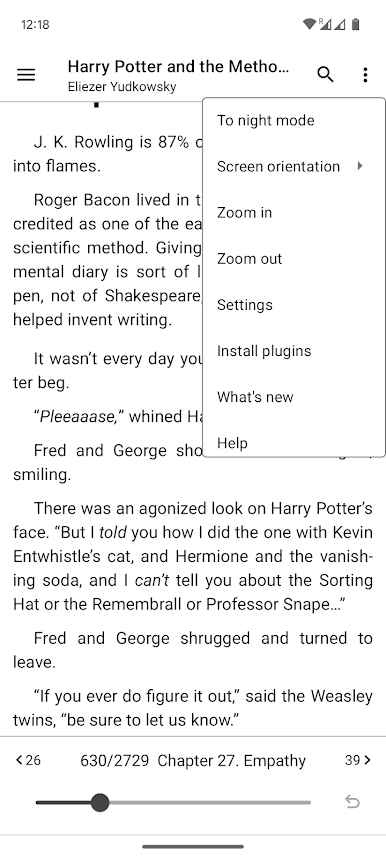
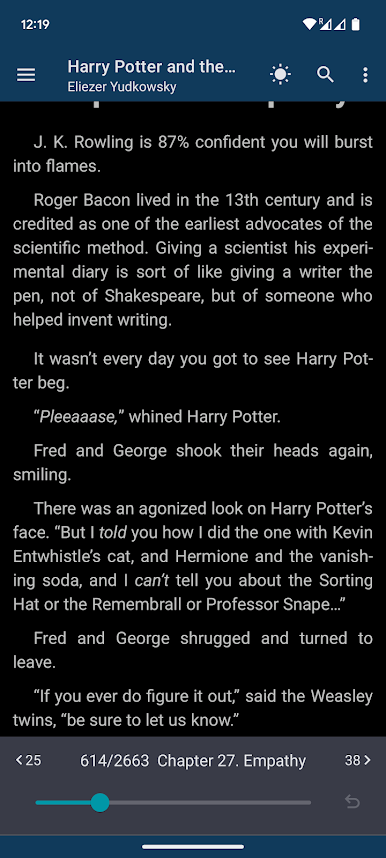
• Day and night themes
• Adjust brightness with a simple swipe
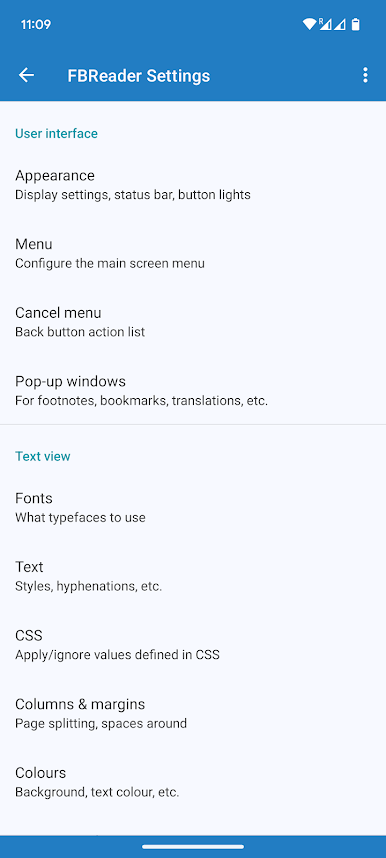
• Extensive layout and gesture settings
Easy access to books:
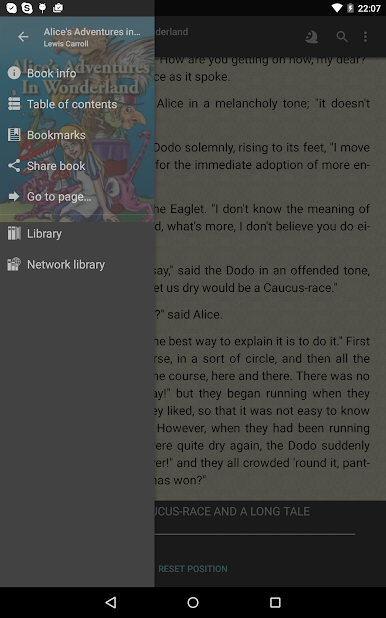
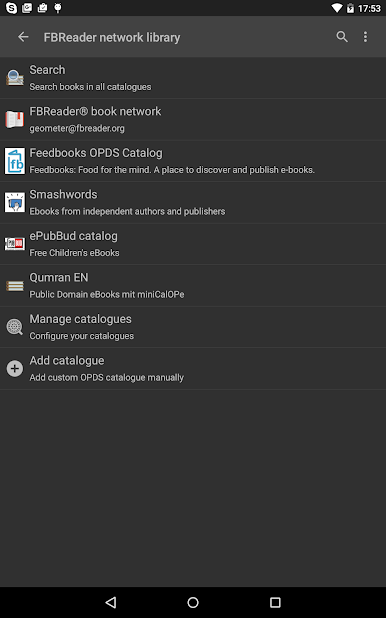
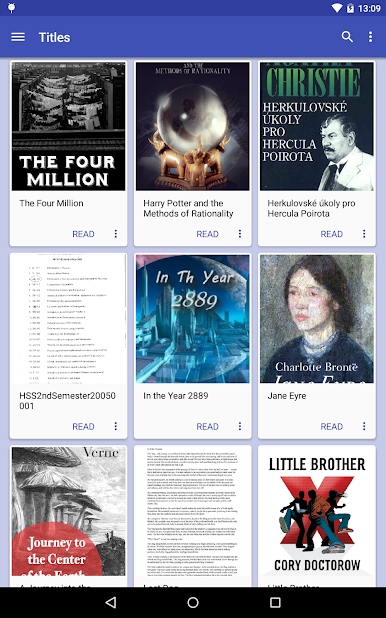
• Built-in browser for online catalogs and OPDS stores
• Support for custom OPDS catalogs
• Or place ebooks directly in your device’s Books folder
Made for readers worldwide:
• Localized in 34 languages
• Includes hyphenation patterns for 24 languages

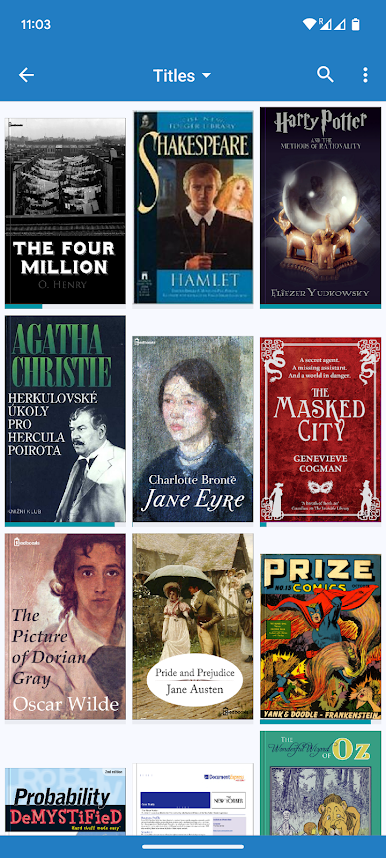
Play FBReader Premium on PC. It’s easy to get started.
-
Download and install BlueStacks on your PC
-
Complete Google sign-in to access the Play Store, or do it later
-
Look for FBReader Premium in the search bar at the top right corner
-
Click to install FBReader Premium from the search results
-
Complete Google sign-in (if you skipped step 2) to install FBReader Premium
-
Click the FBReader Premium icon on the home screen to start playing

