


Random TD
Play on PC with BlueStacks – the Android Gaming Platform, trusted by 500M+ gamers.

Page Modified on: Jul 23, 2026
Main Random TD on PC
Game Features and Mechanics
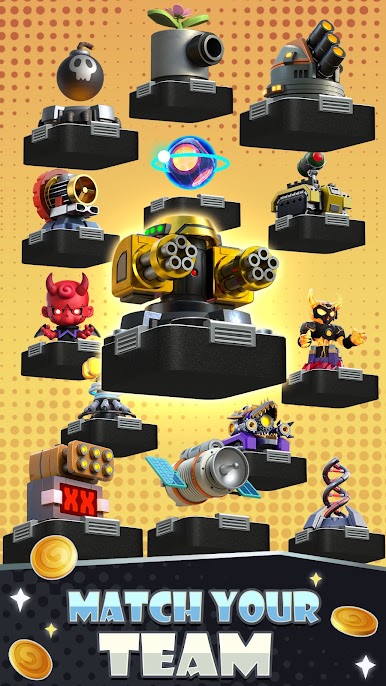
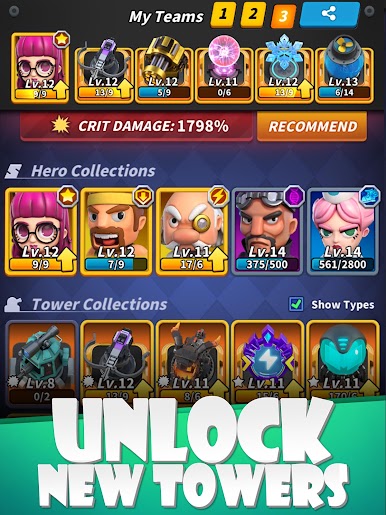
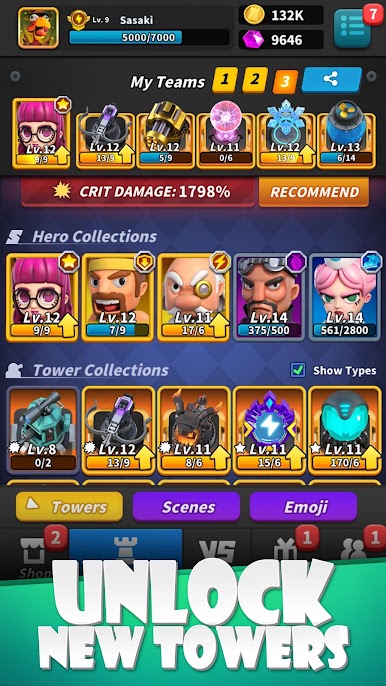
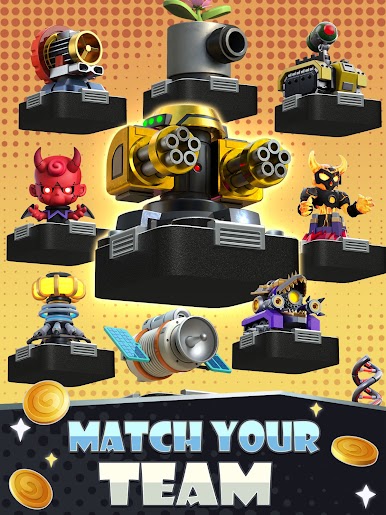
Dozens of Defense Towers with different abilities all waiting to be unlocked!
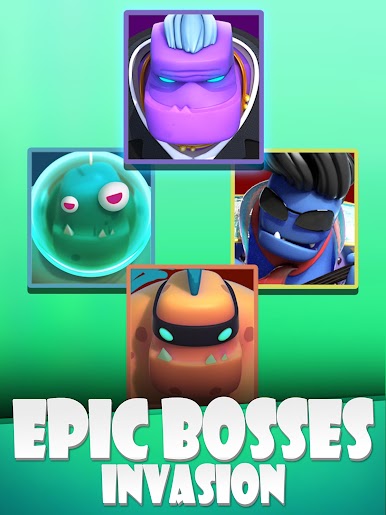
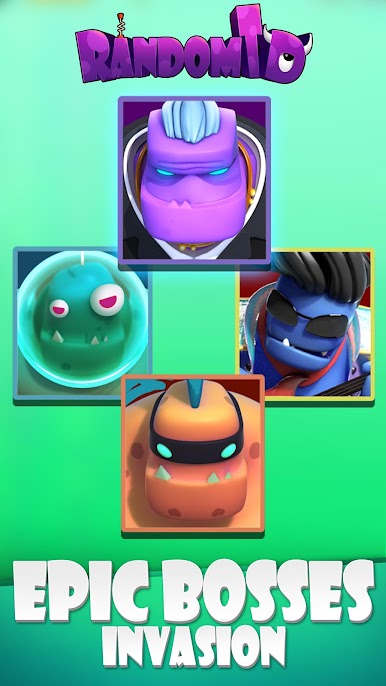
Bosses with different skills, which need to be defeated!
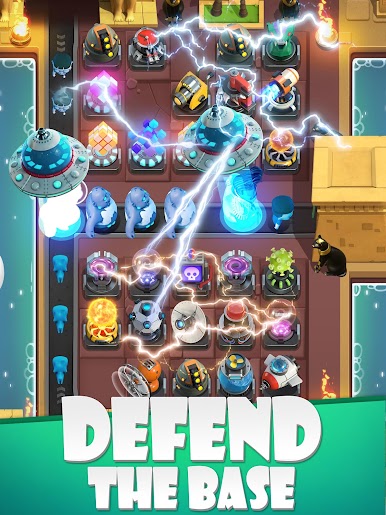
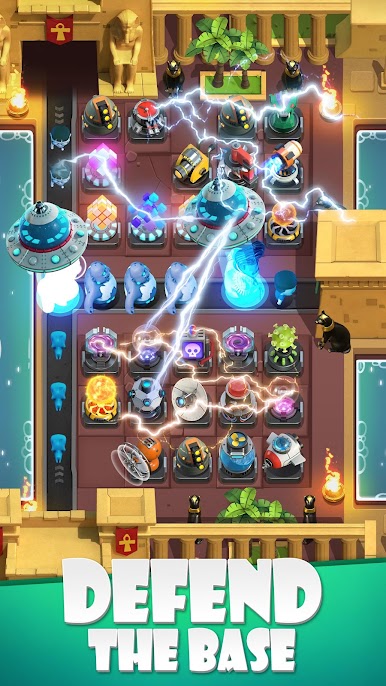
Build Defense Towers with different features and stop those monsters from advancing.
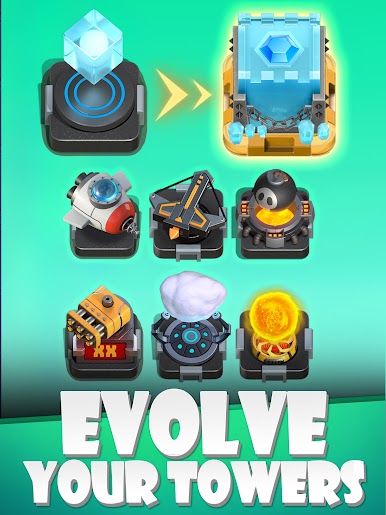
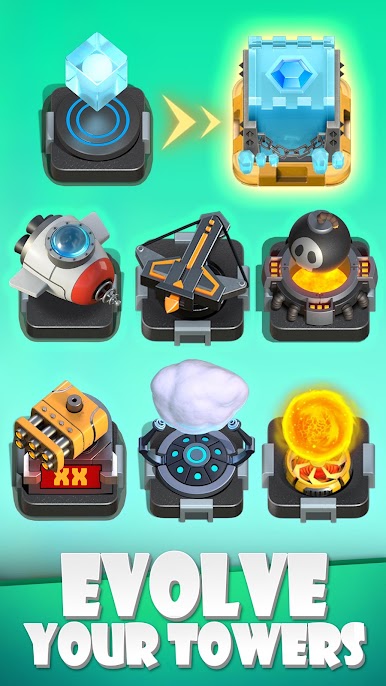
Merge identical Defense Towers to evolve them into an even better Defense Tower.
Although keep in mind when merging, the Defense Tower evolved into will be a random one.
Battle against or side by side with other players from all over around the world.
Store that refreshes daily, here you can more easily obtain powerful Defense Towers, thus making yourself become a more formidable opponent.
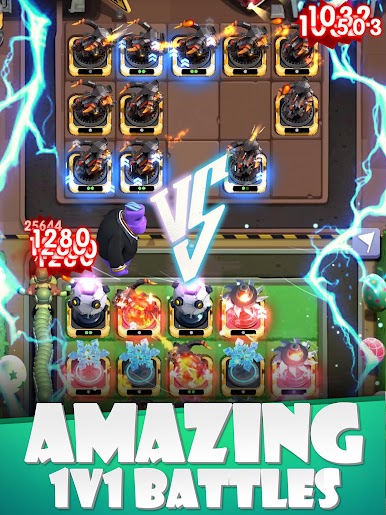
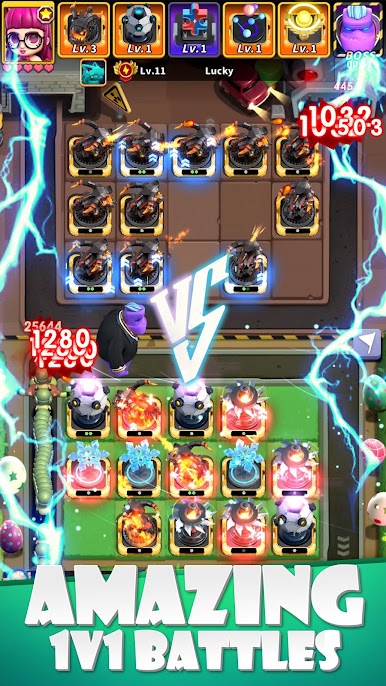
#Crazy PVP dual mode
Battle with different players online!
The more monsters you kill of the other side, the more the enemy’s monsters will increase in numbers!
Tactically analyze your opponent’s towers and come up with your own unique strategy to swiftly bring them down!
With your varied group of Defense Towers, create your own unique Defense Tower team.
Climb your way to the top in Point Rankings.
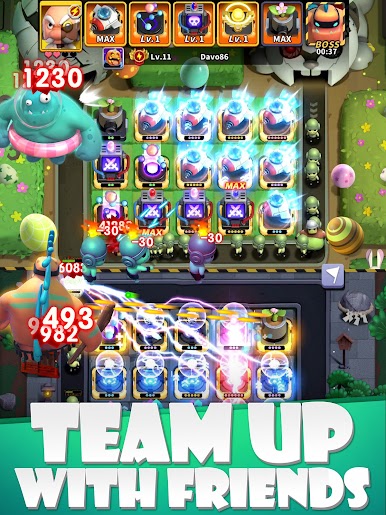
#Cool PVE coop mode
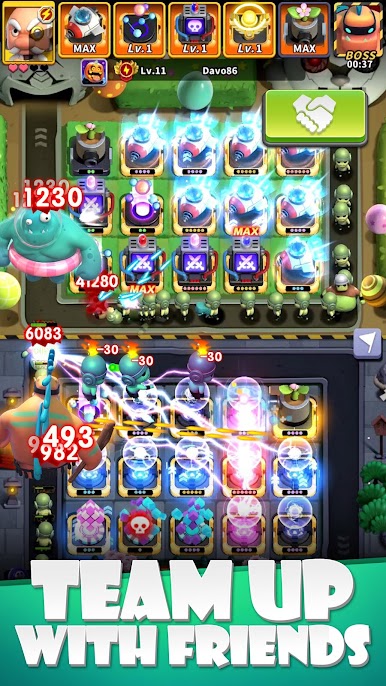
Invite your friends to battle along side one another!
Work together, back each other up and challenge stages together.
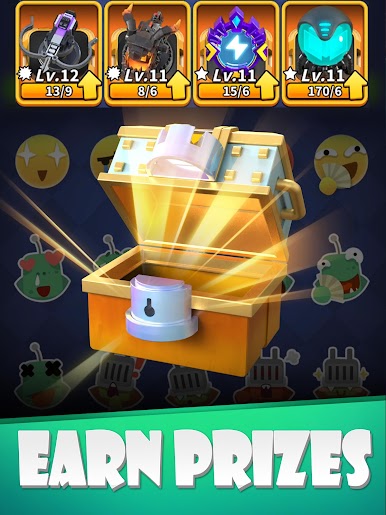
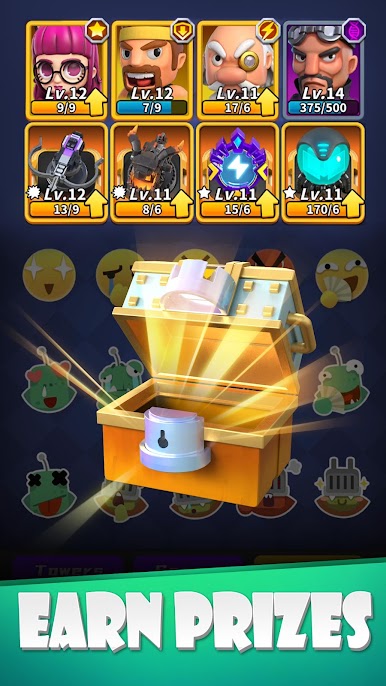
Even obtain rewards and unlock new Defense Towers together!
# Random arena mode
Select from a multiple rounds random set of Defense Towers,battle with a combination of strategy and luck, create your own unique Defense Tower team.
Defeat your arena opponents, always strive to be the best and fight for the best rewards!

Play Random TD on PC. It’s easy to get started.
-
Download and install BlueStacks on your PC
-
Complete Google sign-in to access the Play Store, or do it later
-
Look for Random TD in the search bar at the top right corner
-
Click to install Random TD from the search results
-
Complete Google sign-in (if you skipped step 2) to install Random TD
-
Click the Random TD icon on the home screen to start playing

