


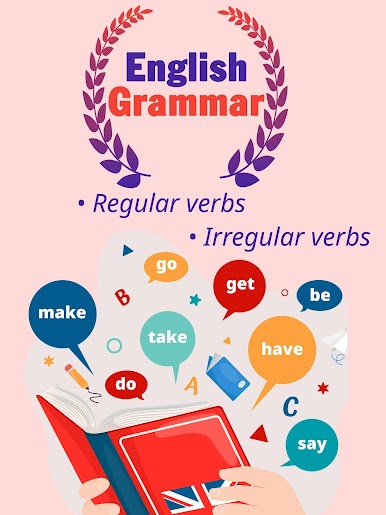
English Grammar:Verbs & tenses
Play on PC with BlueStacks – the Android Gaming Platform, trusted by 500M+ gamers.

Page Modified on: Oct 21, 2025
Play English Grammar:Verbs & tenses on PC
🎯 Struggling to Master English Verbs?
Do you find learning English confusing? Are tenses and grammar rules overwhelming you? Whether you're a teenager, adult, self-learner, or preparing for exams like IELTS or TOEFL, our app is here to simplify your language journey!
🛠 Solve Your Language Puzzles
Our app targets the intricate aspects of English, from basic to advanced levels. It is tailored to demystify the complexities of verb usage, ensuring a firm grasp of grammar that is essential for effective communication.
🔍 Main Features
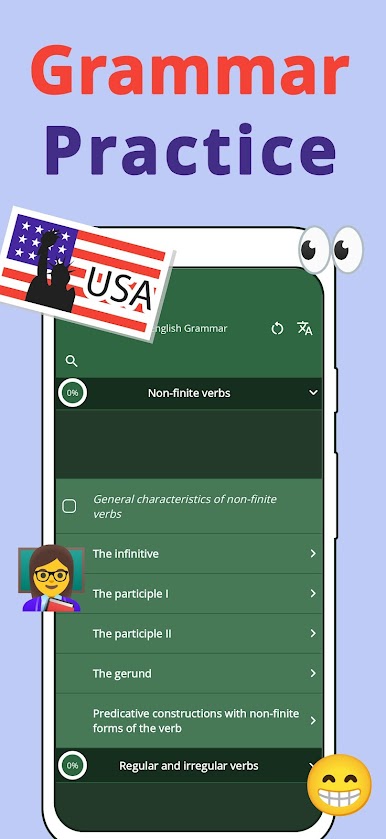
Grammar Section:
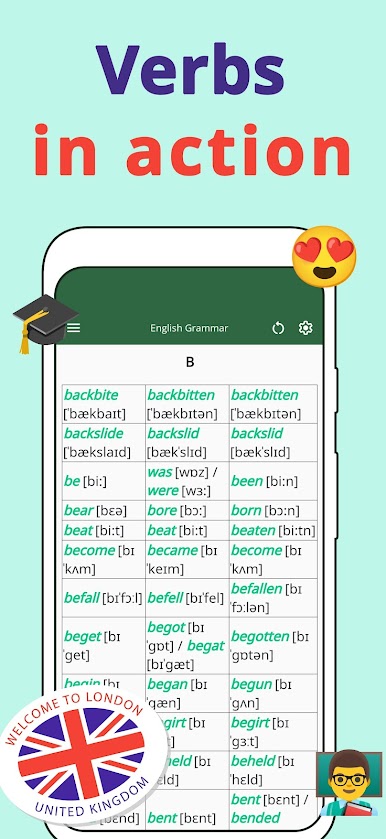
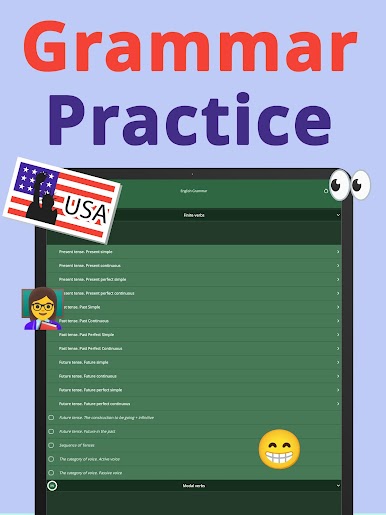
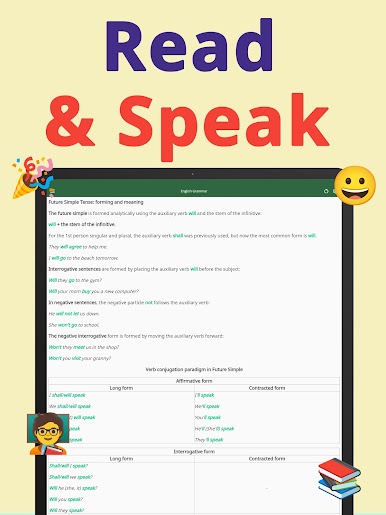
• Learn Rules: Detailed explanations on the correct use of English verbs with various nouns.
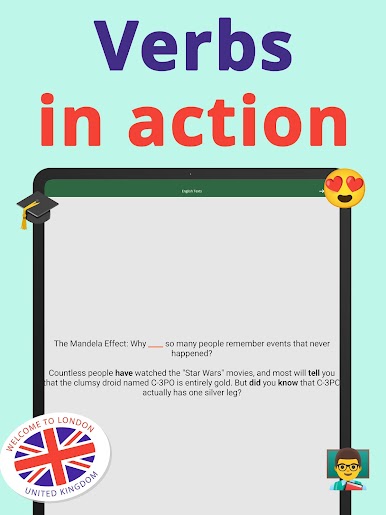
• Verbs in Action: Real-world examples showcasing proper verb usage.
• Preposition Exceptions: Explore exceptions in prepositional use, backed by solid examples.
• Grammar Tests: Check your understanding with quizzes after each topic-focused chapter.
Practical Learning through Texts:
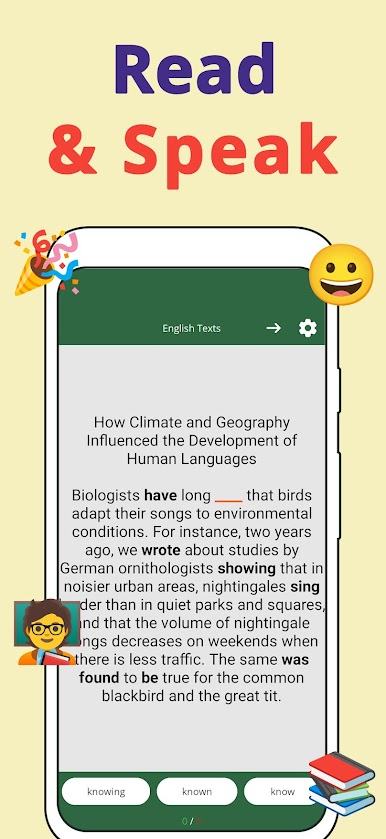
• Reading Practice: Use texts from articles and books to see pronouns in context.
• Fill-the-Blank Exercises: Sharpen your skills by choosing the correct verb in sentences.
Interactive Exercises:
• Dynamic Questioning: Face sentences with missing verbs and select the correct option to proceed.
• Dual Practice Modes: Engage with excerpts from both articles and well-known books for varied learning experiences.
✅ Additional Features:
• Study Assistant: Get personalized help on tricky verbs and grammar points.
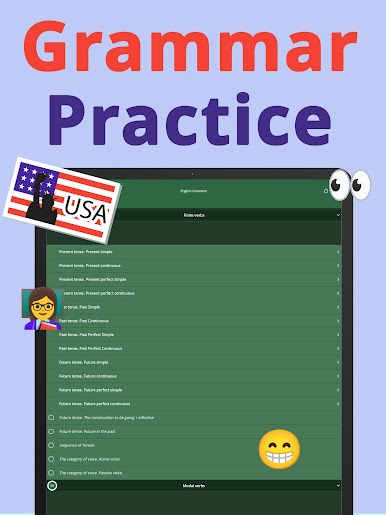
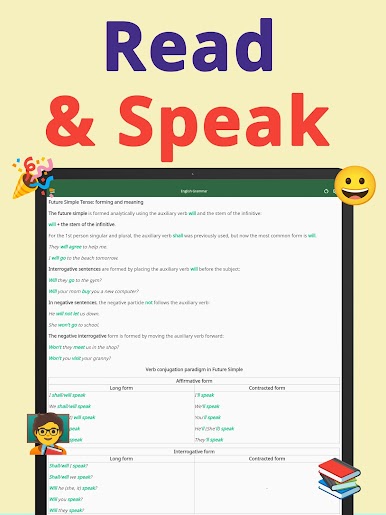
• Language Tenses: Master all English tenses through structured lessons.
• Vocabulary Expansion: Enhance your vocabulary alongside learning verbs.
🌟 Why Install Our App?
Our app not only makes learning verbs engaging but also builds a strong foundation in English grammar that is crucial for academic and professional success. With interactive exercises and comprehensive content, mastering English has never been more accessible and enjoyable.
🔔 Act Now!
Ready to conquer the challenges? Download our app today and transform your language skills! Let's make learning English a rewarding journey. 🚀

Play English Grammar:Verbs & tenses on PC. It’s easy to get started.
-
Download and install BlueStacks on your PC
-
Complete Google sign-in to access the Play Store, or do it later
-
Look for English Grammar:Verbs & tenses in the search bar at the top right corner
-
Click to install English Grammar:Verbs & tenses from the search results
-
Complete Google sign-in (if you skipped step 2) to install English Grammar:Verbs & tenses
-
Click the English Grammar:Verbs & tenses icon on the home screen to start playing

