


Alien: Isolation
Play on PC with BlueStacks – the Android Gaming Platform, trusted by 500M+ gamers.

Page Modified on: Jan 14, 2025
Play Alien: Isolation on PC or Mac
Alien: Isolation is an Adventure game developed by Feral Interactive. BlueStacks app player is the best platform to play this Android game on your PC or Mac for an immersive gaming experience.
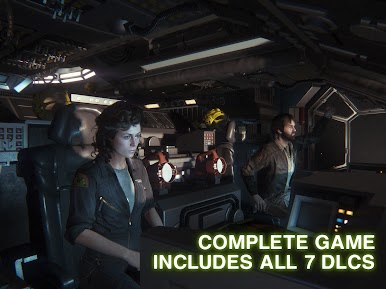
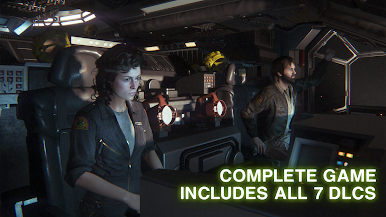
Fifteen years after Ellen Ripley disappeared from the world, her daughter has recovered a file from her mother’s ship. She has to solve the mystery behind her mother’s disappearance; will you help her? Play this game to begin.
About the Game
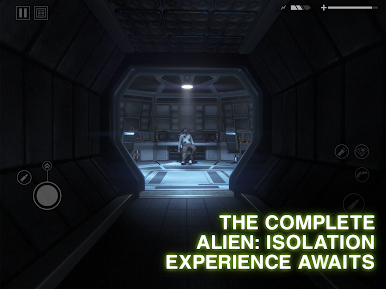
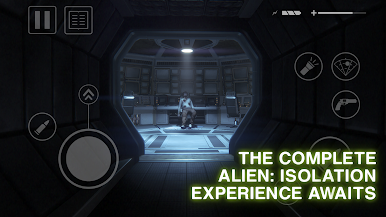
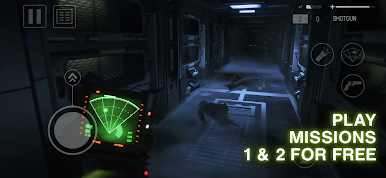
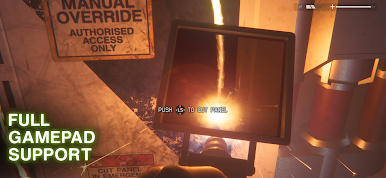
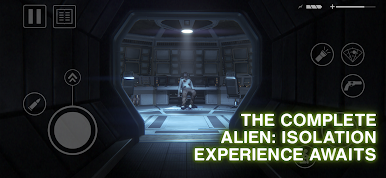
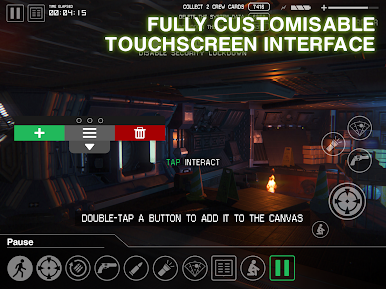
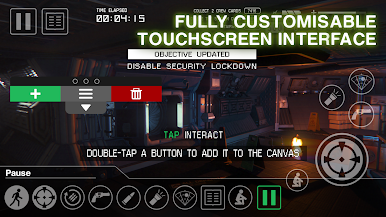
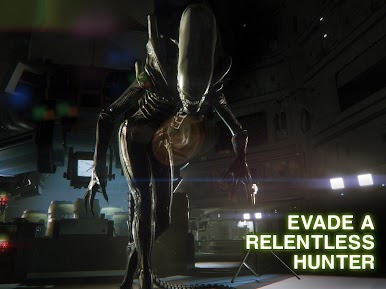
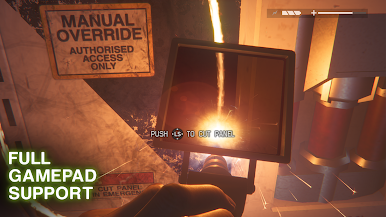
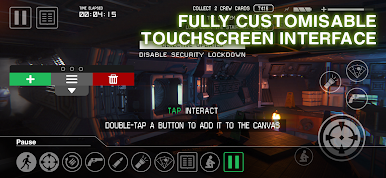
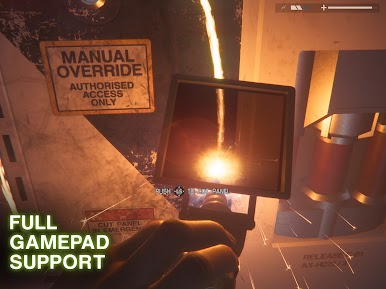
Alien: Isolation is based on the classic horror movie, Alien. It immerses you in the Sevastopol station, where you can equip your character with lethal weapons and other special gear. You can control your character’s movements with a gamepad controller or your keyboard.
Gameplay Overview
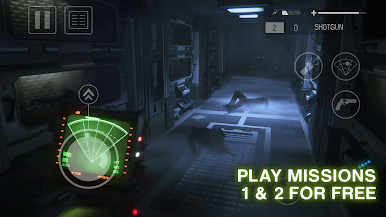
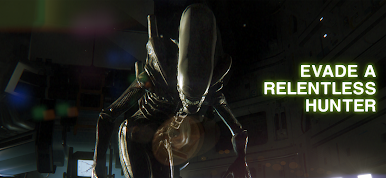
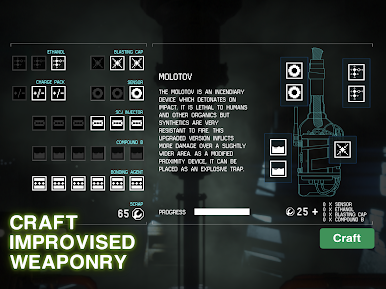
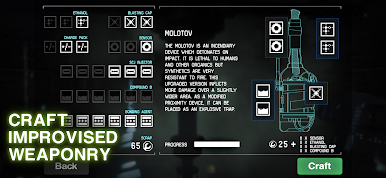
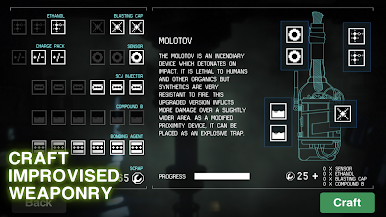
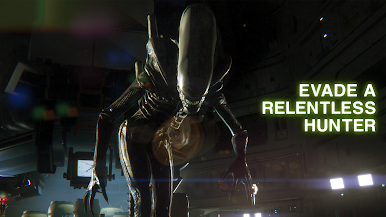
Your mission in this game is to find out what happened to Ellen Ripley. However, you are faced with an unknown menace. So, you need to be strategic to defeat your enemy. You also need to take advantage of the tech around you. Turn them into weapons and other essential gadgets to eliminate every threat.
Game Features
- Smooth game controls
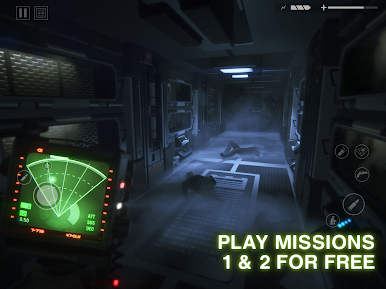
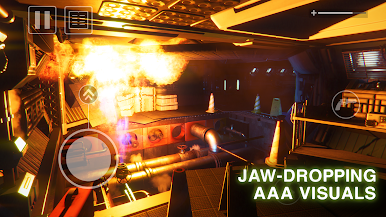
- Realistic landscape and scenes
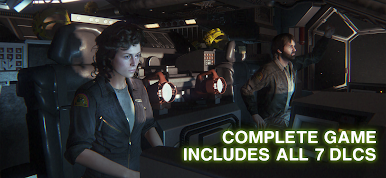
- Well-designed characters
How to Play?
Download Alien: Isolation for free from the Google Play Store using the BlueStacks app player.

Play Alien: Isolation on PC. It’s easy to get started.
-
Download and install BlueStacks on your PC
-
Complete Google sign-in to access the Play Store, or do it later
-
Look for Alien: Isolation in the search bar at the top right corner
-
Click to install Alien: Isolation from the search results
-
Complete Google sign-in (if you skipped step 2) to install Alien: Isolation
-
Click the Alien: Isolation icon on the home screen to start playing

