


AI Tales: Dungeon Story RPG
Play on PC with BlueStacks – the Android Gaming Platform, trusted by 500M+ gamers.

Page Modified on: Mar 14, 2026
Play AI Tales: Dungeon Story RPG on PC or Mac
Step into the World of AI Tales: Dungeon Story RPG, a thrilling Adventure game from the house of Dmytro Ishchenko. Play this Android game on BlueStacks App Player and experience immersive gaming on PC or Mac.
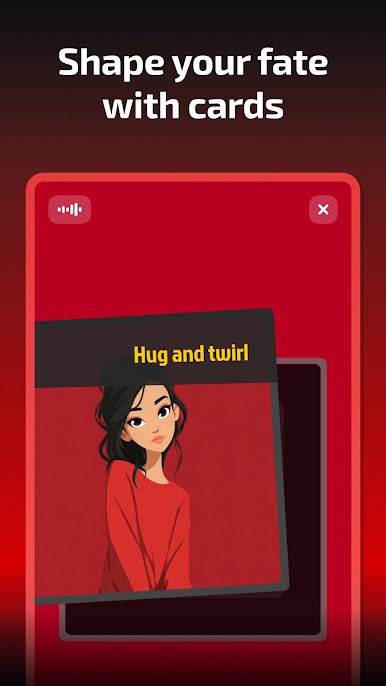
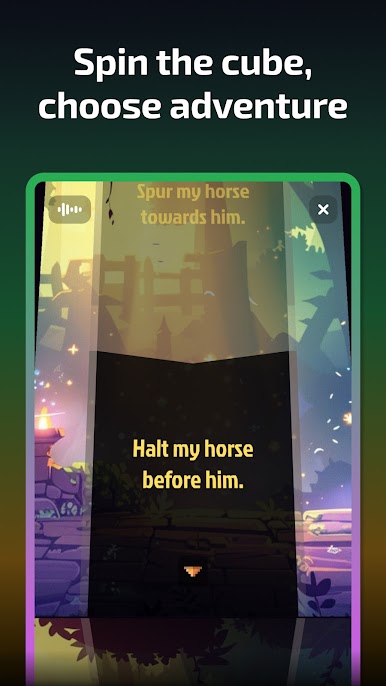
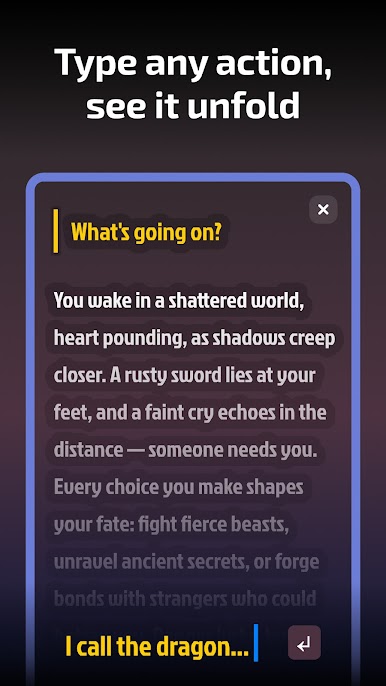
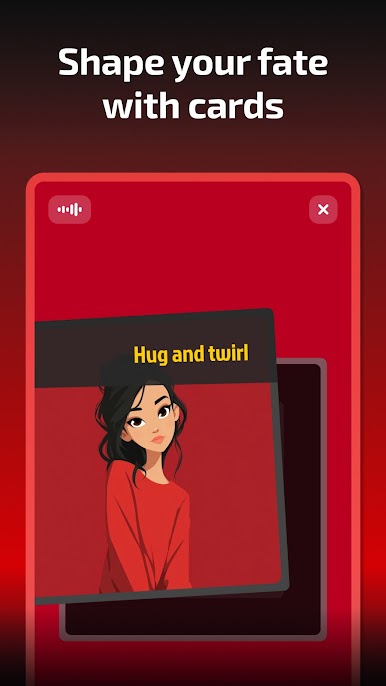
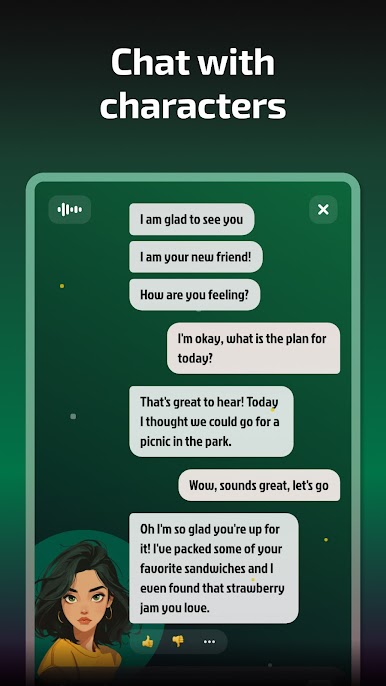
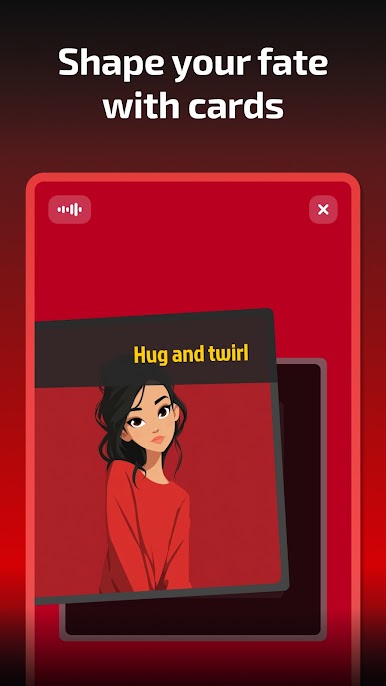
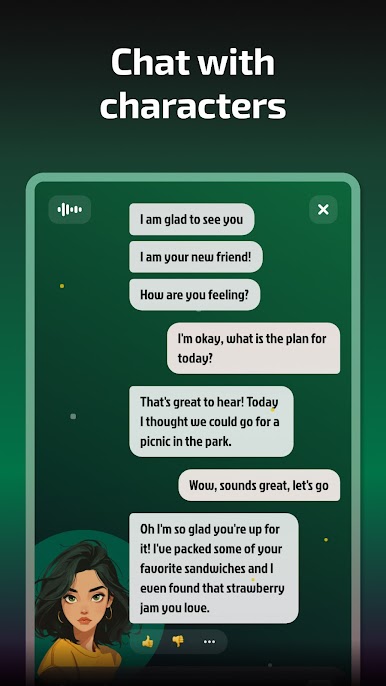
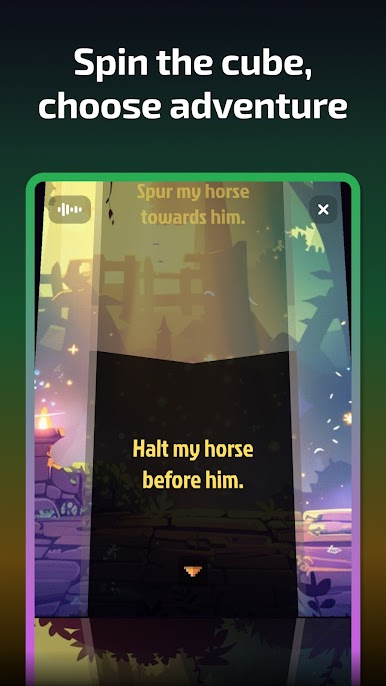
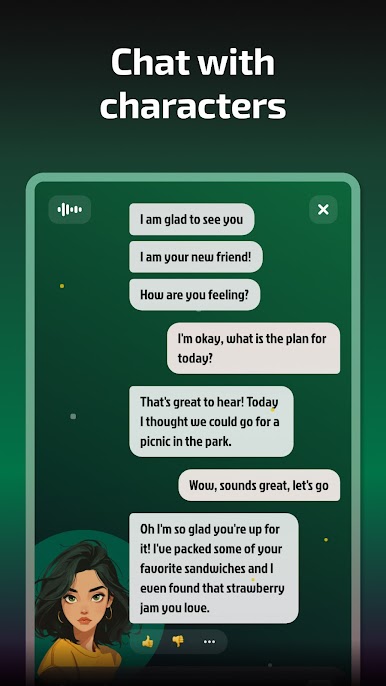
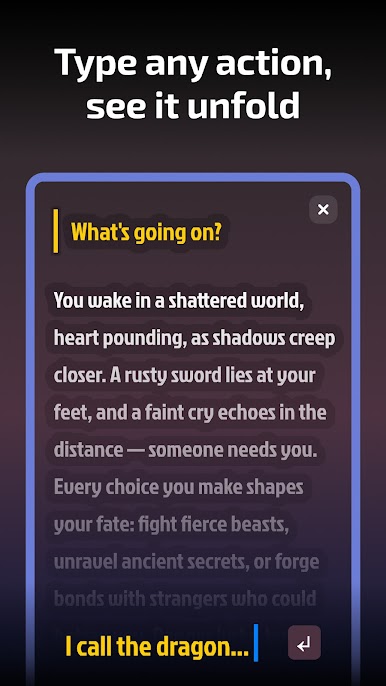
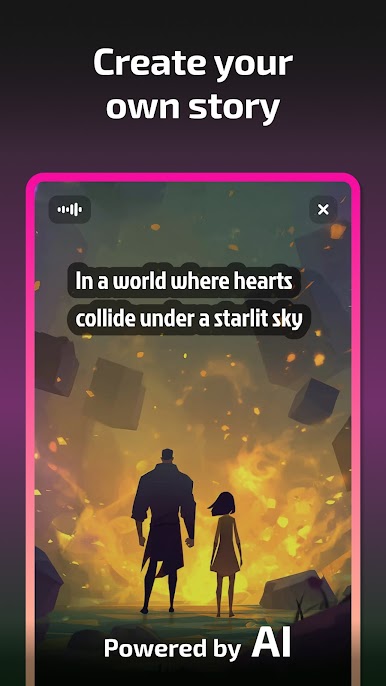
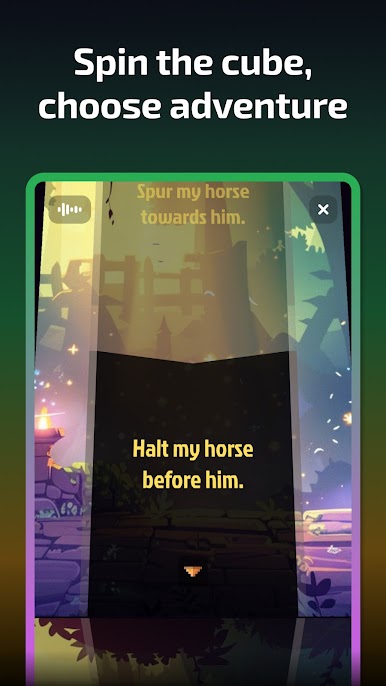
AI Tales feels like having a patient dungeon master in the phone or PC, ready to spin up a story from whatever players type. It is a text first RPG where actions, dialogue, and weird ideas all feed a living narrative. The cool twist is how it mixes freeform writing with light tabletop bits. There are dice rolls and card flips to pick context aware options, so it never stalls out, and it still lets players go off script when the mood hits. Characters can be chatted with like real NPCs, and the AI keeps track of choices in a way that makes cause and effect feel clear. Made a bad call, there is a rewind, then try a different path. It is heavy on reading, light on graphics, and that is the point.
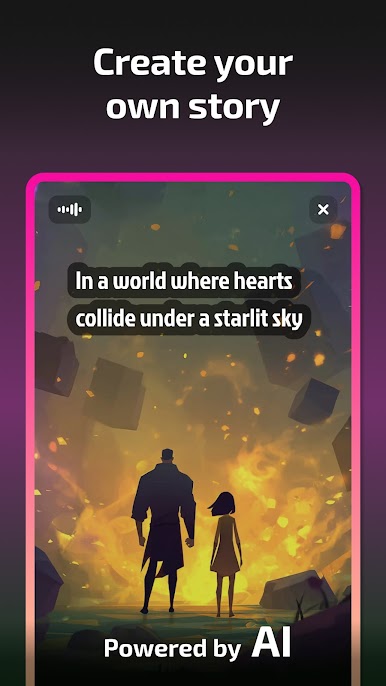
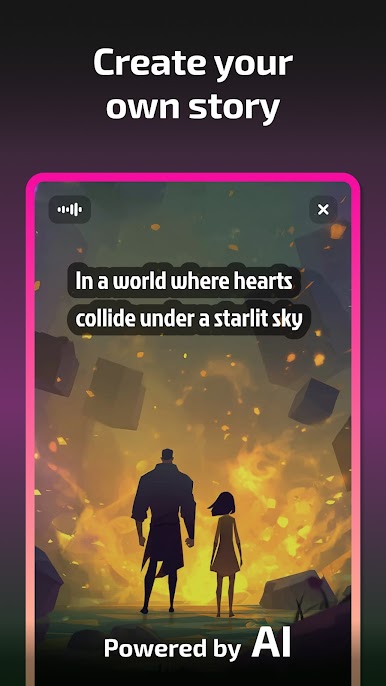
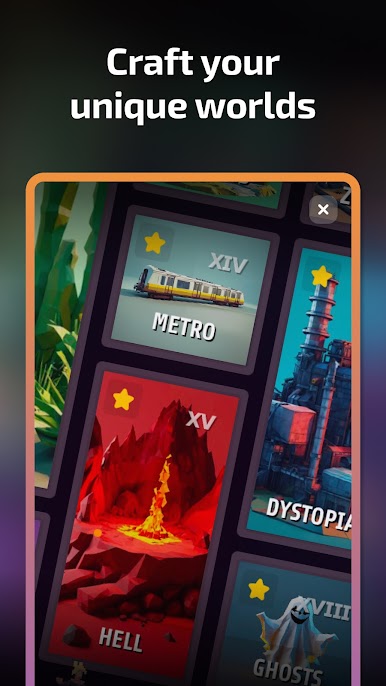
The builder side is big too. Players can spin up whole worlds from scratch or reshape the templates, toss in odd lore, design quirky party members, and swap genres on the fly, fantasy, sci fi, horror, romance, whatever. It can pair with image tools to visualize scenes, or players can stick to vivid text if that is more their thing. Sessions can run for as long as someone wants, because the AI keeps generating new places and problems to solve. There are no ads getting in the way, and there is a premium Game Master mode if someone wants deeper controls. On PC with BlueStacks, typing longer prompts and managing scenes with a keyboard feels smooth, which suits a game where words do most of the work. Good fit for anyone who likes tabletop style storytelling, choose your own path books, or dungeon runs that trade grind for imagination.
Get ready for a buttery smooth, high-performance gaming action only on BlueStacks.
Play AI Tales: Dungeon Story RPG on PC. It’s easy to get started.
-
Download and install BlueStacks on your PC
-
Complete Google sign-in to access the Play Store, or do it later
-
Look for AI Tales: Dungeon Story RPG in the search bar at the top right corner
-
Click to install AI Tales: Dungeon Story RPG from the search results
-
Complete Google sign-in (if you skipped step 2) to install AI Tales: Dungeon Story RPG
-
Click the AI Tales: Dungeon Story RPG icon on the home screen to start playing

