

Blocky Traffic Racer
Play on PC with BlueStacks – the Android Gaming Platform, trusted by 500M+ gamers.

Page Modified on: Feb 4, 2026
Play Blocky Traffic Racer on PC or Mac
Blocky Traffic Racer brings the Racing genre to life, and throws up exciting challenges for gamers. Developed by ckgames, this Android game is best experienced on BlueStacks, the World’s #1 app player for PC and Mac users.
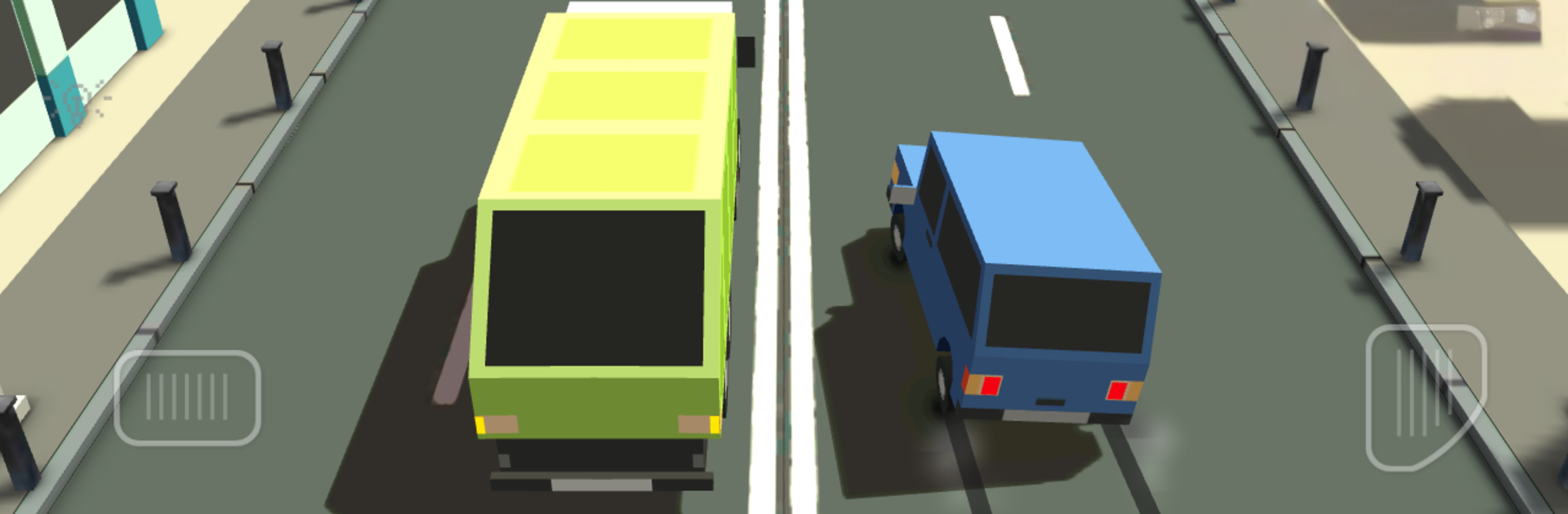
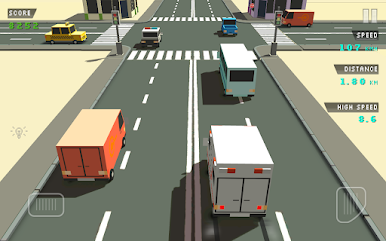
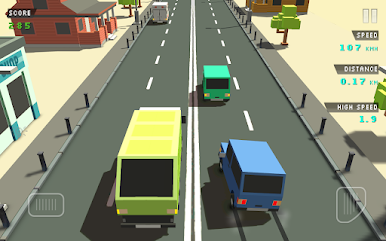
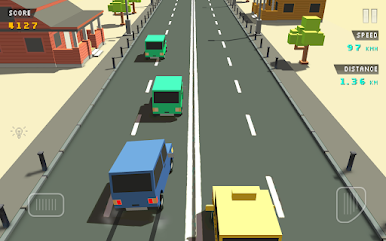
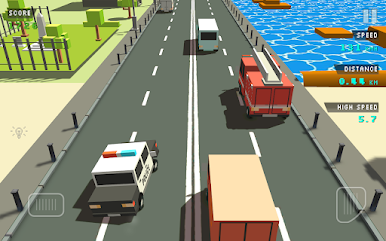
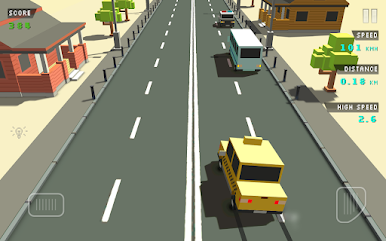
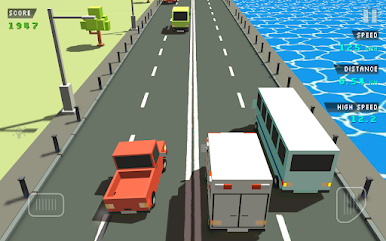
Blocky Traffic Racer is a simple arcade dodger where the road never ends and the cars look like little toy bricks. The player zips down straight lanes packed with traffic, squeezing through tiny gaps and skimming bumpers to rack up extra points. It starts relaxed, then the speed creeps up and those near misses get sweaty in a good way. Controls are very direct, so quick lane switches feel clean. On PC with BlueStacks, tapping arrow keys or A and D makes threading through cars feel sharp, and the larger screen helps spot openings before it is too late.
The whole thing is bright and chunky, with colorful blocks for buildings and cars that read clearly at a glance. Chiptune style music clicks along in the background and keeps the mood light, almost like an old handheld racer, just smoother. Coins pop out during runs and go toward unlocking new rides, so there is always something to save for without a lot of fuss. There are plenty of traffic patterns to keep the player guessing, plus online leaderboards that nudge a quick run into one more run, and achievements that reward clean driving or long distances. It is the kind of game someone can boot up for a five minute break and end up playing longer, because the loop is so easy to get back into.
Get ready for a buttery smooth, high-performance gaming action only on BlueStacks.
Play Blocky Traffic Racer on PC. It’s easy to get started.
-
Download and install BlueStacks on your PC
-
Complete Google sign-in to access the Play Store, or do it later
-
Look for Blocky Traffic Racer in the search bar at the top right corner
-
Click to install Blocky Traffic Racer from the search results
-
Complete Google sign-in (if you skipped step 2) to install Blocky Traffic Racer
-
Click the Blocky Traffic Racer icon on the home screen to start playing

