


Flick Hero: Kick Soccer Games
Play on PC with BlueStacks – the Android Gaming Platform, trusted by 500M+ gamers.

Page Modified on: Apr 8, 2026
Play Flick Hero: Kick Soccer Games on PC
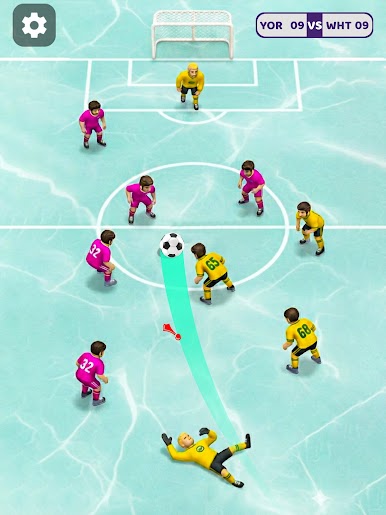
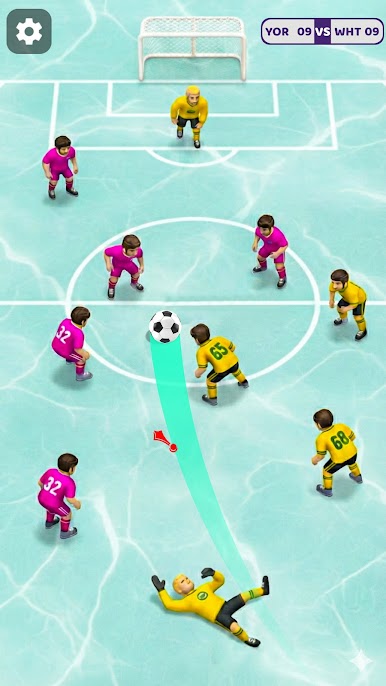
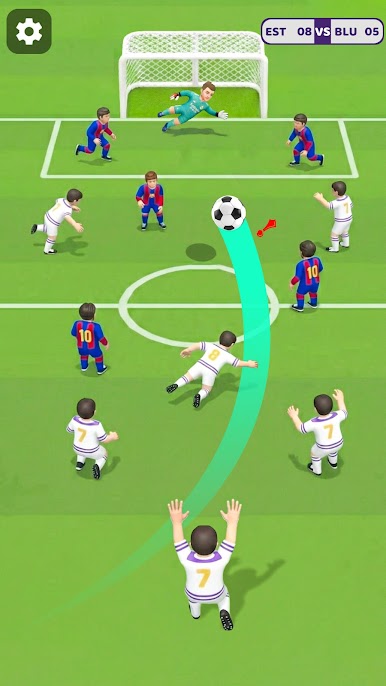
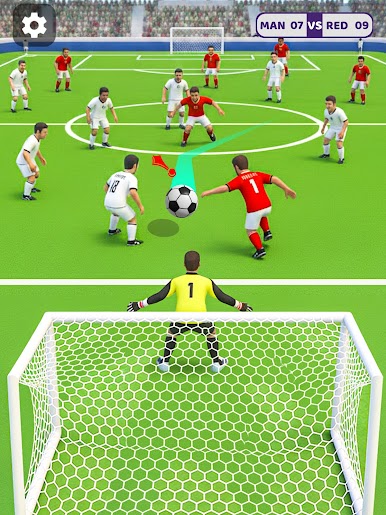
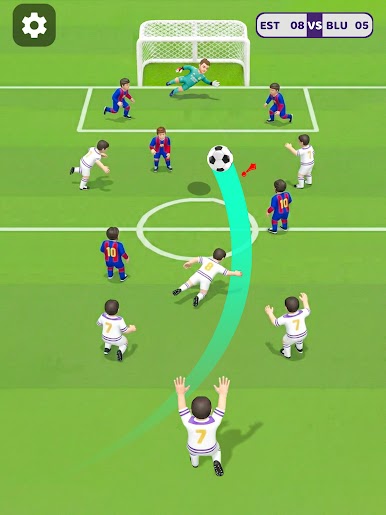
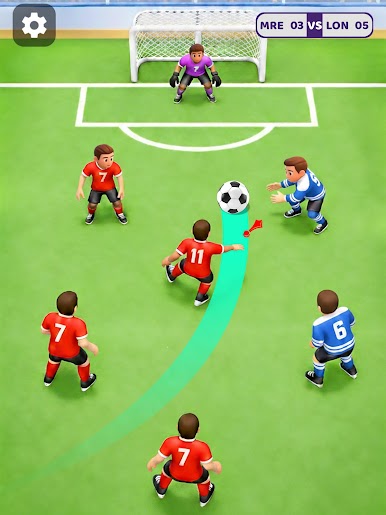
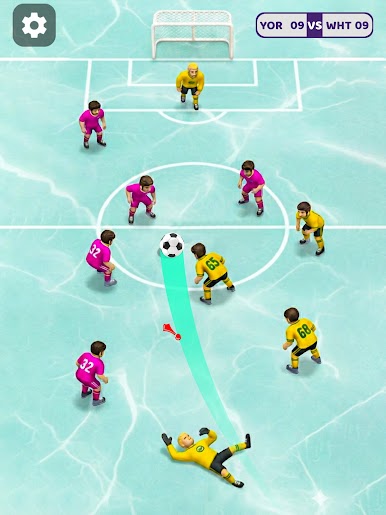
The game uses realistic ball movement and easy touch controls. Control shot power, direction and curve with your finger. Bend the ball around walls, curl free kicks and shoot smart goals. Each level challenges your accuracy and control.
How to Play?
- Aim at the goal.
- Set your power.
- Flick the ball to shoot.
- Swipe with curve to bend the shot.
- Score goals to win matches and unlock new challenges.
Flick Hero is perfect for fans of flick soccer and football games who love quick and skill based gameplay. Improve your shots, beat challenges and become a true flick soccer hero. Download now and start scoring goals like a pro.
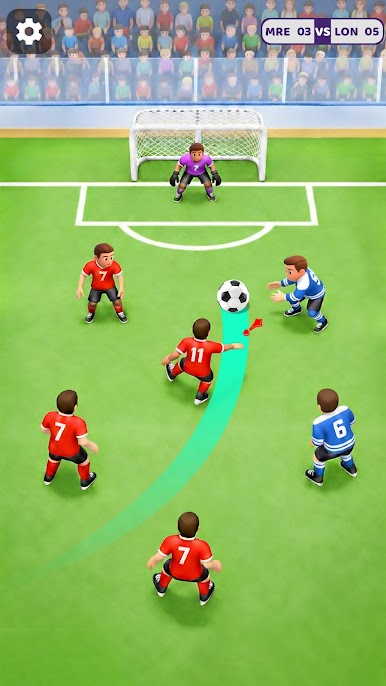
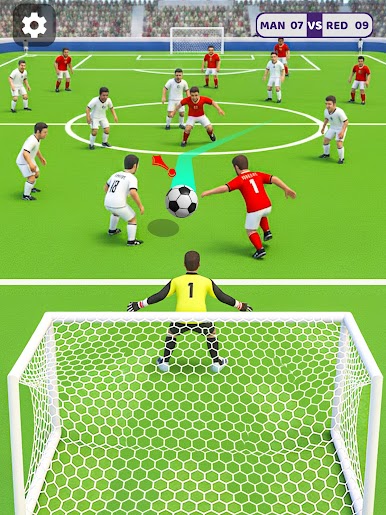
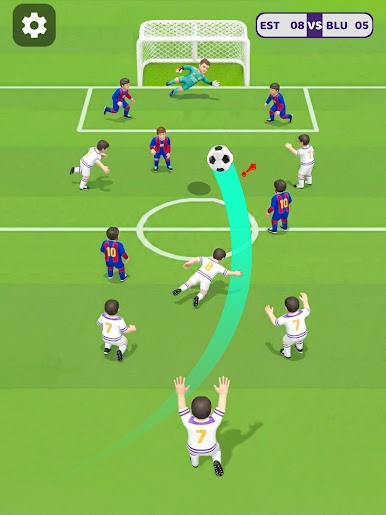
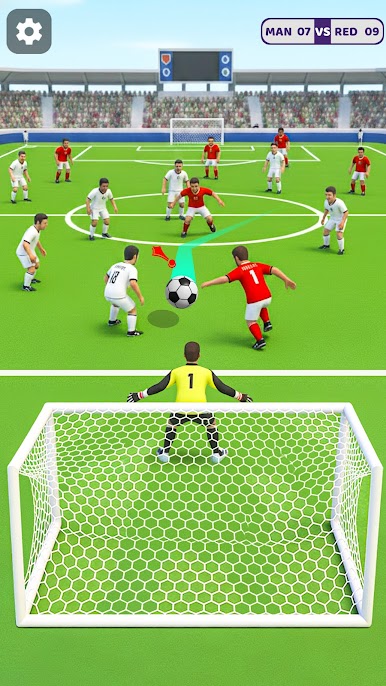
Play Flick Hero: Kick Soccer Games on PC. It’s easy to get started.
-
Download and install BlueStacks on your PC
-
Complete Google sign-in to access the Play Store, or do it later
-
Look for Flick Hero: Kick Soccer Games in the search bar at the top right corner
-
Click to install Flick Hero: Kick Soccer Games from the search results
-
Complete Google sign-in (if you skipped step 2) to install Flick Hero: Kick Soccer Games
-
Click the Flick Hero: Kick Soccer Games icon on the home screen to start playing

