


File Manager
Play on PC with BlueStacks – the Android Gaming Platform, trusted by 500M+ gamers.

Page Modified on: Jun 15, 2026
Main File Manager on PC
📄 Document Scanner
Turn paperwork into digital files in seconds. Point your camera at any document or receipt, and this file manager converts it into a clean, ready-to-share PDF, a fast, professional way to go paperless while keeping scans organized alongside your storage.
📂 Comprehensive File Management
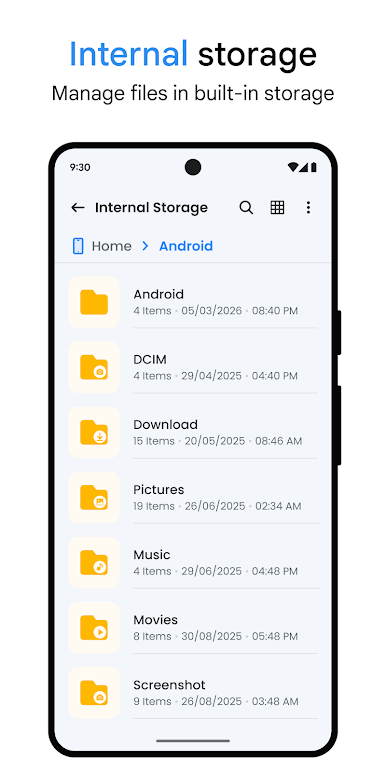
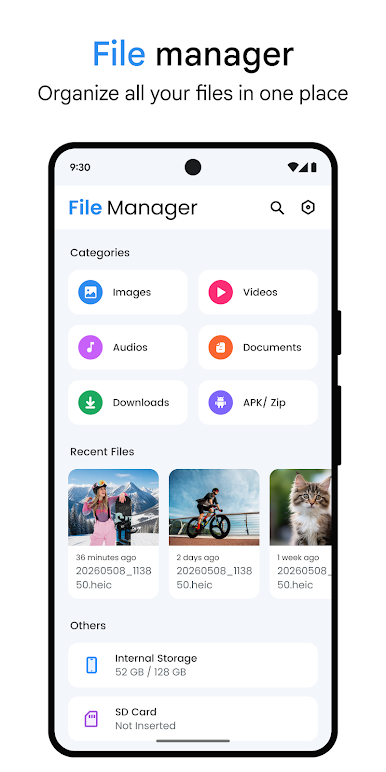
As a complete file organizer, this app gives you one place to access, sort, and manage everything on your device. Move, copy, rename, delete, or share files in a few taps using the built-in file browser. This file explorer keeps navigation smooth and frustration-free.
🗜️ RAR Extractor, Zip Extractor & File Compressor
Use the built-in RAR and ZIP extractors to unpack archives in seconds, or the file compressor to pack files and folders into ZIP archives directly, saving valuable storage space.
☁️ Cloud File Manager
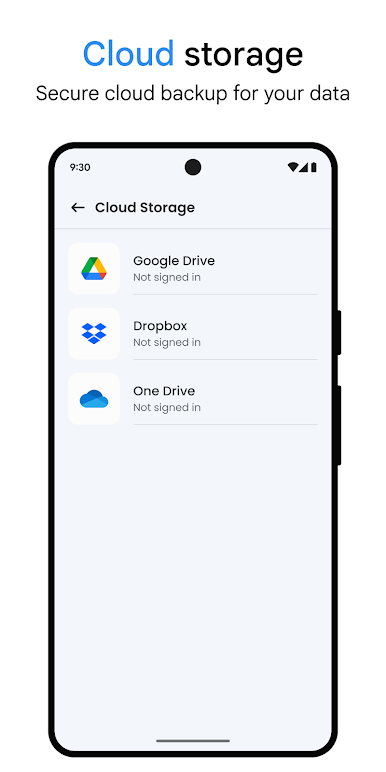
Access and manage files from Google Drive, Dropbox, and OneDrive without switching apps. As a true cloud file manager, it brings your local and cloud storage together in one interface.
🎧 Built-in Tools
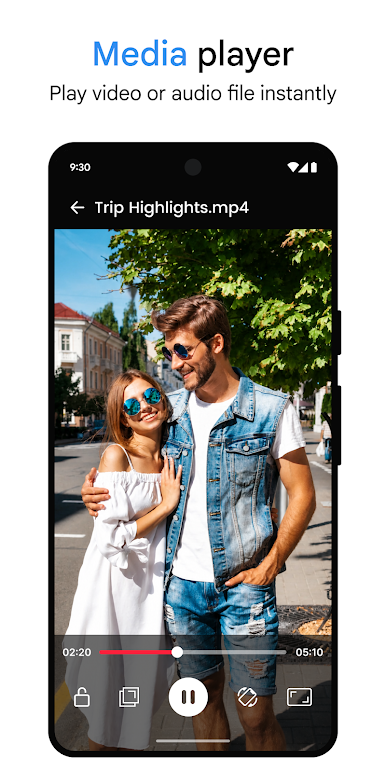
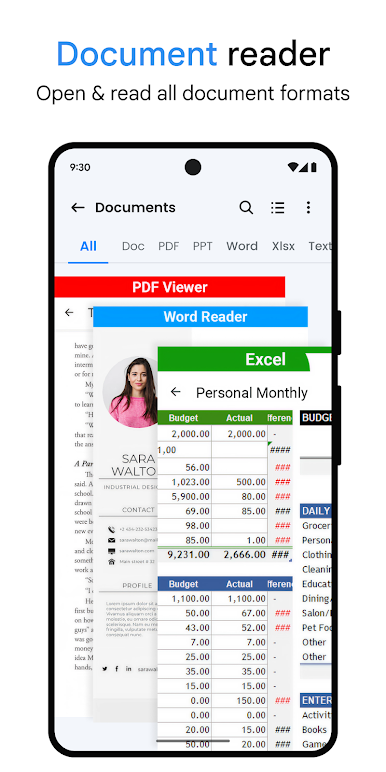
You'll Actually Use This files app includes a Music Player, a Video Player, a Document Viewer, an Image Viewer that doubles as a photo manager, and a File Extractor for quick archive access, all built directly in.
🔒 Secure File Management
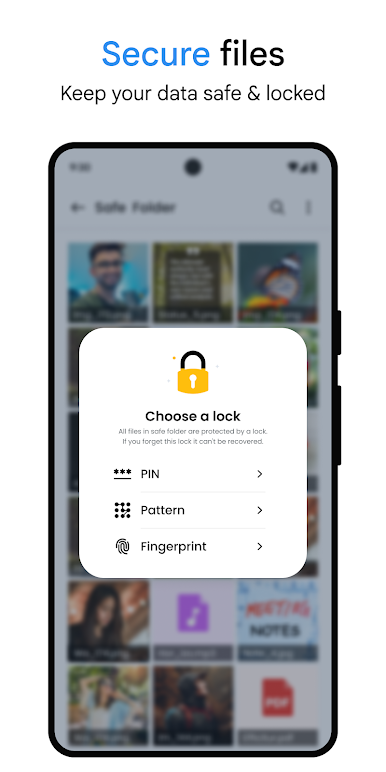
Set up password-protected folders to hide photos, documents, and other private files, adding a professional layer of security to your everyday file management.
🗂️ Support for Every File Format
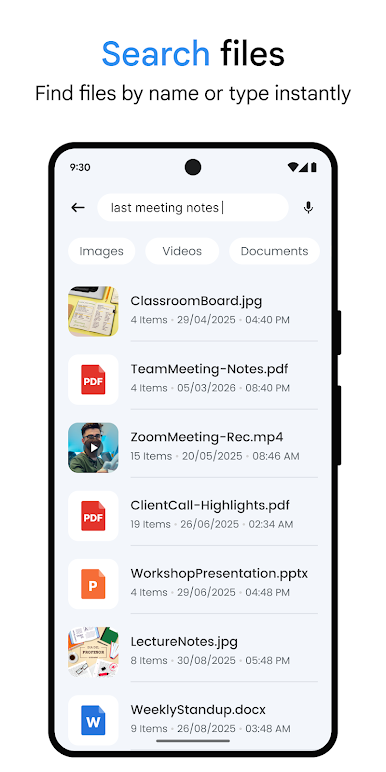
Open documents, play media, and extract compressed archives without leaving the app. As a reliable files app, it supports a wide range of formats, so whatever you download, you can open it right here.
💾 SD Card & USB File Manager
Browse and manage files across internal storage, SD card, and connected USB drives from one place, as a dependable SD card manager and usb file manager, making transfers quick and simple.
🌟 Why Professionals and Everyday Users Choose This App
Between the document scanner, RAR and zip extractor tools, cloud file manager support, built-in media tools, and storage cleaner, this file explorer replaces a handful of apps, including a standalone app manager, with one lightweight solution built for fast file transfer and quick share.
🔍 Fast, Lightweight, and Reliable
This file manager app doubles as a full-featured file explorer for Android without slowing your phone down. Whether managing downloads, organizing folders, or extracting an archive, everything happens quickly and reliably.
Download File Manager - File Explorer today for effortless file organization, a built-in document scanner, secure storage, and complete control over your files, all in one professional app.
Play File Manager on PC. It’s easy to get started.
-
Download and install BlueStacks on your PC
-
Complete Google sign-in to access the Play Store, or do it later
-
Look for File Manager in the search bar at the top right corner
-
Click to install File Manager from the search results
-
Complete Google sign-in (if you skipped step 2) to install File Manager
-
Click the File Manager icon on the home screen to start playing

