


Unzip
Play on PC with BlueStacks – the Android Gaming Platform, trusted by 500M+ gamers.

Page Modified on: Sep 21, 2026
Play Unzip on PC
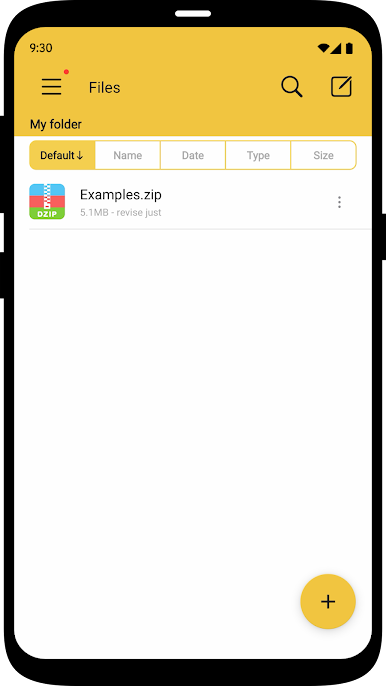
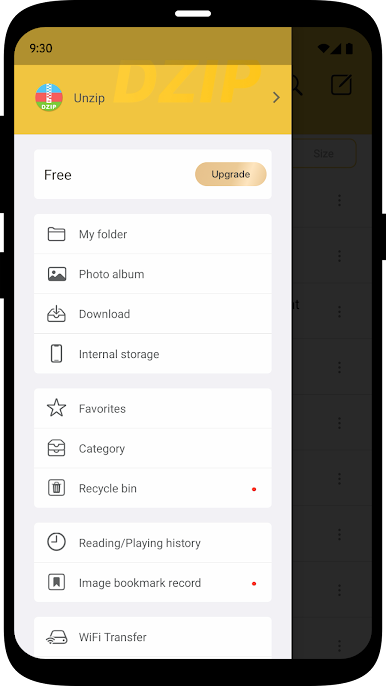
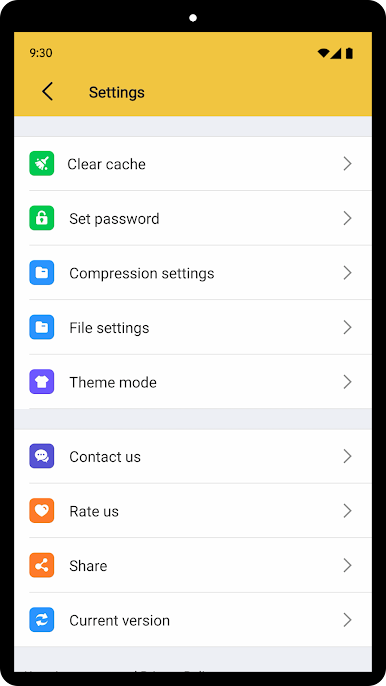
- Supports decompression of Zip, 7z, RAR, Lzh, ZIPX, TAR, GZIP, BZIP, TGZ, TBZ, ISO, DEB, CAB, JAR, RPM, CBS and many other documents.
- Supports multiple formats of volume decompression.
- Support password decompression files and support ZIP, 7Z encryption compression.
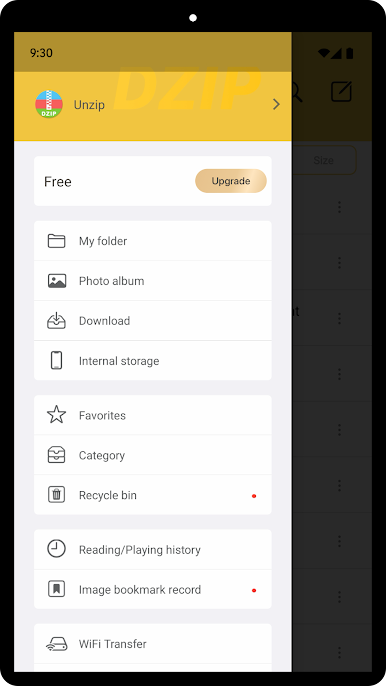
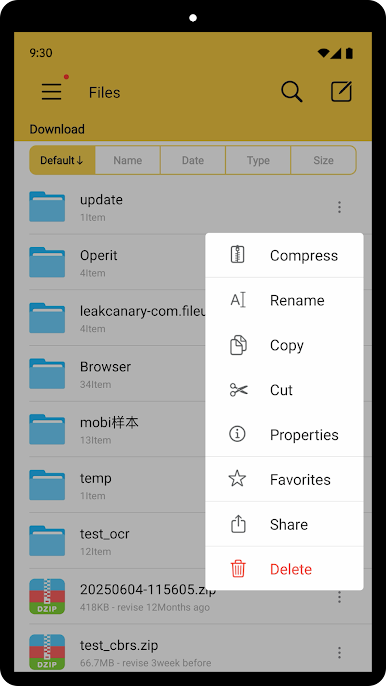
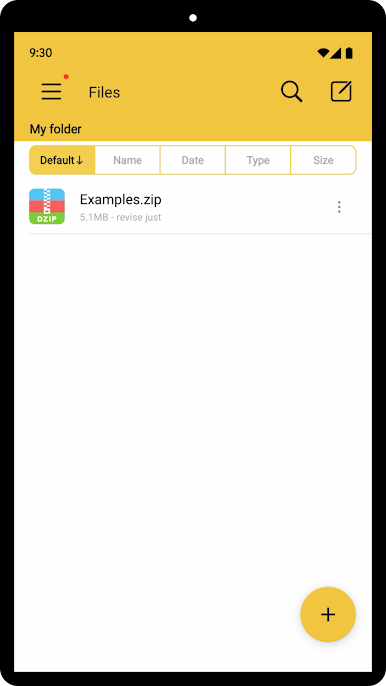
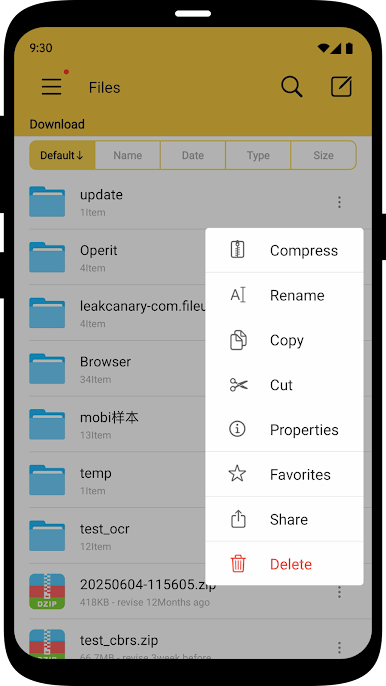
- Compressed file management and transfer.
- Scan the code to download the file.
- Support client access such as FTP, SMB, WebDAV.
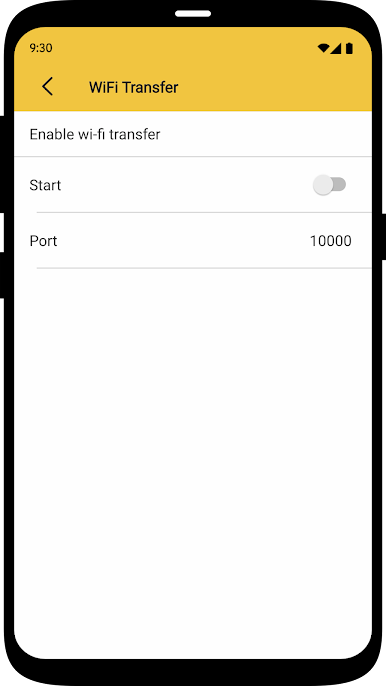
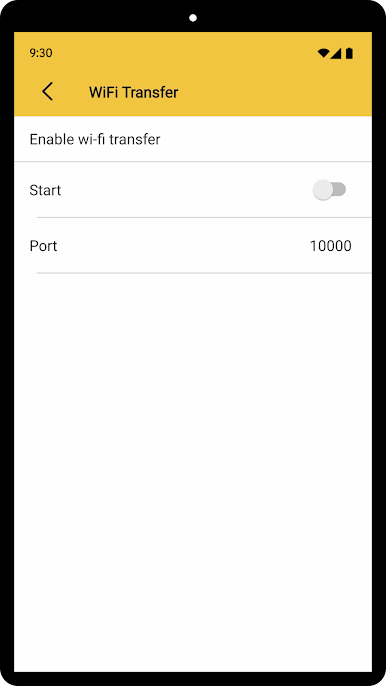
- Support Wi-Fi transmission.
- Support video file playback in multiple formats.
Please download and experience more features. If you have any questions, please contact us in the app or visit the following website: http://img.kailule.cn/MobileSupport.html

Play Unzip on PC. It’s easy to get started.
-
Download and install BlueStacks on your PC
-
Complete Google sign-in to access the Play Store, or do it later
-
Look for Unzip in the search bar at the top right corner
-
Click to install Unzip from the search results
-
Complete Google sign-in (if you skipped step 2) to install Unzip
-
Click the Unzip icon on the home screen to start playing

