


Find the Path: Arrow Clues
Play on PC with BlueStacks – the Android Gaming Platform, trusted by 500M+ gamers.

Page Modified on: Aug 27, 2026
Play Find the Path: Arrow Clues on PC
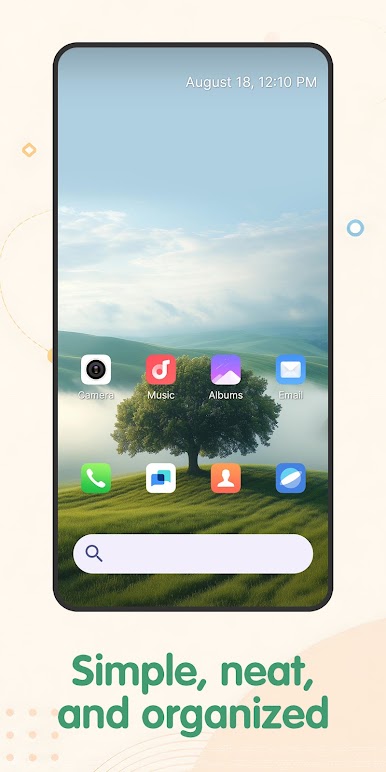
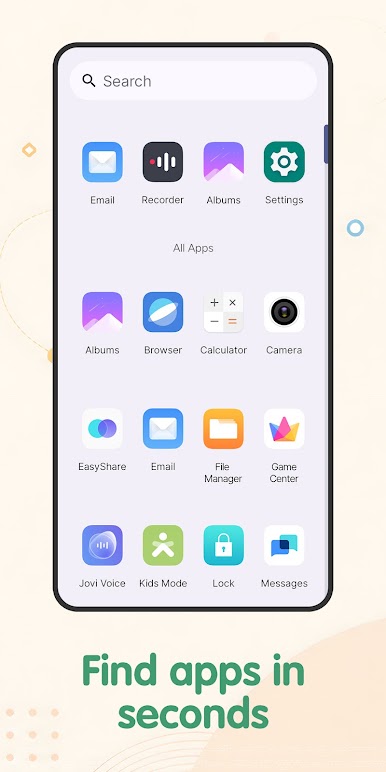
With launcher tools such as icon shape options, theme colors, app drawer access, and quick app search, you can keep your home screen simple and easier to manage. When you want a short break, you can open the puzzle mode and work through arrow clue boards at your own pace. 🔍
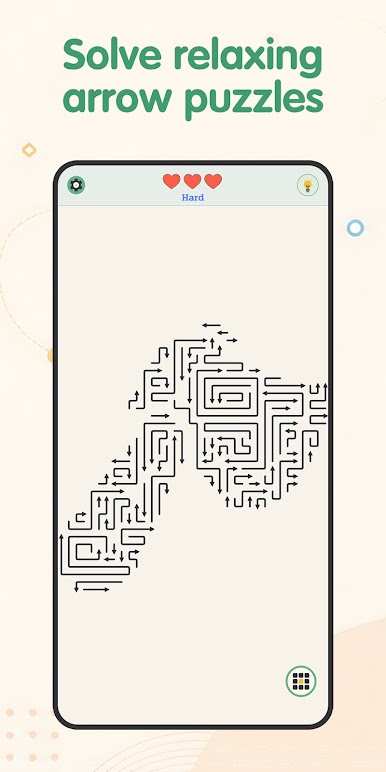
In the game, each puzzle presents a board, a set of arrow clues, and one objective: find the correct path. The rules are easy to understand, but each level still asks you to observe carefully, think step by step, and choose the right direction. There are no fast reactions or complex controls involved. The experience is designed to feel clear, steady, and relaxing, making it a good fit for players who enjoy quiet puzzle solving and light mental activity. ➡️🧠
Main Features
• Icon shape options for a more personalized home screen style
• Theme color settings for a cleaner launcher appearance
• App drawer to keep all apps in one convenient place
• Quick search to help you find apps faster
• Built-in arrow clue puzzle game with simple rules
• Logic-based pathfinding gameplay focused on observation and planning
• Relaxed play sessions with no rushed pressure
• Clean boards and easy-to-read puzzle layouts ✨
How It Works
To use the launcher features, set Find the Path: Arrow Clues as your default home screen app.
You can switch back to your previous launcher at any time through your device settings.
This app only changes the appearance and organization of your home screen. It does not change your personal files or other apps. ✅
If you have any questions, please check our FAQ here: https://www.dzrotgame.com/#faqcontent

Play Find the Path: Arrow Clues on PC. It’s easy to get started.
-
Download and install BlueStacks on your PC
-
Complete Google sign-in to access the Play Store, or do it later
-
Look for Find the Path: Arrow Clues in the search bar at the top right corner
-
Click to install Find the Path: Arrow Clues from the search results
-
Complete Google sign-in (if you skipped step 2) to install Find the Path: Arrow Clues
-
Click the Find the Path: Arrow Clues icon on the home screen to start playing

