

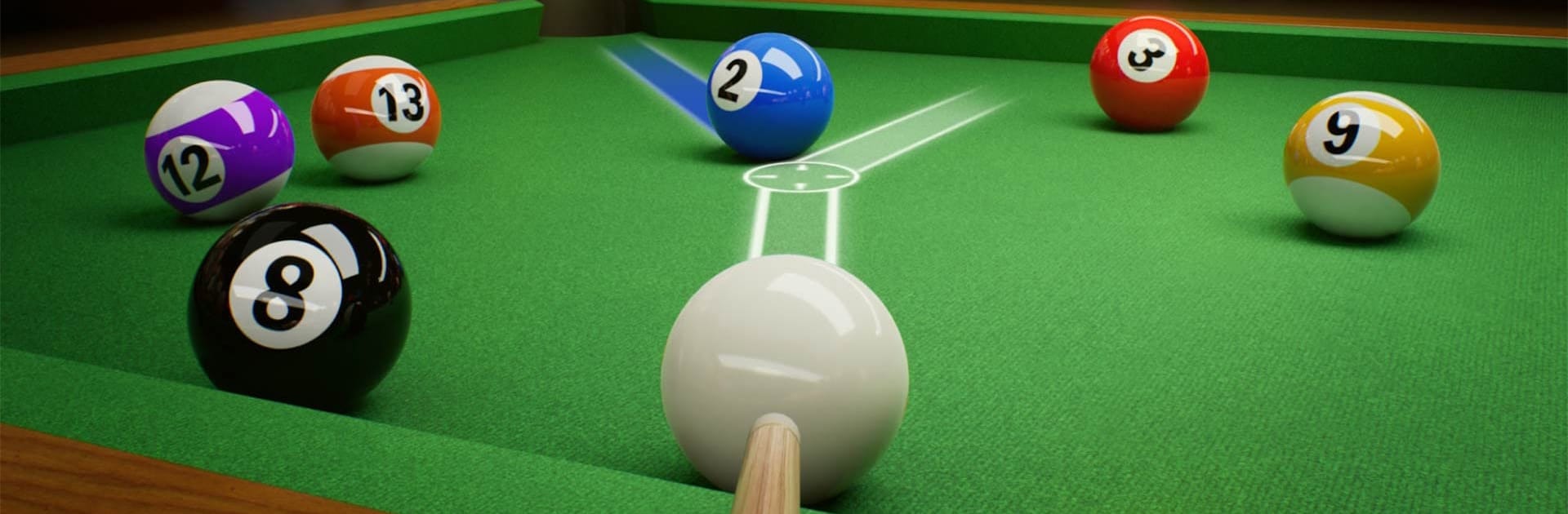
Fantasy 8 Ball: Pool Billiards
Play on PC with BlueStacks – the Android Gaming Platform, trusted by 500M+ gamers.

Page Modified on: May 28, 2026
Play Fantasy 8 Ball: Pool Billiards on PC or Mac
Fantasy 8 Ball: Pool Billiards brings the Sports genre to life, and throws up exciting challenges for gamers. Developed by ARK GAME LIMITED, this Android game is best experienced on BlueStacks, the World’s #1 app player for PC and Mac users.
About the Game
Fantasy 8 Ball: Pool Billiards blends high-stakes pool with a gritty, story‑tinged vibe. You’re not just sinking balls—you’re hustling through smoky lounges and shady back rooms, chasing a name that actually means something. It’s a Sports title from ARK GAME LIMITED that treats precision, feel, and atmosphere like the main event.
Prefer a bigger screen? You can fire it up on PC with BlueStacks without losing that smooth touch.
Game Features
- Real-feel physics: Every roll, spin, bank, and kiss behaves like it would on a true felt table, so smart angles and clean mechanics really pay off.
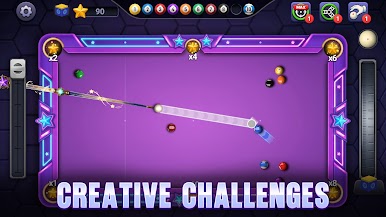
- Smooth, precise controls: Fine-tune aim, adjust power, and line up the cue with confidence. Shots feel responsive instead of fussy.
- Noir-styled 3D world: Neon bars, rain-slick alleys, and moody lighting set the tone. Matches look like scenes from a late-night thriller.
- Hustler’s climb: Work your way through tougher venues and opponents, where the pressure rises and your reputation actually matters.
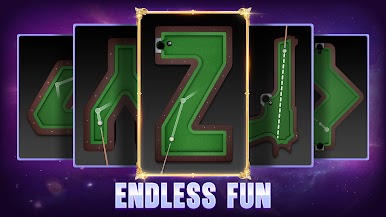
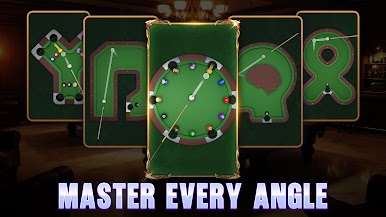
- Crafted levels and puzzles: Tackle clever layouts and endgame challenges that test cue control, shot planning, and creativity.
- Earn rare cue sticks: Unlock distinctive cues as you progress—some for flair, some for performance, all worth showing off.
- Learn by playing: Early stages ease you in, then the difficulty ramps up so you can sharpen bank shots, spins, and tricky clears without hitting a wall.
Slay your opponents with your epic moves. Play it your way on BlueStacks and dominate the battlefield.




Play Fantasy 8 Ball: Pool Billiards on PC. It’s easy to get started.
-
Download and install BlueStacks on your PC
-
Complete Google sign-in to access the Play Store, or do it later
-
Look for Fantasy 8 Ball: Pool Billiards in the search bar at the top right corner
-
Click to install Fantasy 8 Ball: Pool Billiards from the search results
-
Complete Google sign-in (if you skipped step 2) to install Fantasy 8 Ball: Pool Billiards
-
Click the Fantasy 8 Ball: Pool Billiards icon on the home screen to start playing

