

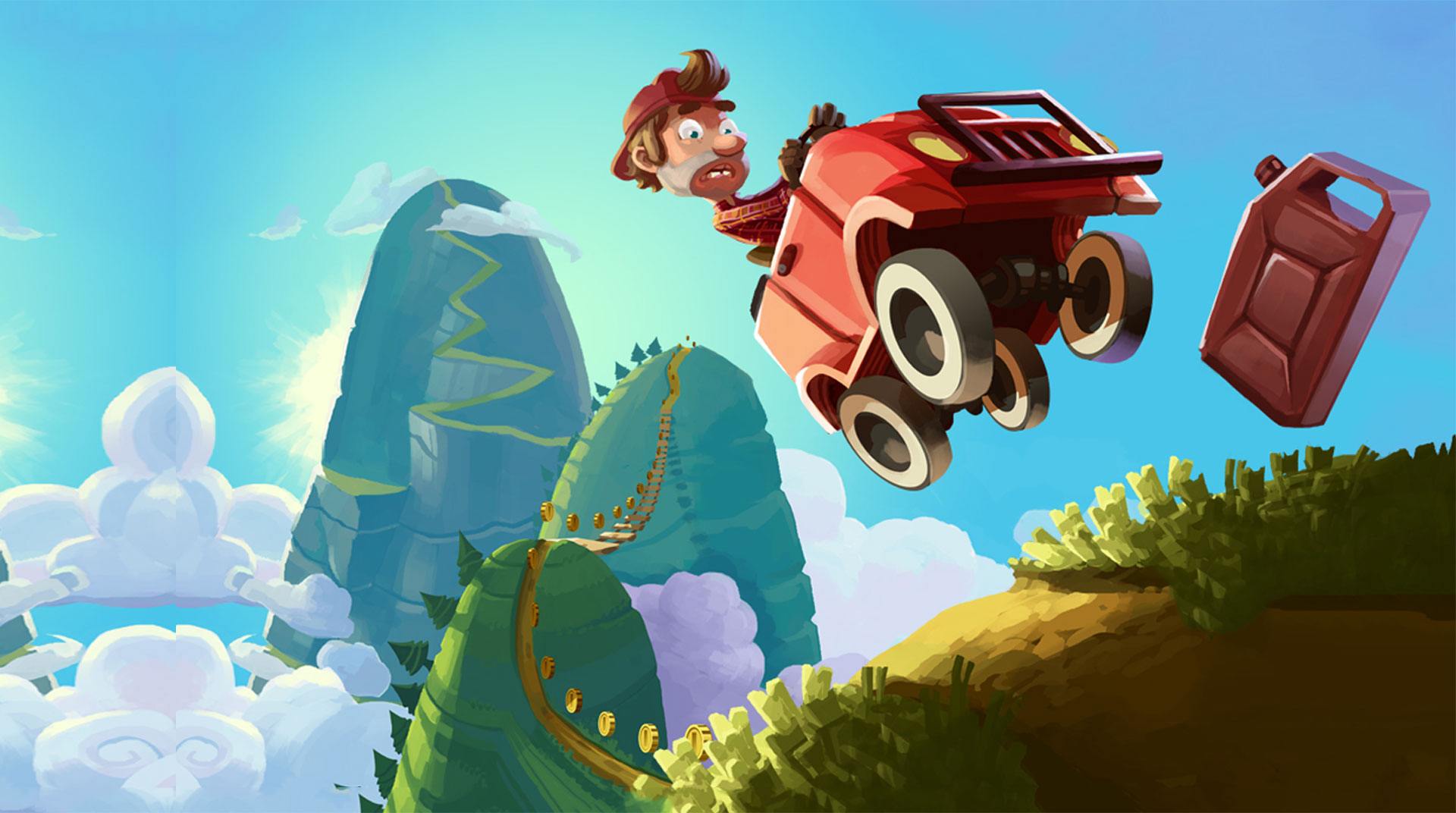
Hill Climb Racing
Play on PC with BlueStacks – the Android Gaming Platform, trusted by 500M+ gamers.

Page Modified on: Aug 6, 2026
Play Hill Climb Racing on PC or Mac
Step into the World of Hill Climb Racing, a thrilling Racing game from the house of Fingersoft. Play this Android game on BlueStacks App Player and experience immersive gaming on PC or Mac.
About the Game
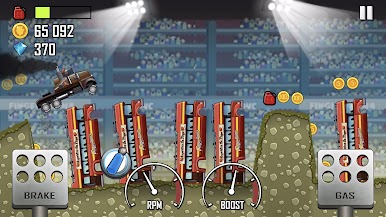
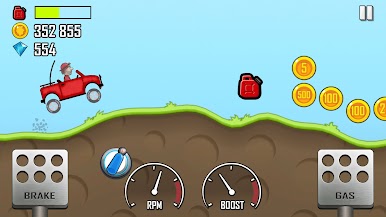
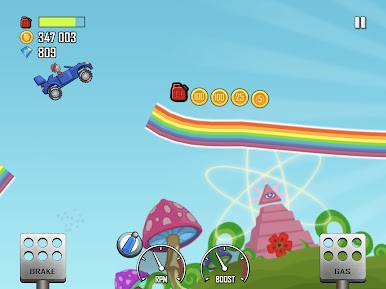
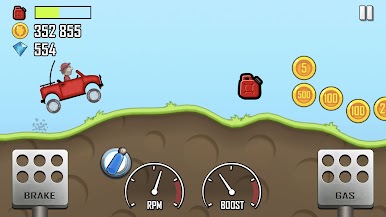
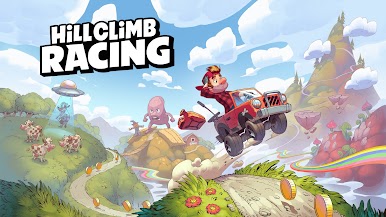
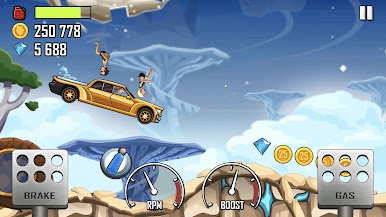
Hill Climb Racing is that goofy, grin-inducing kind of Racing game where your throttle finger does the heavy lifting. You guide Bill across ridiculous hills and valleys, stretching every drop of gas while the world’s wobbliest physics try to flip you on your roof. It’s light, fast, and endlessly replayable—perfect for quick sessions or marathon “one more try” runs from Fingersoft.
Game Features
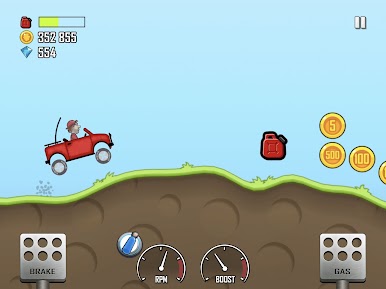
- Physics that matter: Every bump, landing, and wheelie changes how your ride handles. Gentle taps on gas and brake beat mashing every time.
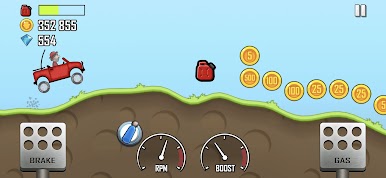
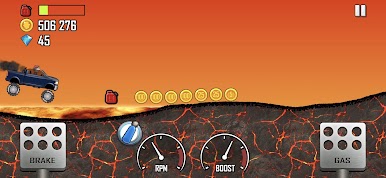
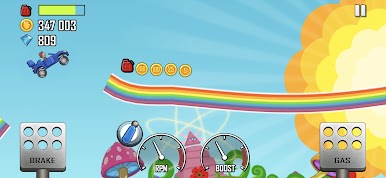
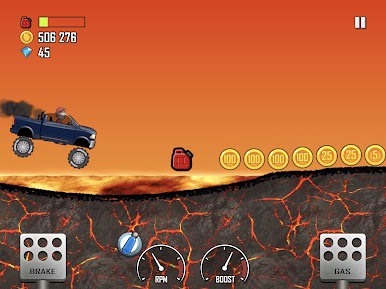
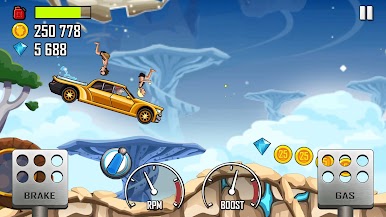
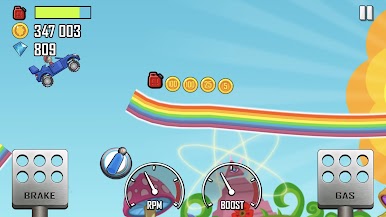
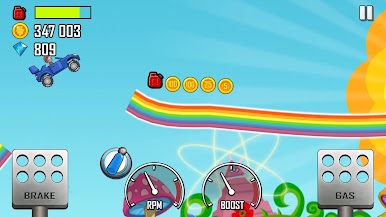
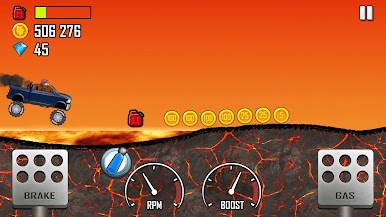
- Wild places to drive: Roll through Climb Canyon and beyond—from dusty dunes to frosty slopes and even low-gravity stops. Watch the fuel gauge, or that hill will have the last laugh.
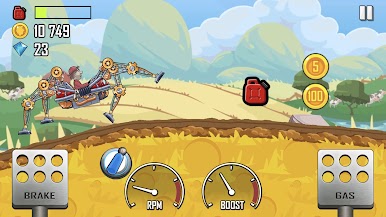
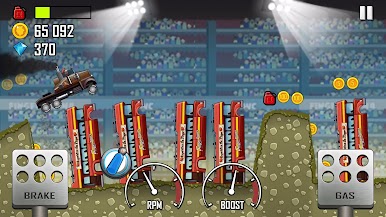
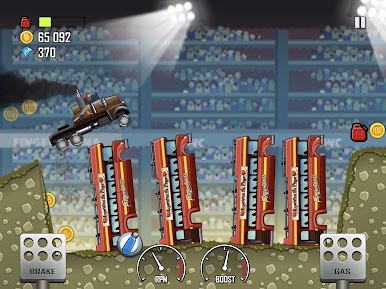
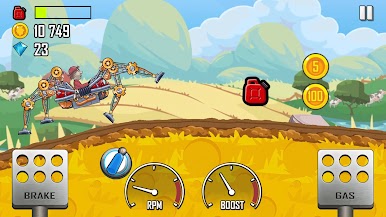
- A garage full of oddballs: Hop into bikes, race cars, trucks, and wonderfully weird contraptions (yes, even a spider-esque crawler). Each one feels different and rewards a unique playstyle.
- Earn, unlock, upgrade: Grab coins for distance and stunts, then pump them into engine power, suspension, tires, and 4WD. Dress up rides with skins and parts to make them yours.
- Offline anytime: No signal? No problem. It plays great on commutes, flights, or quick breaks.
- Daily challenges and events: Short, rotating goals keep things fresh and shower you with handy rewards.
- Risk vs. reward stunts: Flips and airtime pay out big—if you land them. Miss, and Bill’s noggin pays the price.
- Constant new stuff: Fingersoft keeps rolling out stages, vehicles, and tweaks, so there’s always something to learn.
- Play your way: Snappy touch controls on mobile, and it feels right at home on PC with BlueStacks if you like a bigger screen and steady inputs.
Start your journey now. Download the game on BlueStacks, invite your friends, and march on a new adventure.

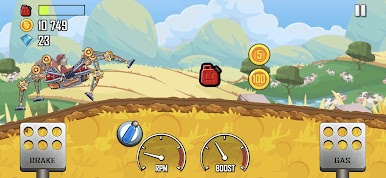
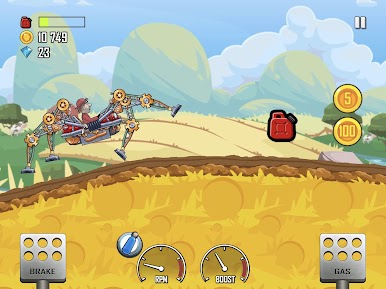
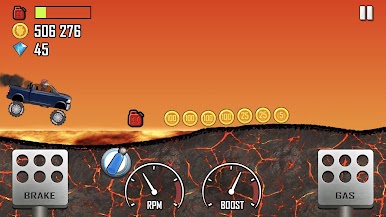



Play Hill Climb Racing on PC. It’s easy to get started.
-
Download and install BlueStacks on your PC
-
Complete Google sign-in to access the Play Store, or do it later
-
Look for Hill Climb Racing in the search bar at the top right corner
-
Click to install Hill Climb Racing from the search results
-
Complete Google sign-in (if you skipped step 2) to install Hill Climb Racing
-
Click the Hill Climb Racing icon on the home screen to start playing

