


Yummy Fishy
Play on PC with BlueStacks – the Android Gaming Platform, trusted by 500M+ gamers.

Page Modified on: Apr 5, 2026
Play Yummy Fishy on PC
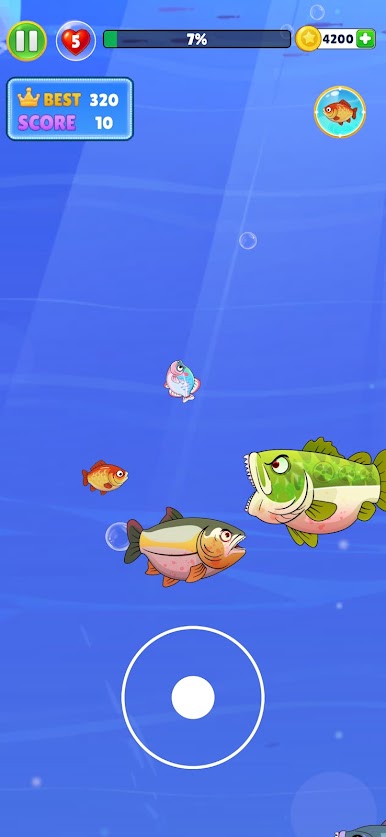
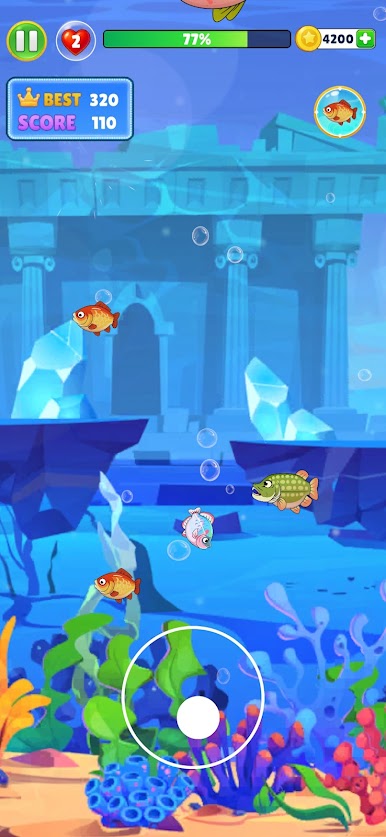
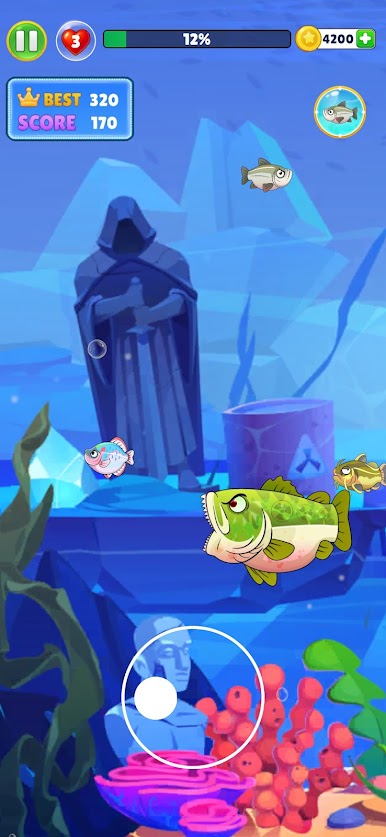
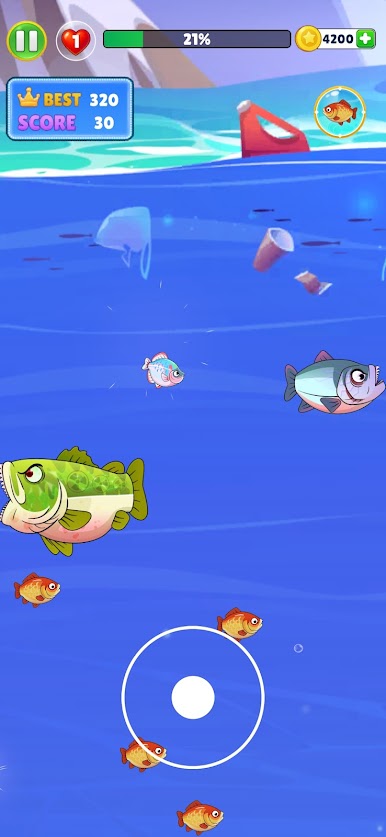
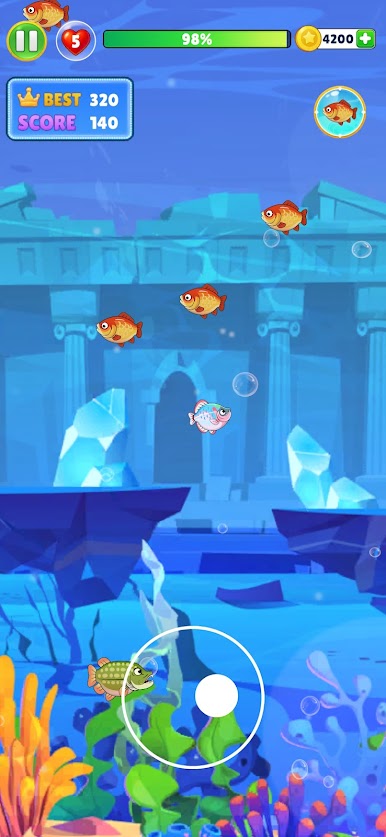
Control your fish, hunt smaller prey, and grow bigger with every bite. But be careful — bigger fish are always around, and one wrong move can end your run!
Your goal is simple: eat smaller fish, avoid bigger predators, and become the king of the ocean.
How to Play:
Move your fish around the ocean
Eat smaller fish to grow bigger
Avoid larger fish that can eat you
Keep surviving to increase your score
Become the biggest fish in the sea!
If you love fish games, ocean survival, and casual arcade challenges, then Yummy Fish is the perfect game for you.

Play Yummy Fishy on PC. It’s easy to get started.
-
Download and install BlueStacks on your PC
-
Complete Google sign-in to access the Play Store, or do it later
-
Look for Yummy Fishy in the search bar at the top right corner
-
Click to install Yummy Fishy from the search results
-
Complete Google sign-in (if you skipped step 2) to install Yummy Fishy
-
Click the Yummy Fishy icon on the home screen to start playing

