

Lost Lands 2
Play on PC with BlueStacks – the Android Gaming Platform, trusted by 500M+ gamers.

Page Modified on: Aug 11, 2025
Play Lost Lands 2 on PC or Mac
Lost Lands 2 is an Adventure game developed by FIVE-BN GAMES. BlueStacks app player is the best platform to play this Android game on your PC or Mac for an immersive gaming experience.
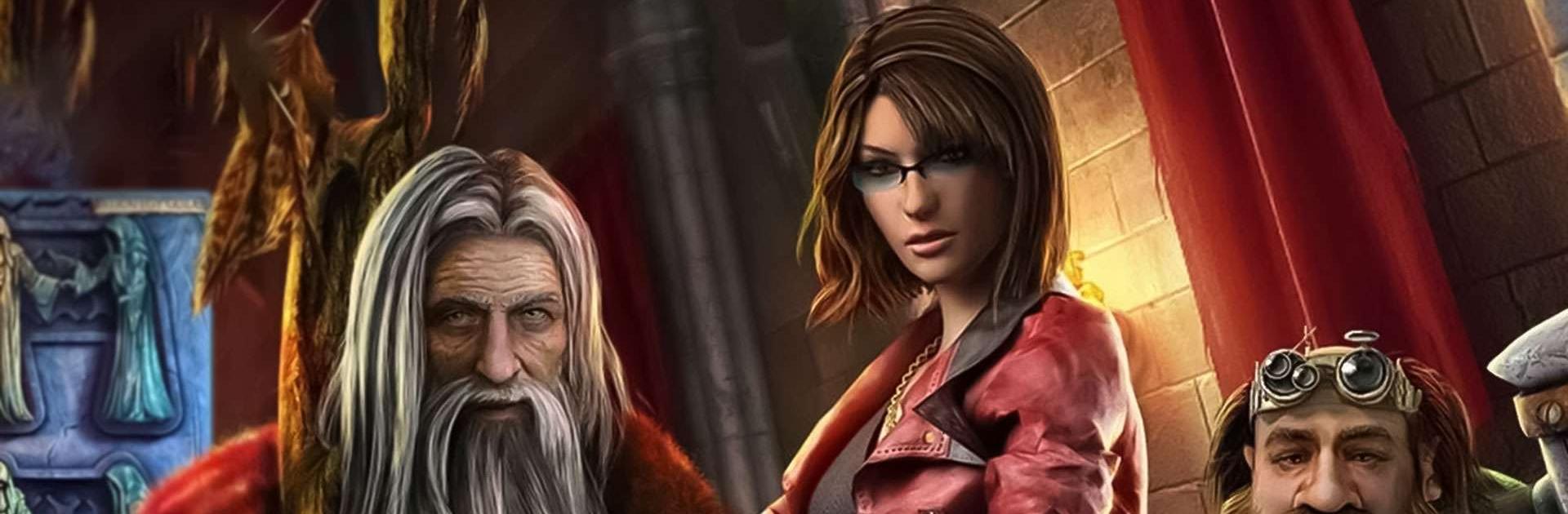
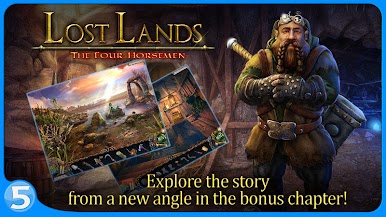
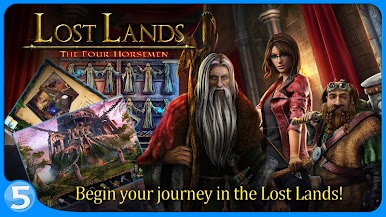
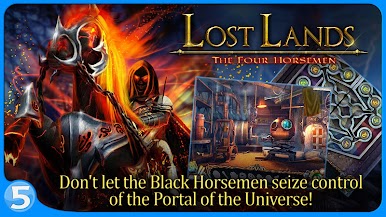
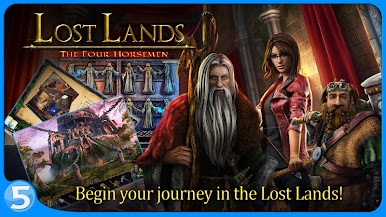
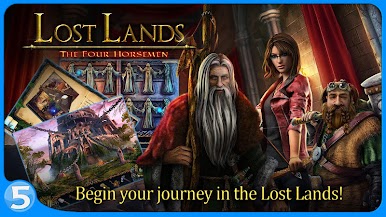
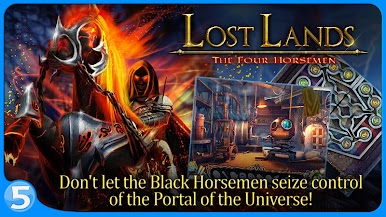
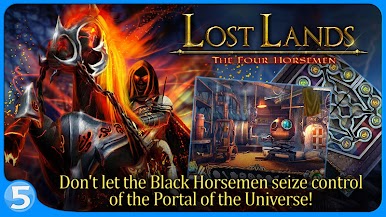
Get ready for another exciting adventure in the fantastical world of Lost Lands! In Lost Lands 2: The Four Horsemen, you’ll once again play as the brave Susan the Warrior, who finds herself transported to a magical world where she must fight against the evil Black Horsemen who seek to destroy everything in their path.
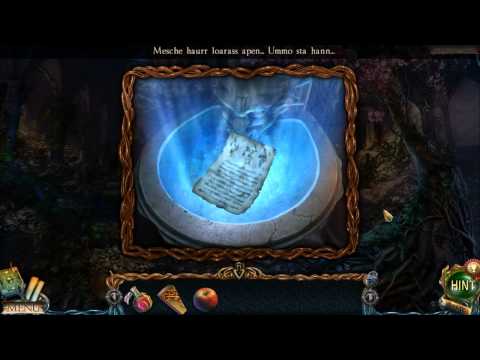
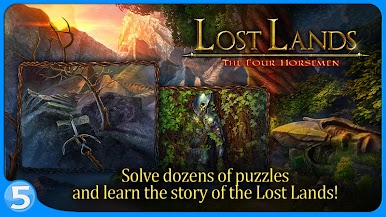
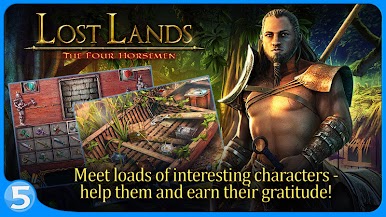
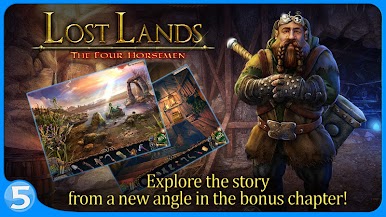
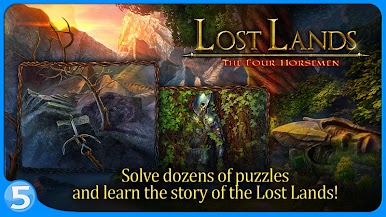
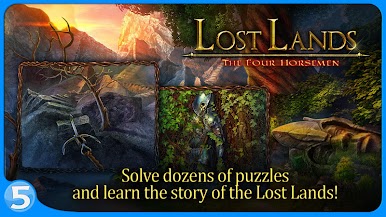
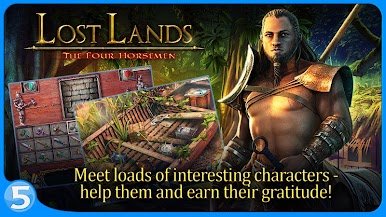
Along the way, you’ll meet fascinating new characters and explore over 50 stunning locations, from mysterious forests to treacherous mountains. Solve dozens of puzzles and complete over 40 different mini-games as you journey through this enchanting world.
But beware, the Four Horsemen won’t be easy to defeat. You’ll need to find their weaknesses and use all your skills to stop them in their tracks. Luckily, you’re not alone – you’ll gather allies and assemble collections to help you on your quest.
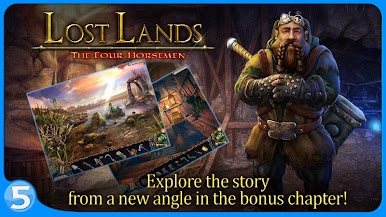
Immerse yourself in the amazing world of Lost Lands, meet its unique peoples, and save it from certain doom!
Download Lost Lands 2 on PC with BlueStacks and stop the Black Horsemen.
Play Lost Lands 2 on PC. It’s easy to get started.
-
Download and install BlueStacks on your PC
-
Complete Google sign-in to access the Play Store, or do it later
-
Look for Lost Lands 2 in the search bar at the top right corner
-
Click to install Lost Lands 2 from the search results
-
Complete Google sign-in (if you skipped step 2) to install Lost Lands 2
-
Click the Lost Lands 2 icon on the home screen to start playing

