


Legendary Tales 2
Play on PC with BlueStacks – the Android Gaming Platform, trusted by 500M+ gamers.

Page Modified on: Aug 11, 2025
Main Legendary Tales 2 on PC
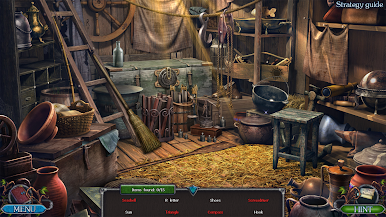
“Legendary Tales: Cataclysm” is an adventure game in the genre of Hidden Objects, with plenty of mini-games and puzzles, unforgettable characters and complicated quests.
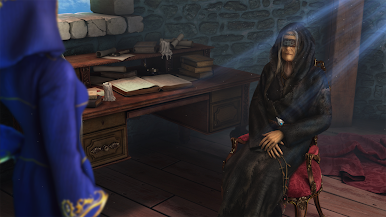
A vision came to the oracle. A global catastrophe was about to happen and witches were to blame. After all the resurrection sarcophagi had been destroyed by the werewolf, the circle of witches was in a panic. They sent expeditions to look for new sarcophagi. They found something much more priceless, but they didn't have a clue about how dangerous their find was...
One witch must stand against friends and enemies to save a peaceful existence. She will make her way using force and cunning to discover an unbelievable find that will forever change the world as she knows it.
Stop the impending cataclysm by revealing an unexpected secret
Play for unique characters to learn new stories of the Legendary Tales world
Explore the magic world and become an attentive collector
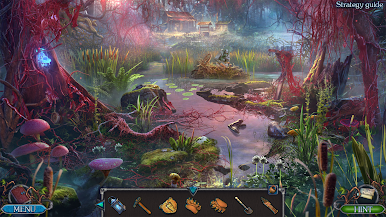
Enjoy stunning locations and beautiful soundtracks
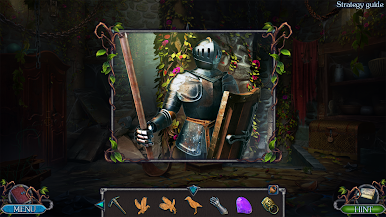
Solve dozens of puzzles and test yourself in exciting mini-games
The game is optimized for tablets and phones!
+++ Get more games created by FIVE-BN GAMES! +++
WWW: http://fivebngames.com/
FACEBOOK: https://www.facebook.com/fivebn/
TWITTER: https://twitter.com/fivebngames
YOUTUBE: https://youtube.com/fivebn
PINTEREST: https://pinterest.com/five_bn/
INSTAGRAM: https://www.instagram.com/five_bn/

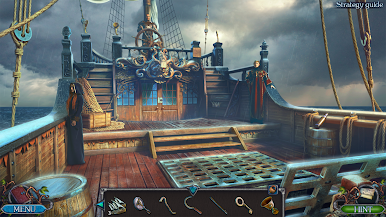
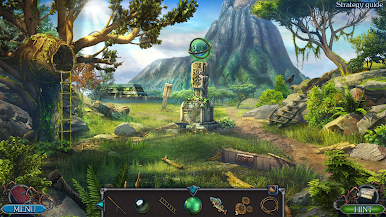
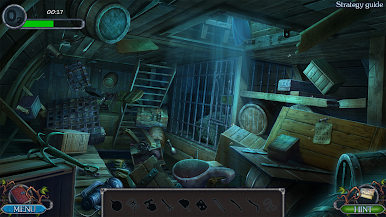
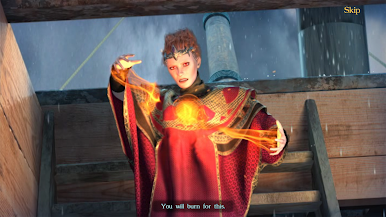
Play Legendary Tales 2 on PC. It’s easy to get started.
-
Download and install BlueStacks on your PC
-
Complete Google sign-in to access the Play Store, or do it later
-
Look for Legendary Tales 2 in the search bar at the top right corner
-
Click to install Legendary Tales 2 from the search results
-
Complete Google sign-in (if you skipped step 2) to install Legendary Tales 2
-
Click the Legendary Tales 2 icon on the home screen to start playing

