


Incoming Caller Name Announcer
Play on PC with BlueStacks – the Android Gaming Platform, trusted by 500M+ gamers.

Page Modified on: Apr 8, 2023
Overview
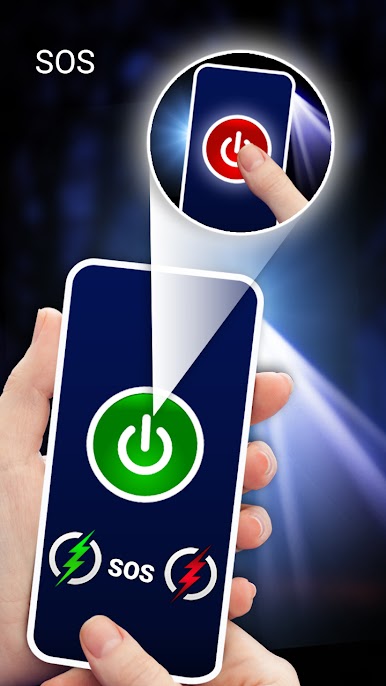
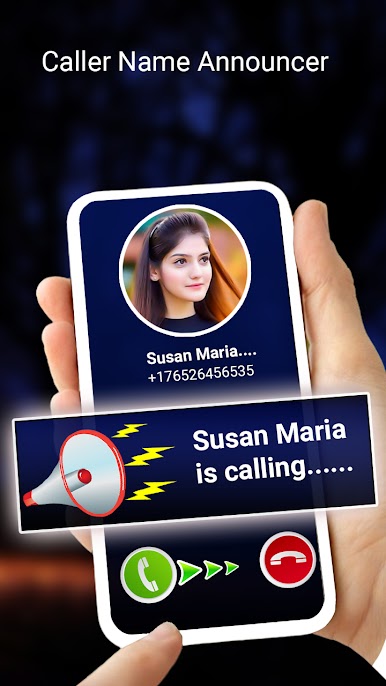
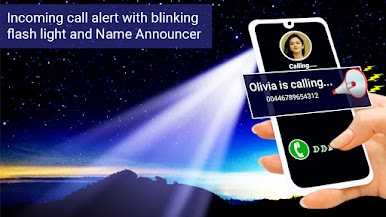
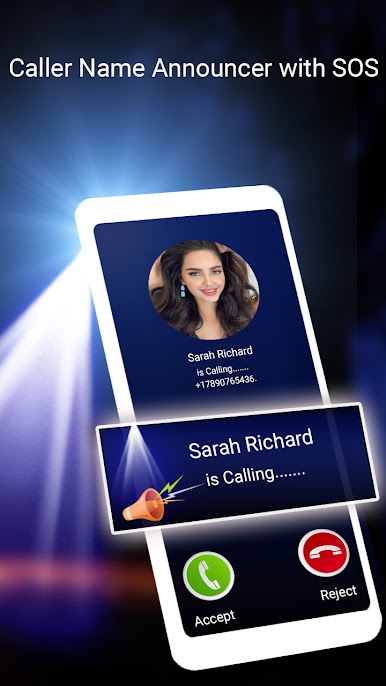
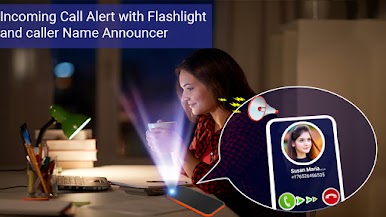
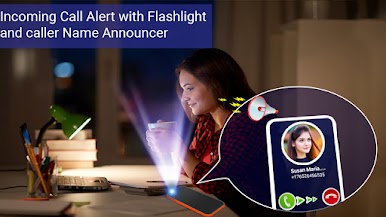
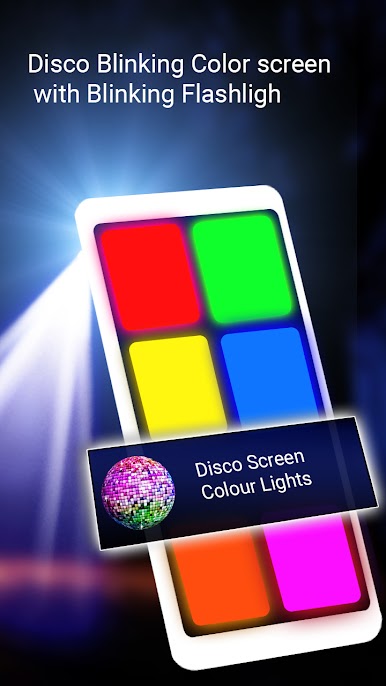
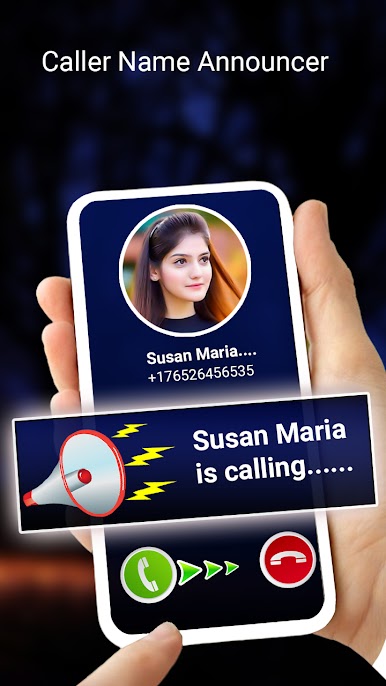
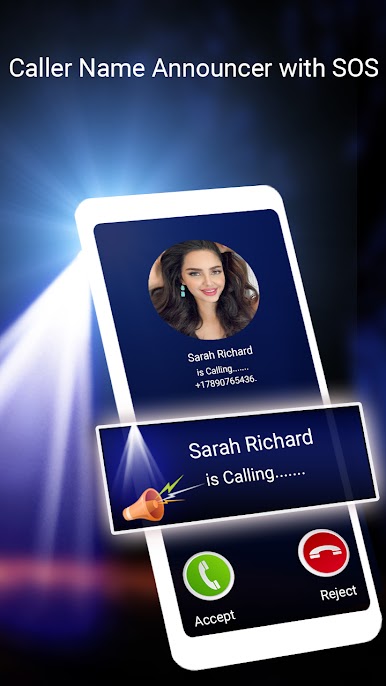
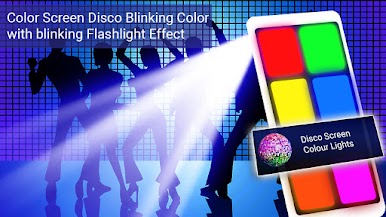
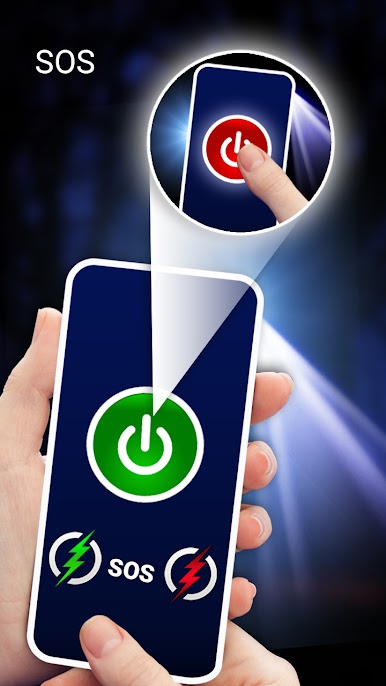
Flashlight on incoming call and SMS –incoming caller name announcer is current need of this era. The flashlight on incoming call and blinking flashlight feature is available in our incoming call flashlight app. Blinking light on call and mms and caller name announcer features will help you to get call alert and SMS alert on time. You will be able to now caller name id and now who is calling without touching your phone.it will speak whos calling you. Suppose you are driving then you can easily now who is calling by using this caller name announcer app. there are lot of apps with caller name announcer and incoming call flashlight alert on google play store then why did you install our caller name announcer and incoming flashlight alert app ? The answer is so simple we are proving you some extra features in our Flash Alert on Call- Caller Name Announcer like caller name announcer for selected contacts, incoming call flashlight alert and caller name announcer for other social media apps like call announcer for WhatsApp call and call announcer for messenger and other social media apps. we also provide you some extra features in our name announcer and speak who is calling ringtone app like SOS on flashlight at different level, disco flashing lights on your phone screen, colorful disco light effects by looping colors themes and blinking of flash light with colored screen blinking which will gives you complete disco lights effect in dark room so you can enjoy disco lights effects by using our incoming caller name announcer app at your home. Our app also provide you flashlight and torch feature to use you phone as torch in dark room.so utilize you phoner LED flashlight alert on call and sms. The main focus of our app is onBlinking light alert on SMS, flashlight alert on call and disco flashlight effect by using phone screen.
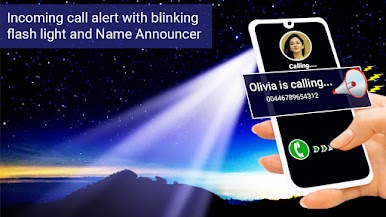
Incoming call flash light:This feature is best when your phone is on silent and you receive call from someone then your phone light start blinking and you will get alert on incoming call. It’s an incoming call ringtone with blinking flash alert you also can receive blinking phone light alert with incoming call ringtone. If you use our incoming call flesh alert on call and SMS. You will also get blinking flashlight alert on your SMS and other social media apps notifications as well like blinking flash alert for WhatsApp messages and blinking flashlight alert for messenger and other social media apps.so simply by installing this incoming call notifier app you can use your Phone tourch as an alert.
Caller name announcer and speak who is calling : if you install this caller name announcer you will be able to know who is calling you by its caller name announcer feature without touching your phone. Suppose you are doing any important work and unable to pick phone call then this app is very help full to you because this caller announcer app will tells you call name with ringtone and you will be able to know either you pick that call or not. You can set prefix and post fix for incoming call announce tune. You will be able know about spoof call or block unknown callers by listening caller names. This is a caller id name application that identifies caller id number and then announce name on incoming call from them. You will be able to differentiate between your simple business call and private call by listening name on incoming call.
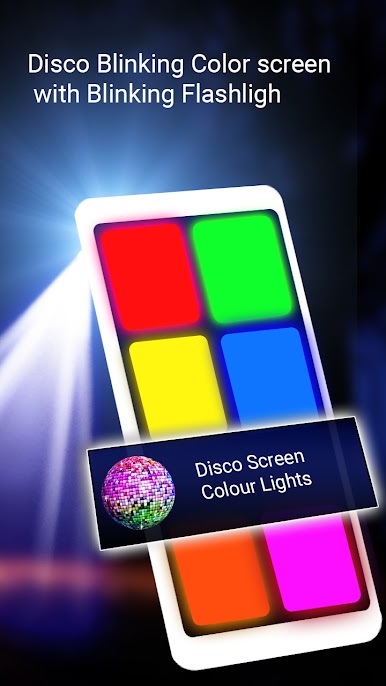
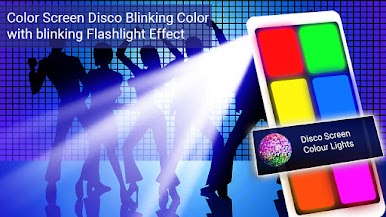
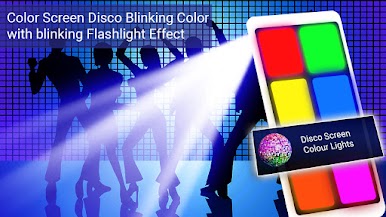
Disco flashlight: is best effect and additional feature of our app which is not found in other caller name announcer and incoming call flashlight alert apps with this disco light effect you can set a small disco light effect in your home dark room. It is not an actual disco lights but we just create it by bilking colors on phone screen with SOS blinking flashlight as well which give you home disco light effect to some extent.





Play Incoming Caller Name Announcer on PC. It’s easy to get started.
-
Download and install BlueStacks on your PC
-
Complete Google sign-in to access the Play Store, or do it later
-
Look for Incoming Caller Name Announcer in the search bar at the top right corner
-
Click to install Incoming Caller Name Announcer from the search results
-
Complete Google sign-in (if you skipped step 2) to install Incoming Caller Name Announcer
-
Click the Incoming Caller Name Announcer icon on the home screen to start playing

