


Flashfood—Grocery deals
Play on PC with BlueStacks – the Android Gaming Platform, trusted by 500M+ gamers.

Page Modified on: Oct 14, 2026
Play Flashfood—Grocery deals on PC
********
ALWAYS SOMETHING NEW 🫐
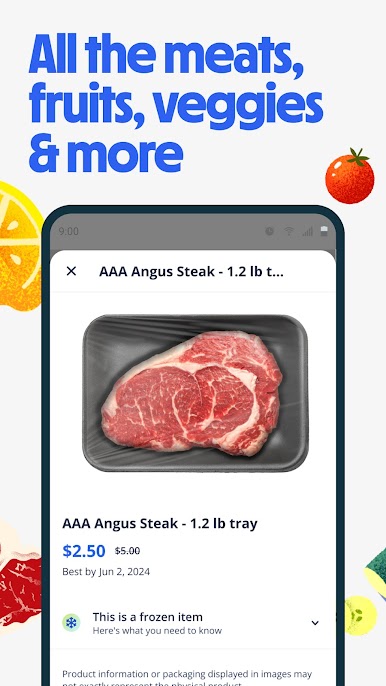
With fresh deals added daily, you’ll find go-to staples and new foods to discover. From chicken wings to crab cakes, kiwis to strawberries*, Flashfood helps you switch up your meals. And if you don’t see your find today — check back tomorrow. We might surprise you.
THE FRESHEST DEALS IN TOWN 🥬
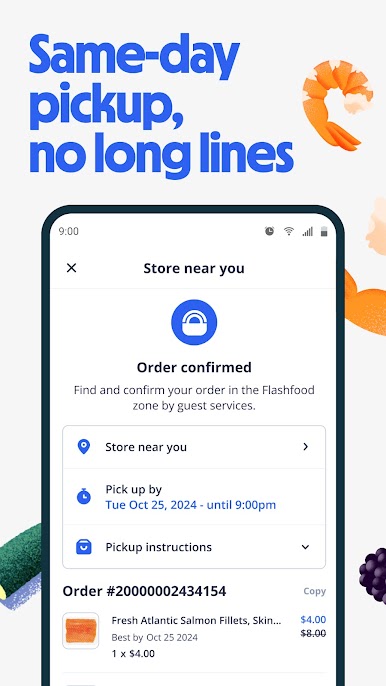
We partner with major grocery stores like Meijer and Kroger to score you savings close to home. Same-day pick up, no long lines — just unbeatable deals. The real question is: how will you fit it all in the fridge?
WHO SHOULD USE FLASHFOOD? 😋
People who eat food. That’s who. And people who love a great deal. And a great meal.
HOW DOES IT WORK? WE’RE GLAD YOU ASKED 💙
1. Download Flashfood and create an account
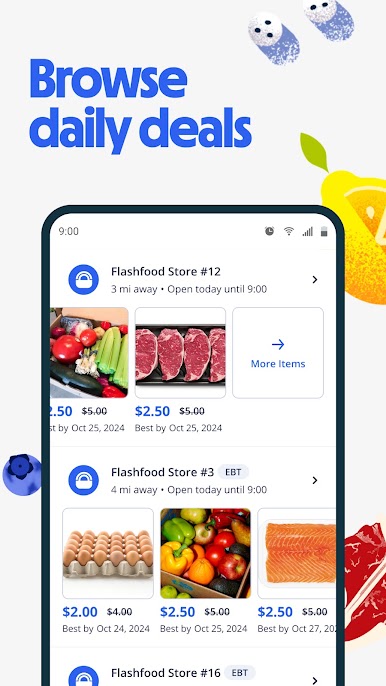
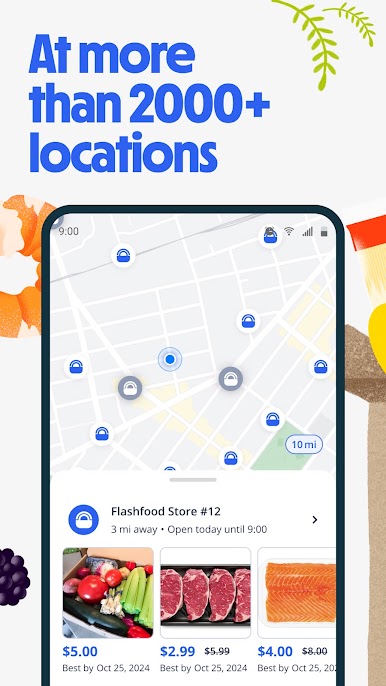
2. Browse grocery deals at nearby stores
3. Add items to your cart and buy in the app
4. Pick up your haul from the Flashfood Zone at your local partner store
WARNING: Upon finding your first amazing flash deal, spontaneous dancing for joy may occur. 🎉🎉🎉
WHAT’S THE CATCH? 🦄
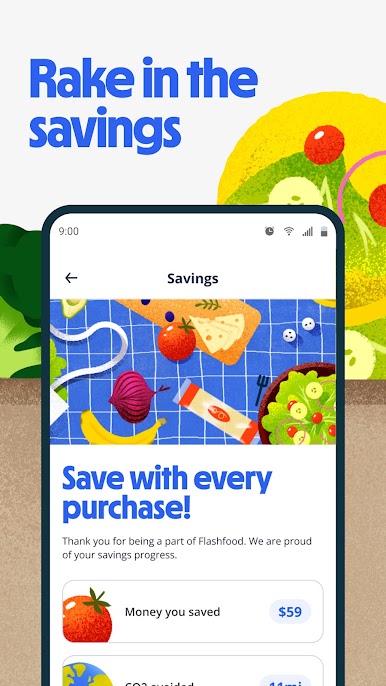
There’s no catch! Grocers are working hard to ensure food ends up on dinner tables, not in landfills. By selling meat, produce, and prepared foods at up 50% off on Flashfood, our partners ensure that surplus items – whether seasonal, overstocked, or nearing expiration — end up on dinner tables, not in the landfill.
******** *
Item selection varies by store. Terms and conditions apply. See details: flashfood.com/terms
Need help? We’re here. Reach out on live chat from the app or email us at support@flashfood.com.
We care about your privacy (for real). Read about it at flashfood.com/privacy
To learn more about our impact, where we operate, and our plans for the future, visit flashfood.com.
Play Flashfood—Grocery deals on PC. It’s easy to get started.
-
Download and install BlueStacks on your PC
-
Complete Google sign-in to access the Play Store, or do it later
-
Look for Flashfood—Grocery deals in the search bar at the top right corner
-
Click to install Flashfood—Grocery deals from the search results
-
Complete Google sign-in (if you skipped step 2) to install Flashfood—Grocery deals
-
Click the Flashfood—Grocery deals icon on the home screen to start playing

