


FlashLight Plus
Play on PC with BlueStacks – the Android Gaming Platform, trusted by 500M+ gamers.

Page Modified on: Aug 1, 2024
Overview
Features:
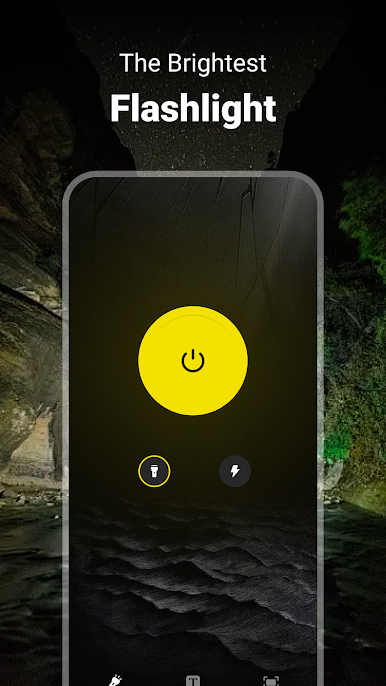
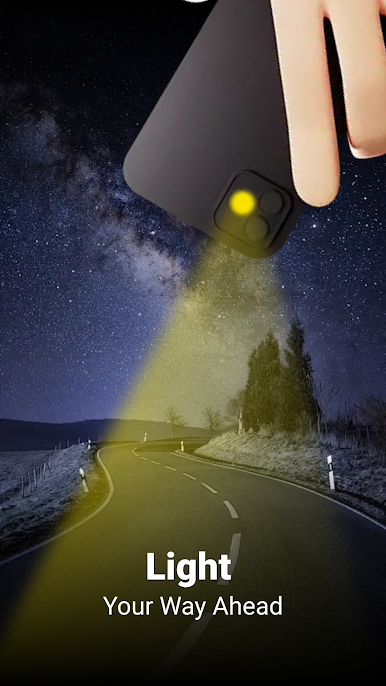
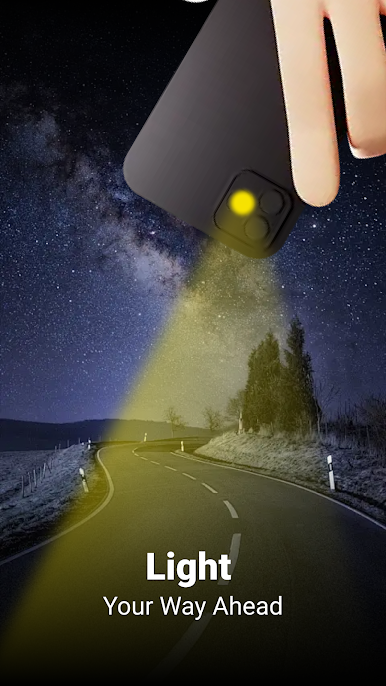
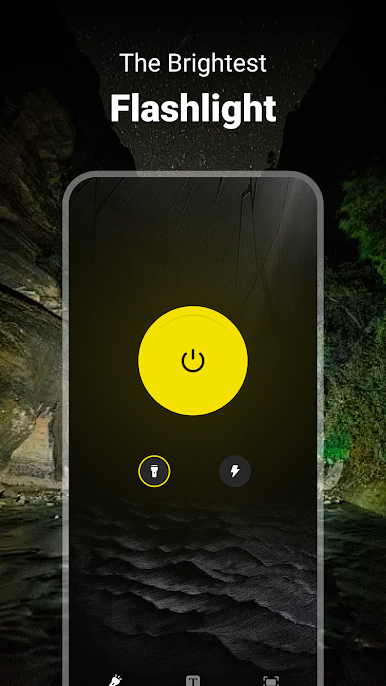
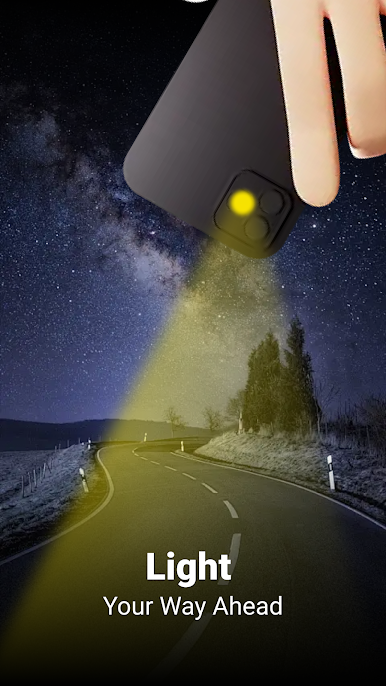
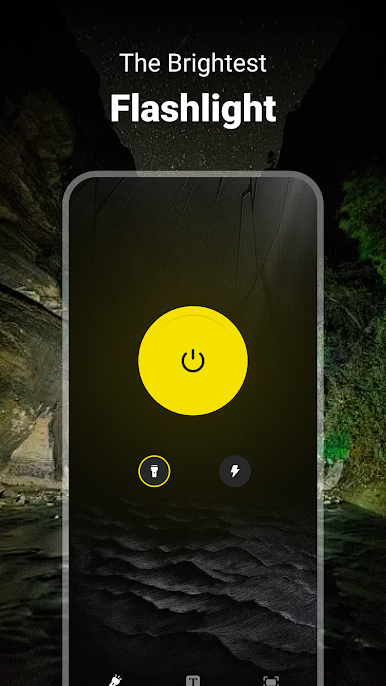
• Flashlight: Reliable and straightforward light for any situation.
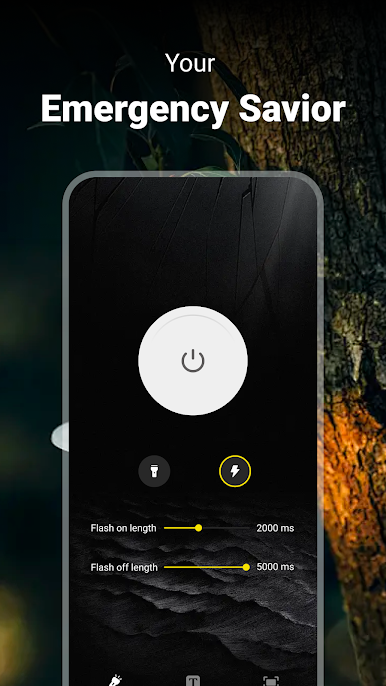
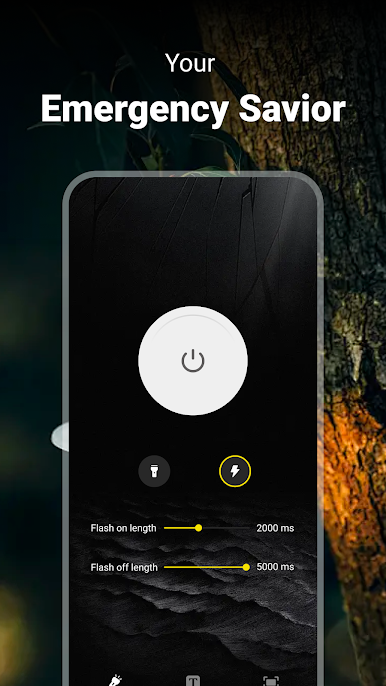
• Strobe Light: Set your own timing for the flashlight to turn on and off, perfect for parties or sending signals.
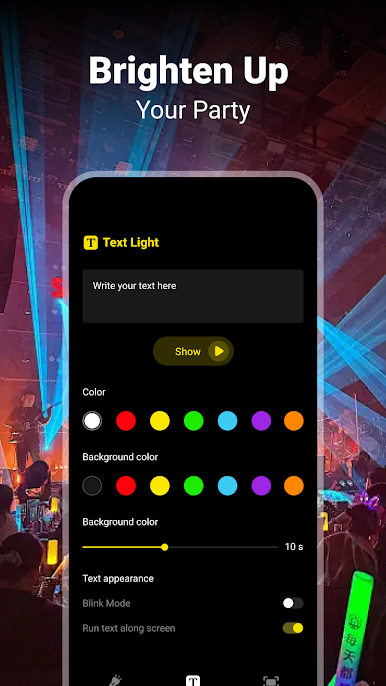
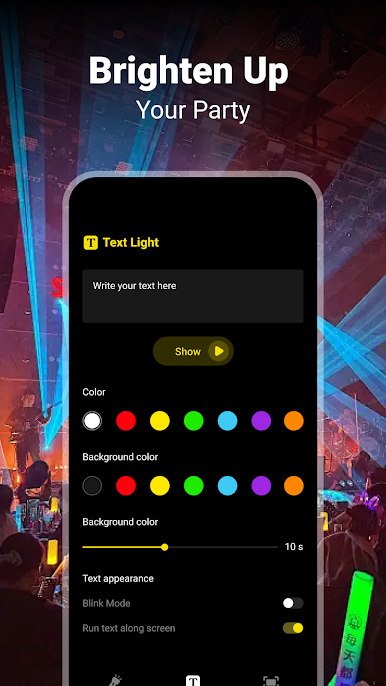
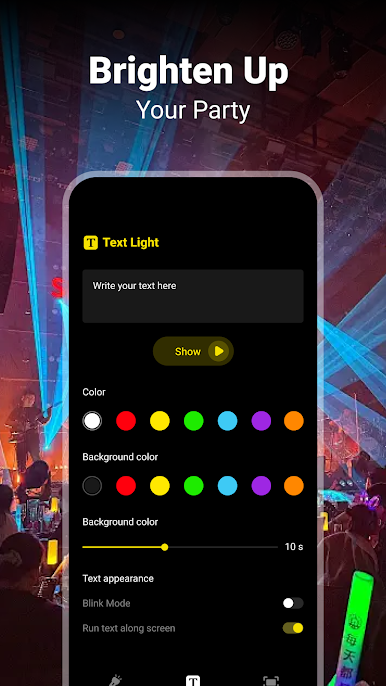
• TextLight: Customize text, text color, and background color that scrolls across your screen, great for events or personal messages.
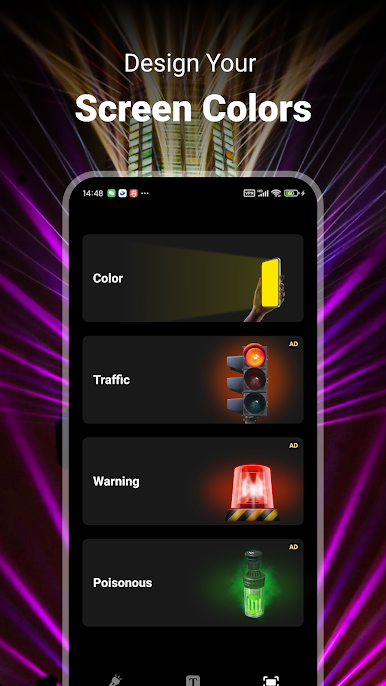
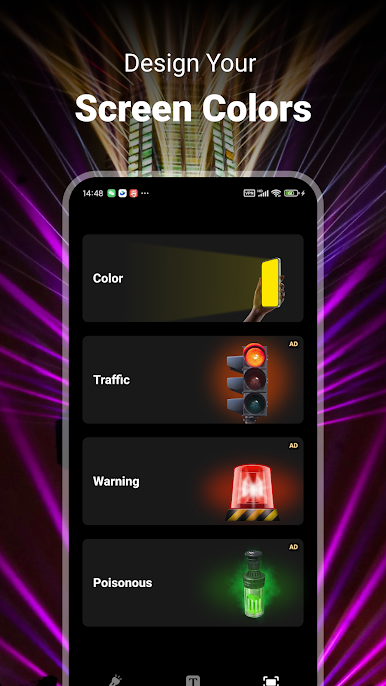
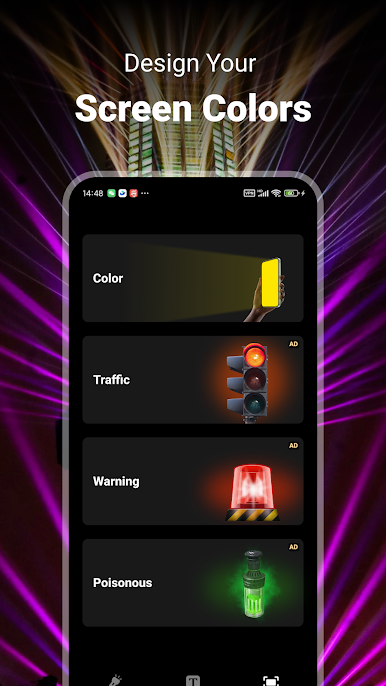
• Screen Light: Offers four different light styles including color, traffic, warning, and poisonous to make your screen vibrant and useful.
FlashLight Plus is easy to use with a simple design. Quick access through a status bar button or a widget on your home screen lets you turn on the flashlight whenever needed.
About Us:
• Visit our website: https://torch-plus.com/index.html
• Read our privacy policy: https://torch-plus.com/FlashLight-PrivacyPolicy.html
• Contact us: technogeeksolutionspune@gmail.com
Play FlashLight Plus on PC. It’s easy to get started.
-
Download and install BlueStacks on your PC
-
Complete Google sign-in to access the Play Store, or do it later
-
Look for FlashLight Plus in the search bar at the top right corner
-
Click to install FlashLight Plus from the search results
-
Complete Google sign-in (if you skipped step 2) to install FlashLight Plus
-
Click the FlashLight Plus icon on the home screen to start playing

