


Fliff - Sports Picks
Play on PC with BlueStacks – the Android Gaming Platform, trusted by 500M+ gamers.

Page Modified on: Apr 3, 2026
Main Fliff - Sports Picks on PC
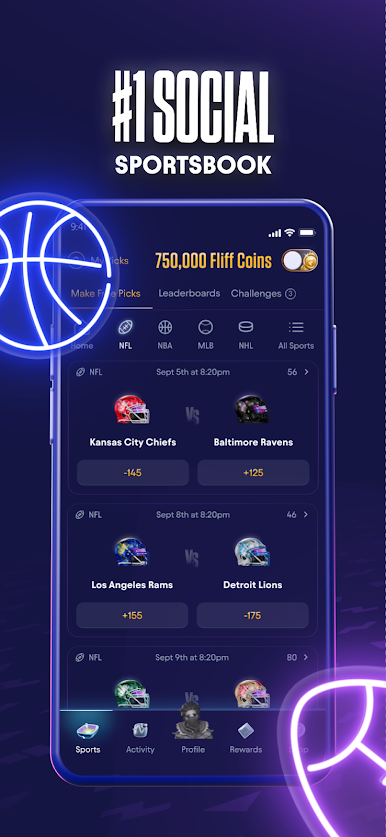
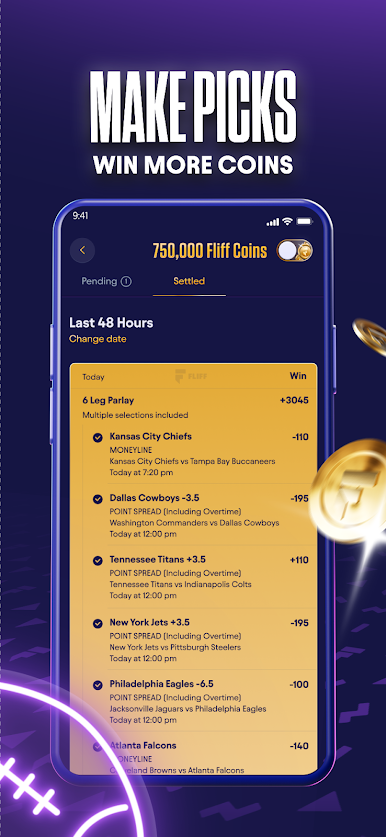
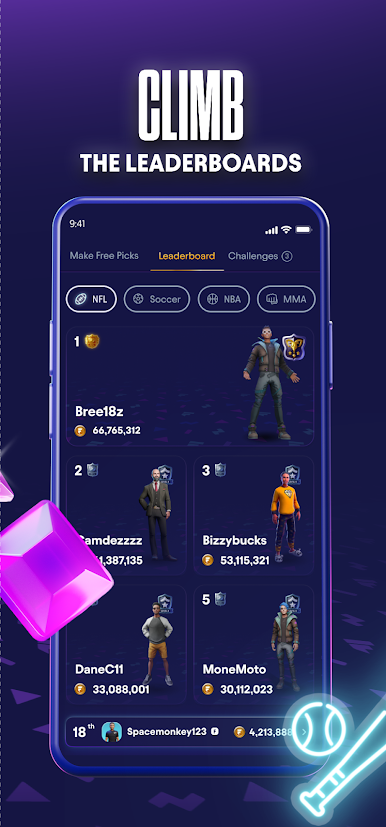
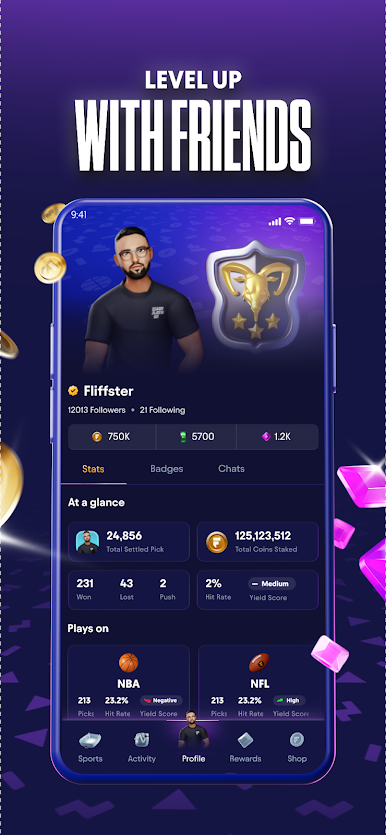
Fliff is a new play-for-fun predictive gaming experience. Make picks with Fliff Coins to compete against the community, move up the leaderboards, complete challenges, and unlock badges and loyalty rewards.
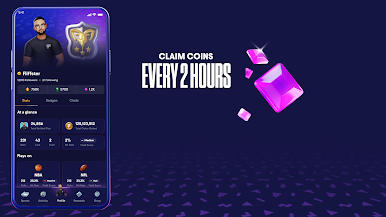
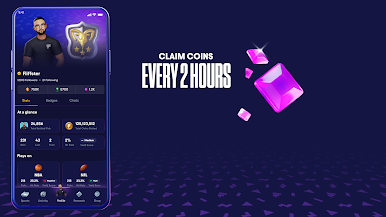
Fliff is always free to play with never ending rewards for sports fans! Virtual Fliff currencies are always available to be claimed so the action never stops.
*Sweepstakes that may be accessible via the Fliff app are solely sponsored and administered by Fliff, Inc. Alphabet/Google is not a sponsor of, affiliated with, or responsible for conducting, any sweepstakes.










Play Fliff - Sports Picks on PC. It’s easy to get started.
-
Download and install BlueStacks on your PC
-
Complete Google sign-in to access the Play Store, or do it later
-
Look for Fliff - Sports Picks in the search bar at the top right corner
-
Click to install Fliff - Sports Picks from the search results
-
Complete Google sign-in (if you skipped step 2) to install Fliff - Sports Picks
-
Click the Fliff - Sports Picks icon on the home screen to start playing

