


Smash Land!
Play on PC with BlueStacks – the Android Gaming Platform, trusted by 500M+ gamers.

Page Modified on: Oct 6, 2026
Play Smash Land! on PC or Mac
Play Smash Land! by Flow Games A.S. on PC or Mac with BlueStacks. Use a bigger screen, mouse and keyboard controls, and smoother performance while you play.
About the Game
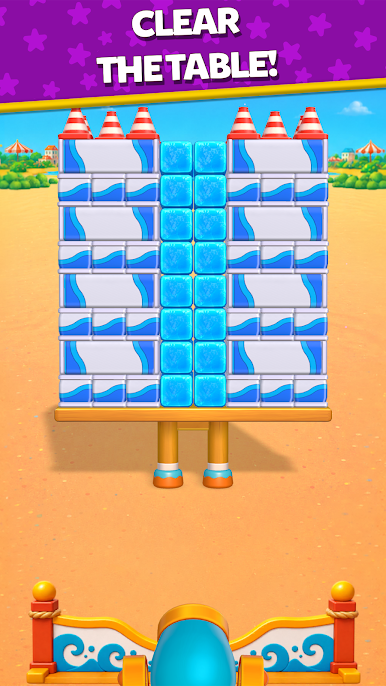
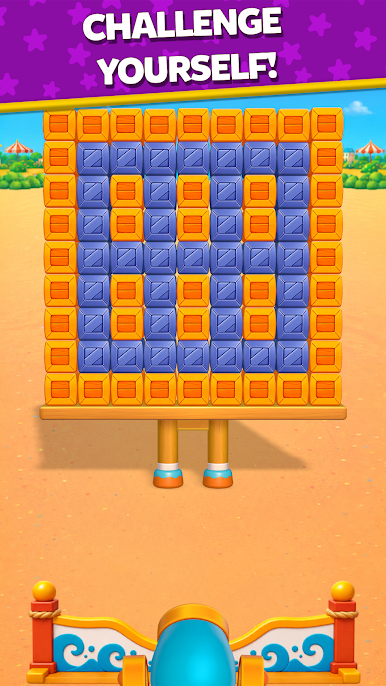
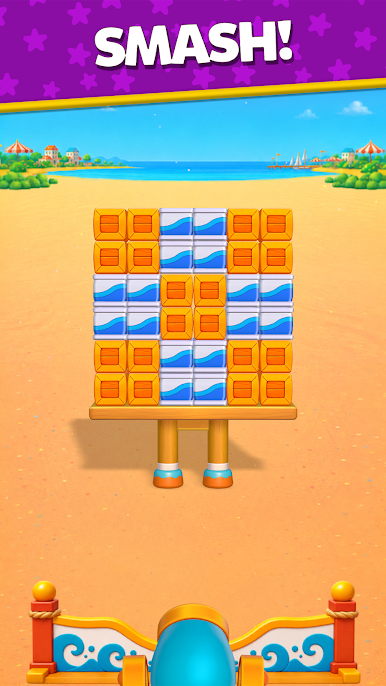
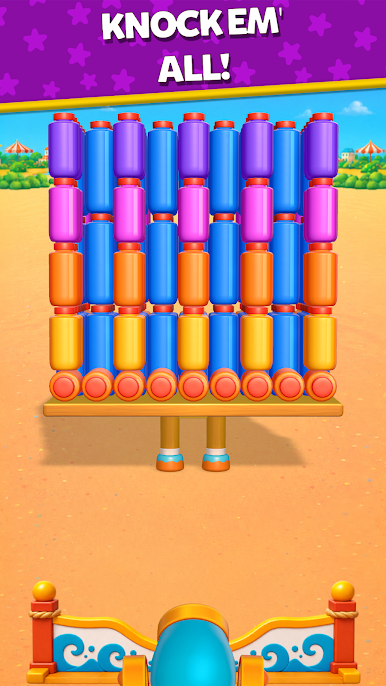
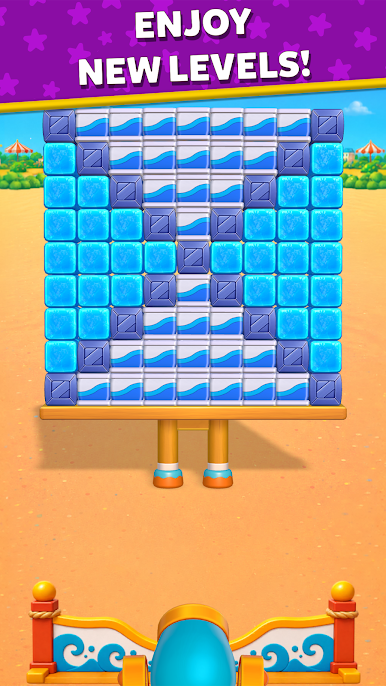
Smash Land! is a physics-driven Puzzle game where a single, well-aimed shot can topple entire structures. You’ll line up your cannon, send a ball screaming into the arena, and watch carefully built towers crumble in shockingly satisfying ways. It’s quick to grasp, surprisingly deep, and perfect when you want a burst of chaos that still asks you to think a step ahead. Prefer a bigger view? It plays nicely on BlueStacks, too.
Game Features
- Cannon-to-Chaos Gameplay: Aim, fire, and watch structures crack, tilt, and collapse as pieces bounce and tumble across the arena.
- Tactile Physics: Every object has weight and momentum, so bank shots, ricochets, and rolling finishes can trigger wild chain reactions.
- One-Shot Brilliance: Nail the perfect angle and bring the whole setup down in a single move—hugely satisfying when it lands.
- Evolving Challenges: New contraptions, materials, and tricky layouts keep you guessing from stage to stage.
- Clean 3D Destruction: Crisp visuals make every crumble, splinter, and scatter feel extra punchy and clear.
- Tons of Stages: Work through a hefty collection of handcrafted levels that range from breezy warmups to brain-twisters.
- Easy to Learn Controls: Tap, drag, release—simple moves that leave room for clever planning.
- Fast Retries, Big Payoffs: Experiment freely, reset in a snap, and chase that perfect line that topples everything.
- Replay-Worthy Moments: Those “did you see that?” knockdowns are the kind you’ll want to watch unfold again.
Start your journey now. Download the game on BlueStacks, invite your friends, and march on a new adventure.
Play Smash Land! on PC. It’s easy to get started.
-
Download and install BlueStacks on your PC
-
Complete Google sign-in to access the Play Store, or do it later
-
Look for Smash Land! in the search bar at the top right corner
-
Click to install Smash Land! from the search results
-
Complete Google sign-in (if you skipped step 2) to install Smash Land!
-
Click the Smash Land! icon on the home screen to start playing

