


Fluffy Drop - No Timer
Play on PC with BlueStacks – the Android Gaming Platform, trusted by 500M+ gamers.

Page Modified on: Sep 23, 2026
Main Fluffy Drop - No Timer on PC
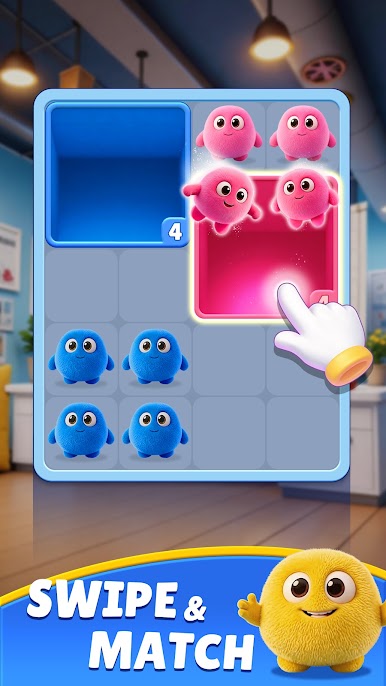
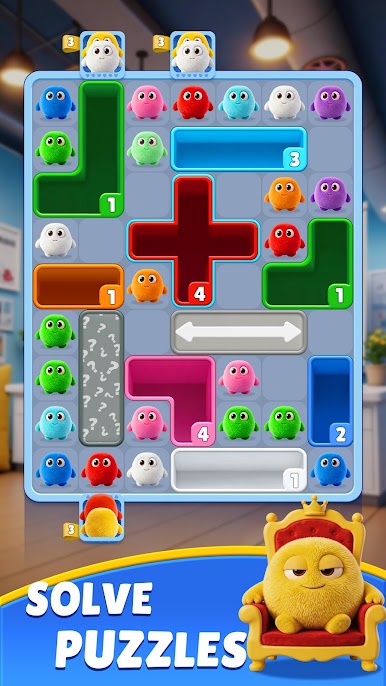
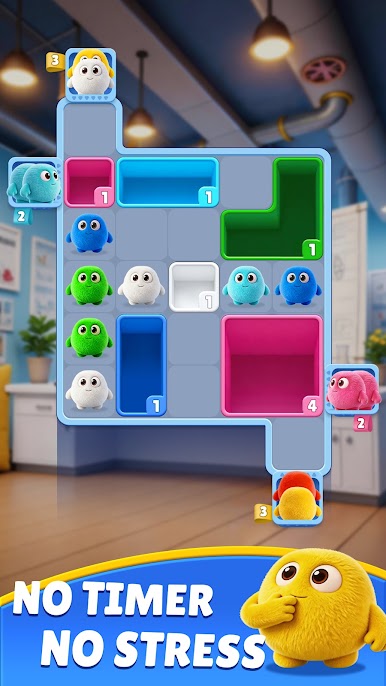
Step into the softest puzzle experience with Fluffy Drop, a delightful blend of color-matching strategy and satisfying drag-and-drop mechanics. Your mission is simple yet irresistibly engaging: guide fluffy balls into matching color zones, clear the board, and bask in the joy of perfectly planned moves. Whether you're a puzzle enthusiast or just looking for a relaxing brain break, Fluffy Drop wraps logic in charm and challenges in comfort. ☁️🎨
Why you’ll fall in love with Fluffy Drop:
Satisfying Drag & Drop Gameplay – Simple to learn, yet deeply rewarding to master.
Hundreds of Cozy Levels – From gentle warm-ups to brain-teasing puzzles, there’s always a new challenge waiting.
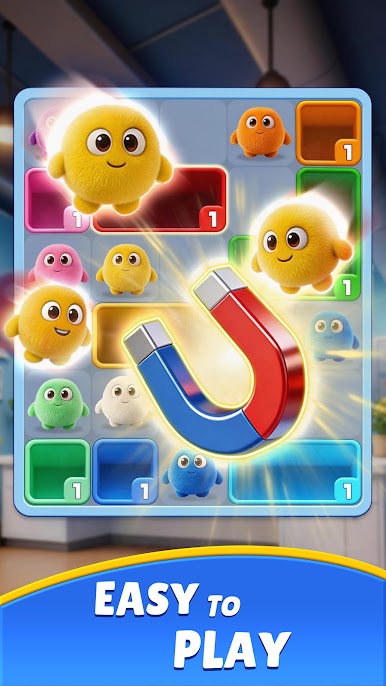
Vibrant Visuals & Soothing Animations – Every color match comes to life with soft effects and smooth motion.
Strategic Depth – Plan your moves, anticipate the next drop, and create chain reactions for maximum satisfaction.
Play Anywhere, Anytime – No Wi-Fi? No problem. Enjoy the full experience offline.
Ready to drop into a world of fluffy fun?
Download Fluffy Drop today and discover why every drop is a step toward pure puzzle joy! 🐻❄️💖



Play Fluffy Drop - No Timer on PC. It’s easy to get started.
-
Download and install BlueStacks on your PC
-
Complete Google sign-in to access the Play Store, or do it later
-
Look for Fluffy Drop - No Timer in the search bar at the top right corner
-
Click to install Fluffy Drop - No Timer from the search results
-
Complete Google sign-in (if you skipped step 2) to install Fluffy Drop - No Timer
-
Click the Fluffy Drop - No Timer icon on the home screen to start playing

