


Smash Romantic Goddess
Play on PC with BlueStacks – the Android Gaming Platform, trusted by 500M+ gamers.

Page Modified on: Sep 3, 2026
Play Smash Romantic Goddess on PC
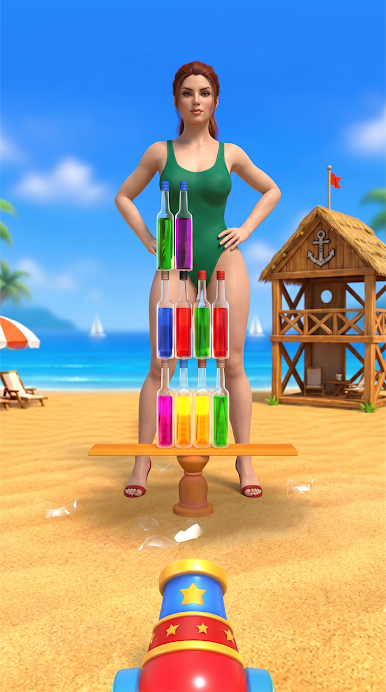
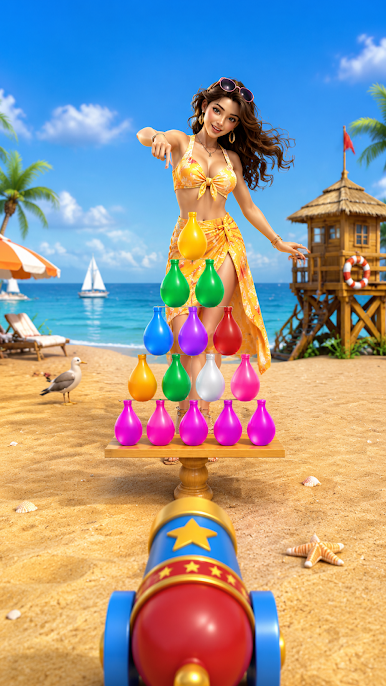
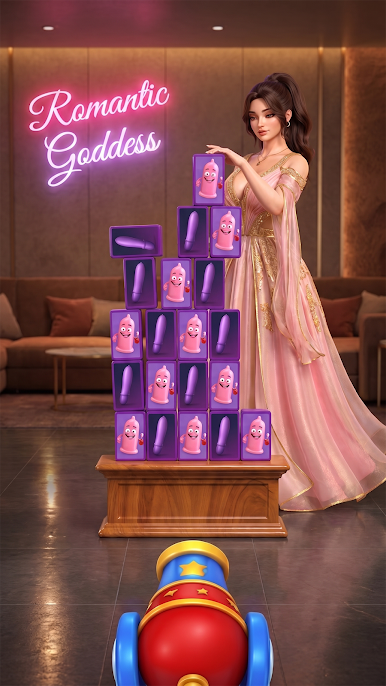
Take control of your character, complete different missions, overcome obstacles, and progress through challenging levels. Earn rewards, unlock new content, and become stronger as you continue your adventure.
🔥 Exciting Gameplay
Complete challenging missions
Explore colorful game environments
Overcome obstacles and enemies
Unlock new levels and challenges
Earn exciting rewards
Improve your skills and progress
Enjoy smooth and simple controls
Experience fun and action-packed gameplay
🌟 Explore the World
Explore different locations, discover new challenges, and enjoy an entertaining adventure. Each level brings new objectives and exciting situations to keep you engaged.
💥 Challenges & Adventure
Get ready to face exciting challenges and put your skills to the test. Complete objectives, overcome difficult situations, and progress through the game to unlock more adventures.
Smash Romantic Goddess is perfect for players who enjoy action, adventure, challenges, casual gameplay, and entertaining simulation experiences.
Download now and start your exciting adventure!


Play Smash Romantic Goddess on PC. It’s easy to get started.
-
Download and install BlueStacks on your PC
-
Complete Google sign-in to access the Play Store, or do it later
-
Look for Smash Romantic Goddess in the search bar at the top right corner
-
Click to install Smash Romantic Goddess from the search results
-
Complete Google sign-in (if you skipped step 2) to install Smash Romantic Goddess
-
Click the Smash Romantic Goddess icon on the home screen to start playing

