


Timer
Play on PC with BlueStacks – the Android Gaming Platform, trusted by 500M+ gamers.

Page Modified on: Mar 20, 2026
Play Timer on PC
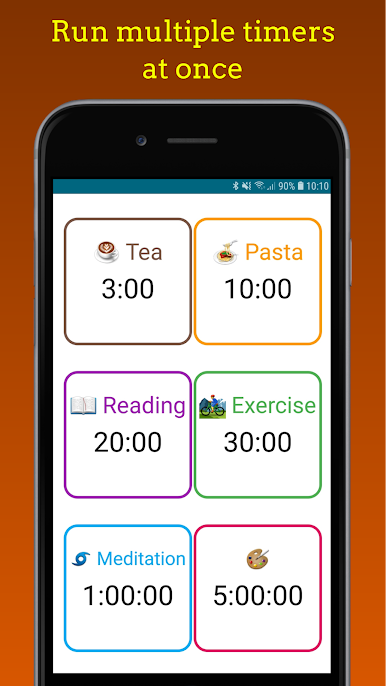
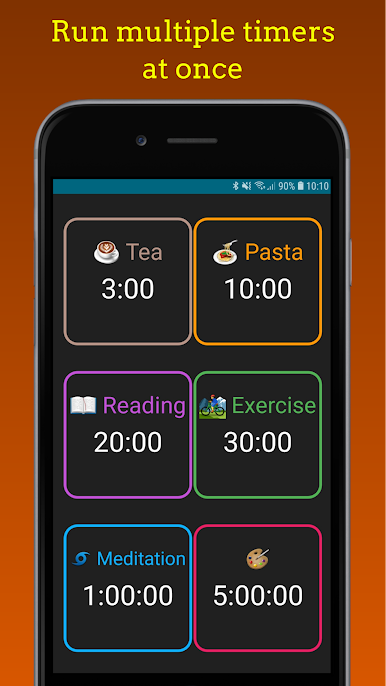
Stay on top of everything with Multi Timer, the easy-to-use app that lets you run multiple countdown timers at once — all visible on one screen! Perfect for cooking, baking, workouts, studying, gaming, meditation, or any task that needs precise timing.
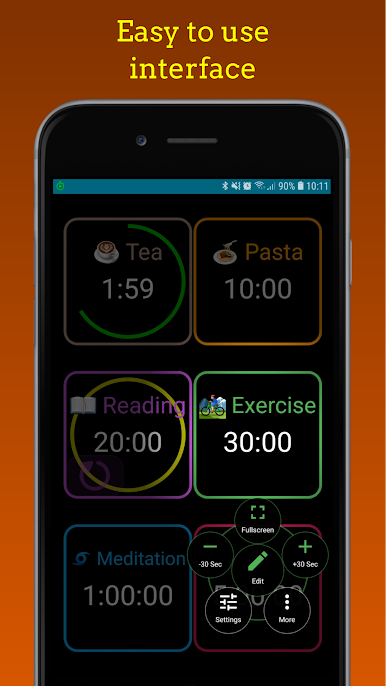
✅ Easy to Use:
• Tap to start, tap to stop, hold to edit — it’s that simple
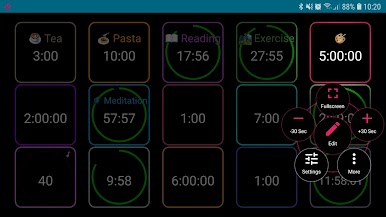
• Run multiple timers simultaneously
• Save preset timers for quick access anytime
⚙️ Powerful Features:
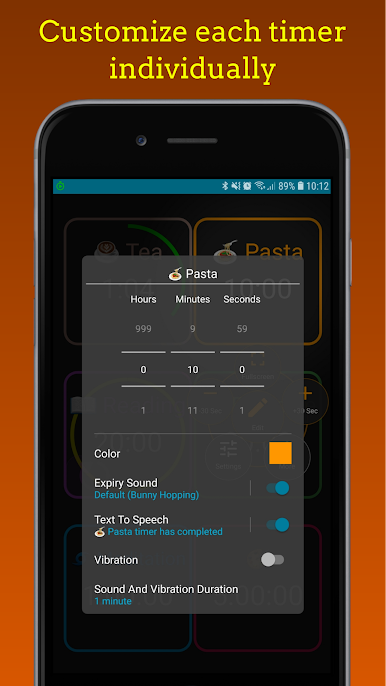
• Give each timer a custom name so you always know what it’s for
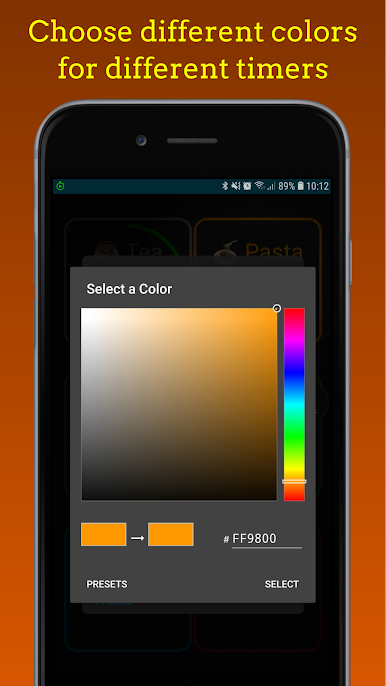
• Add emojis or colors to recognize timers at a glance
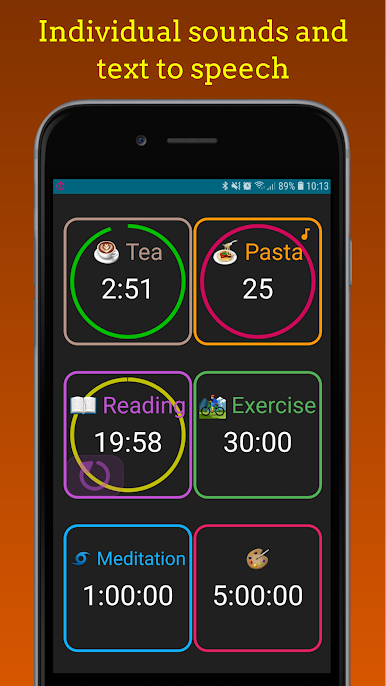
• Choose a unique sound or ringtone for each timer
• Get text-to-speech alerts that announce which timer has finished
• Vibration in silent mode — never miss a timer, even quietly
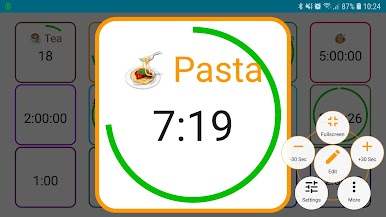
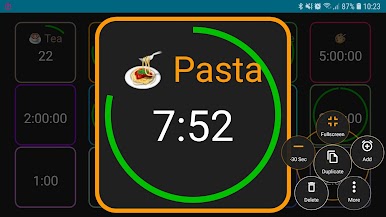
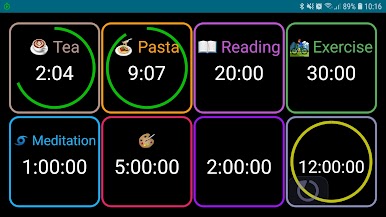
• Fullscreen mode for large, easy-to-read displays
🎨 Smart Design:
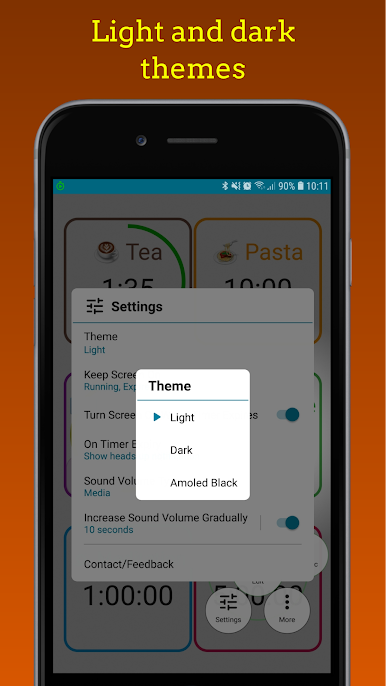
• Beautiful light and dark themes
• Unlimited timers counting down independently
• Pause and resume timers anytime
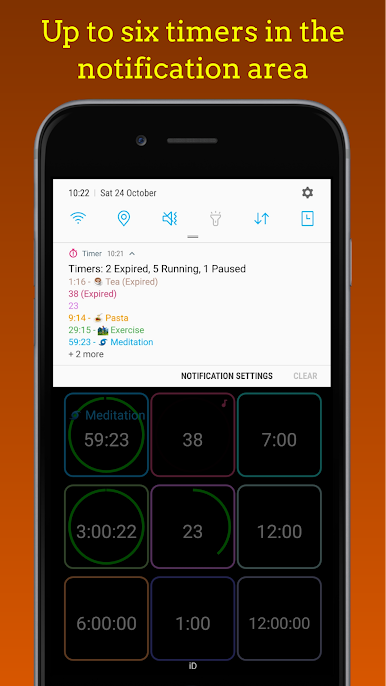
• See up to six running timers in the notification area
• Heads-up alerts so you’re notified instantly
• Set timers from 0 seconds up to 1000 hours (over 41 days!)
• Optionally keep the screen on while running a timer
• Use as a stopwatch — just set the time to 00:00 to count up
Whether you’re managing a busy kitchen, timing your workouts, or keeping track of multiple tasks, Multi Timer helps you stay organized, focused, and in control.
📧 Have feedback or feature ideas?
For app suggestions, feature requests or bug reports please email foonapp@gmail.com.
Play Timer on PC. It’s easy to get started.
-
Download and install BlueStacks on your PC
-
Complete Google sign-in to access the Play Store, or do it later
-
Look for Timer in the search bar at the top right corner
-
Click to install Timer from the search results
-
Complete Google sign-in (if you skipped step 2) to install Timer
-
Click the Timer icon on the home screen to start playing

