


Kids Foot Locker
Play on PC with BlueStacks – the Android Gaming Platform, trusted by 500M+ gamers.

Page Modified on: Dec 2, 2025
Play Kids Foot Locker on PC
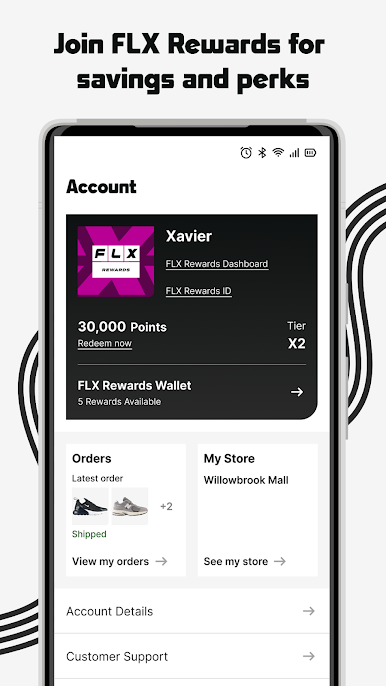
Join FLX and get rewarded
• Earn points across all of our brands
• Free standard shipping with no minimum
• Redeem XPoints in the rewards center for exclusive products, experiences and even gift cards
• Receive a special birthday gift
• Take advantage of member -only sales and events
• Access to special gift with purchase promotions
• Plus, as you move up in status' you will receive even more rewards
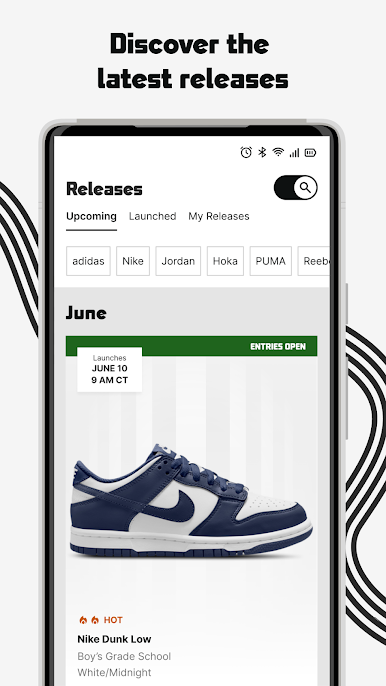
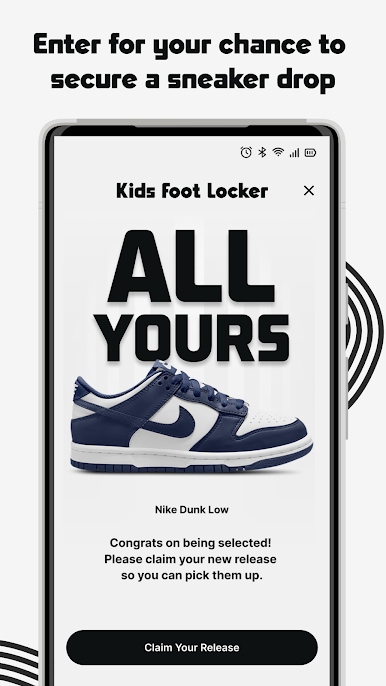
Get Dibs on new releases
• Know what's next with the Release Calendar
• Get notifications on hot new releases before others by opting in to push notifications
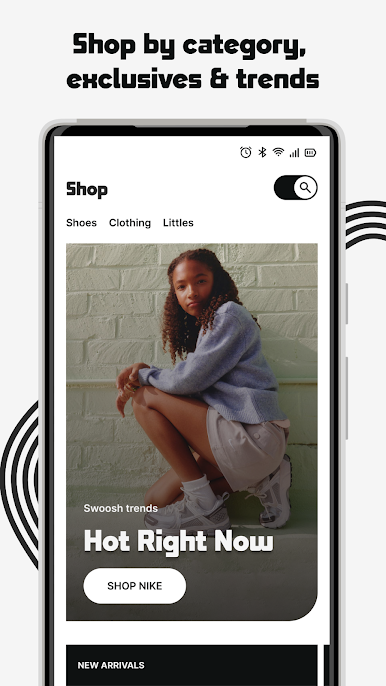
Shop
• For the latest heat in footwear and clothing
• Browse your brand: Jordan, Nike, adidas, Reebok, and more
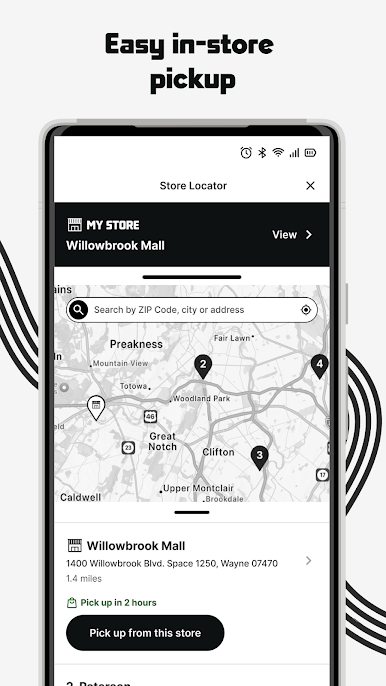
• Find your nearest shop with the Store Locator
• Scan your credit card right in the app to streamline the checkout process
• Access My Account to save your payment and shipping info for faster checkout.
• Learn all about the latest in sneaker culture and sneaker news
Shop Kids Foot Locker anytime, anywhere!
Play Kids Foot Locker on PC. It’s easy to get started.
-
Download and install BlueStacks on your PC
-
Complete Google sign-in to access the Play Store, or do it later
-
Look for Kids Foot Locker in the search bar at the top right corner
-
Click to install Kids Foot Locker from the search results
-
Complete Google sign-in (if you skipped step 2) to install Kids Foot Locker
-
Click the Kids Foot Locker icon on the home screen to start playing

