


Speed Racing League
Play on PC with BlueStacks – the Android Gaming Platform, trusted by 500M+ gamers.

Page Modified on: Apr 24, 2026
Play Speed Racing League on PC
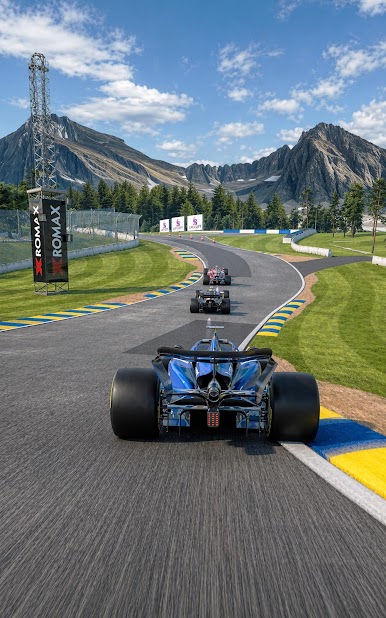
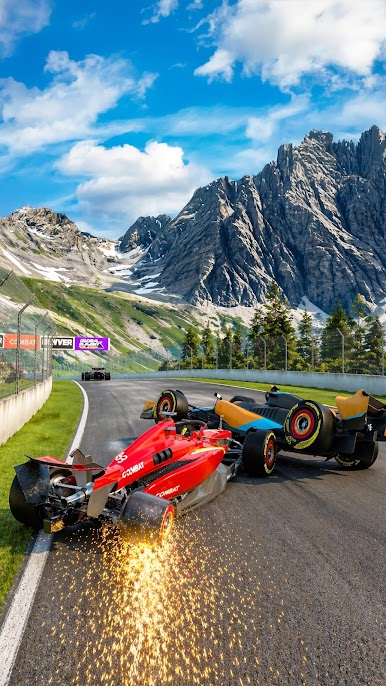
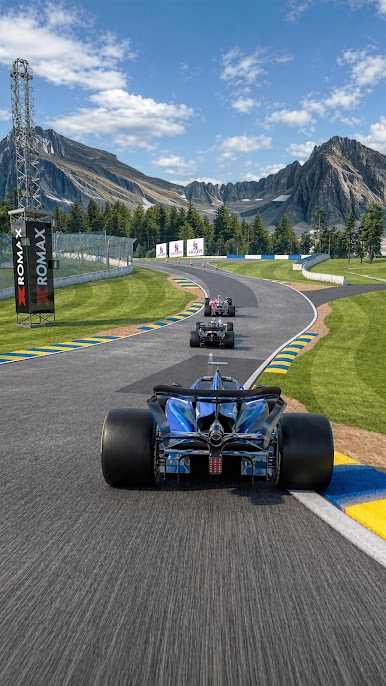
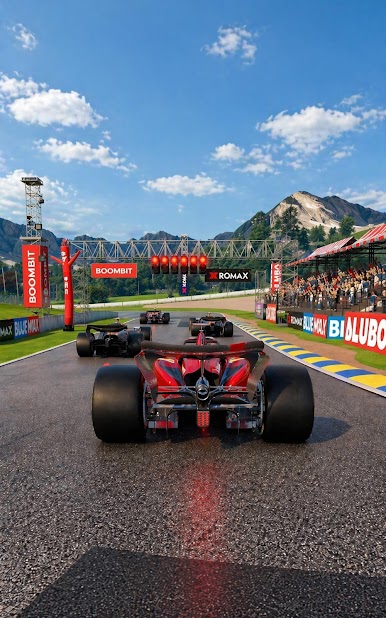
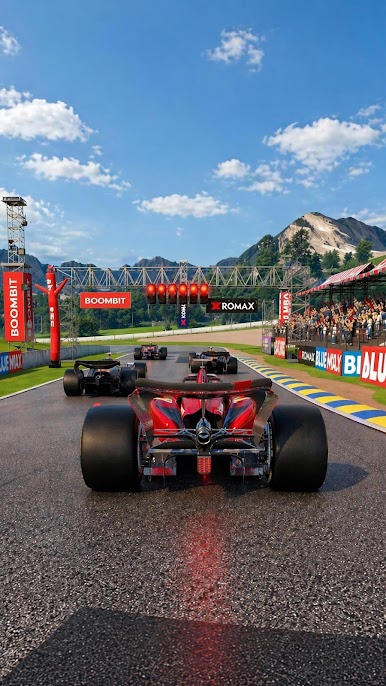
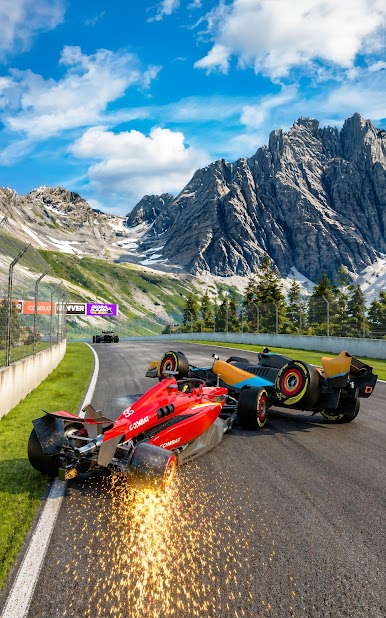
Take control of a high-speed race car, compete against rival drivers and push your limits through intense track battles. Each level takes you to a different racing circuit with new opponents, new turns and new chances to prove that you are the fastest driver on the grid.
Winning is not only about speed. Improve your car step by step and create the ultimate racing machine. Upgrade the engine for more power, enhance the tires for better grip and increase your earnings to unlock progress faster. Every decision helps you race harder, overtake rivals and dominate the competition.
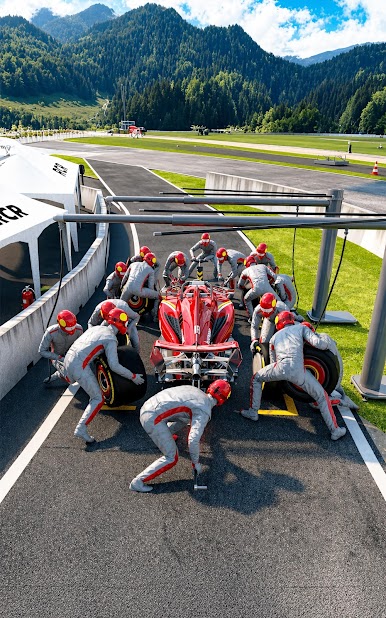
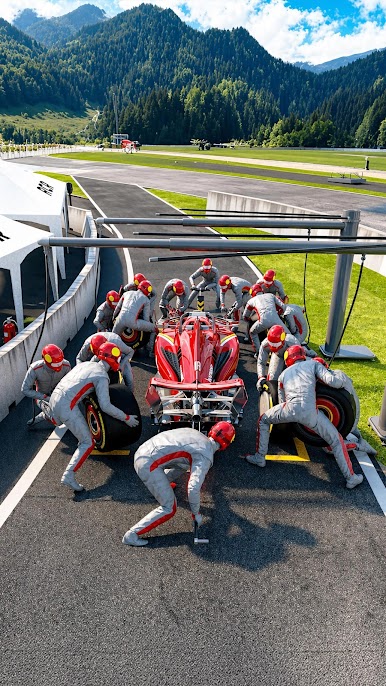
Between races, drive into the pit stop and keep the action going. Your activity can make the service faster, helping your car return to the track with better momentum. Stay focused, react quickly and turn every pit stop into an advantage.
Customize your vehicle with tuning parts and performance upgrades. Add spoilers, engines and other racing components to build a car that looks powerful and performs even better. Develop your own racing style, improve your setup and prepare for tougher tracks ahead.
Game features:
• Fast mobile racing with exciting track-based levels
• Compete against rival race cars in every event
• Upgrade engine, tires and earnings to boost performance
• Active pit stop gameplay that affects service speed
• Tuning parts, spoilers, engines and car customization
• Progress through new tracks and tougher opponents
• Easy to play, satisfying to master
• A racing career built around speed, upgrades and smart timing
Speed Racing League is made for players who love car games, racing games, speed challenges, vehicle upgrades, tuning, track racing and competitive driving. Start your engine, enter the race, improve your car and fight for the top position.
Race fast. Tune smart. Win the league.
IGRS rating: 13+


Play Speed Racing League on PC. It’s easy to get started.
-
Download and install BlueStacks on your PC
-
Complete Google sign-in to access the Play Store, or do it later
-
Look for Speed Racing League in the search bar at the top right corner
-
Click to install Speed Racing League from the search results
-
Complete Google sign-in (if you skipped step 2) to install Speed Racing League
-
Click the Speed Racing League icon on the home screen to start playing

