


Forvo Pronunciation Guide
Play on PC with BlueStacks – the Android Gaming Platform, trusted by 500M+ gamers.

Page Modified on: Aug 13, 2024
Play Forvo Pronunciation Guide on PC
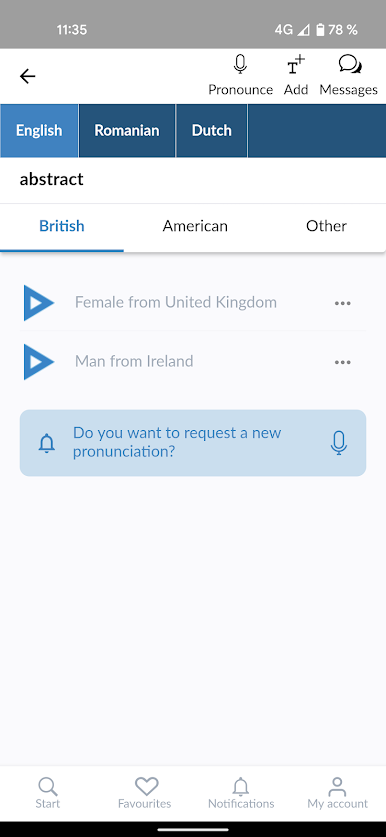
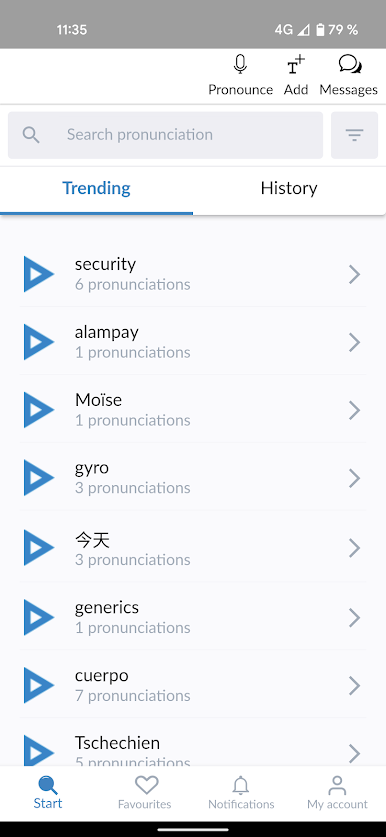
With Forvo, you can search for words and listen to pronunciations recorded by authentic native speakers of the language you require. And it's not just the world's most spoken languages such as English, Spanish, Chinese, Arabic, Russian, French, German, Japanese, or Italian, you can also search for words in Kabyle, Bashkir, Tamil and many, many others.
Features:
* Search for words and listen to pronunciations from native speakers.
* English pronunciations, French pronunciations, German pronunciations, Chinese pronunciations, Spanish pronunciations and hundreds more.
* More than 7 million pronunciations available.
* Compare different accents for the same word in the same language.
* Listen to male or female voices.
* Keep track of your recently listened pronunciations.
* Works with your forvo.com account.
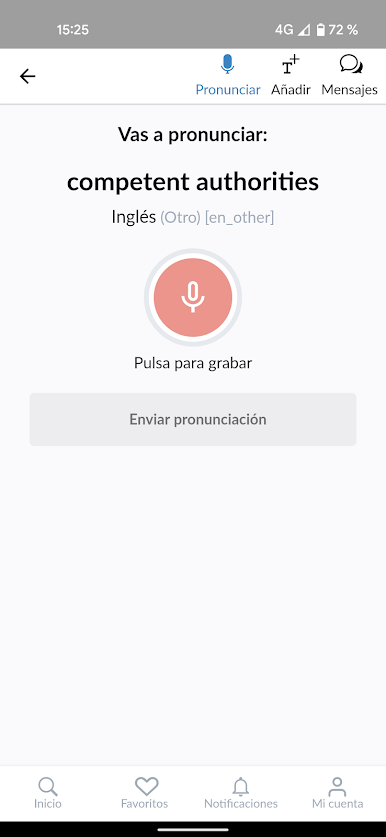
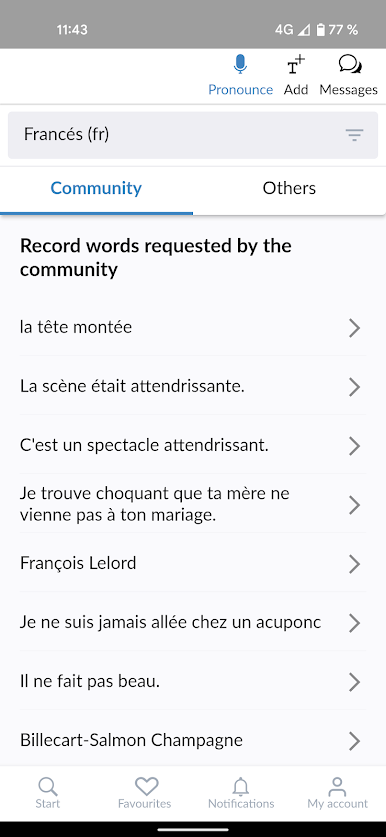
* Record pronunciations in your native language and help fellow learners!
* Learn to pronounce properly in more than 450 languages.
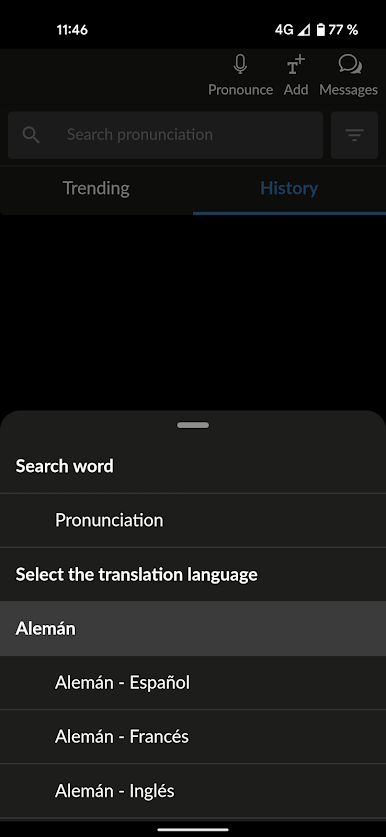
* Dark mode so your eyes don't get tired.
* Follow the pronunciations of those users whose voices you like the most.
* Interface available in English, Spanish and French.
Forvo also allows you to compare the way a word is pronounced in different accents from the same language. Forvo guarantees that you are always listening to pronunciations by native speakers. You can listen to these pronunciations by both female and male speakers and you can also adapt Forvo to your own requirements.
Join the biggest pronunciation network in the world.




Play Forvo Pronunciation Guide on PC. It’s easy to get started.
-
Download and install BlueStacks on your PC
-
Complete Google sign-in to access the Play Store, or do it later
-
Look for Forvo Pronunciation Guide in the search bar at the top right corner
-
Click to install Forvo Pronunciation Guide from the search results
-
Complete Google sign-in (if you skipped step 2) to install Forvo Pronunciation Guide
-
Click the Forvo Pronunciation Guide icon on the home screen to start playing

