


Lily Hopper: Word Ladder
Play on PC with BlueStacks – the Android Gaming Platform, trusted by 500M+ gamers.

Page Modified on: Sep 12, 2026
Play Lily Hopper: Word Ladder on PC
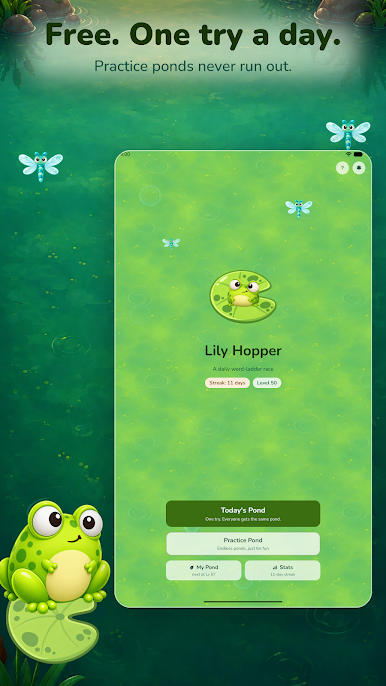
TODAY'S POND
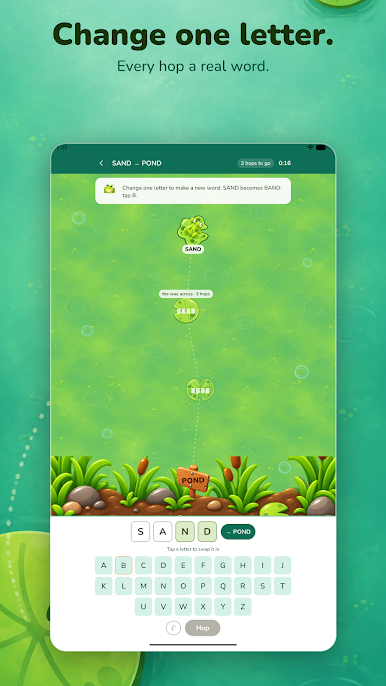
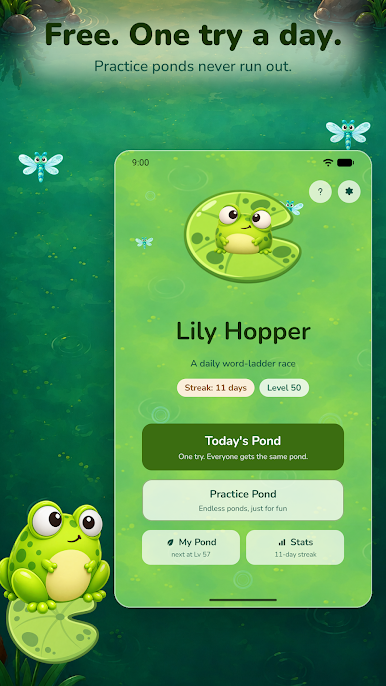
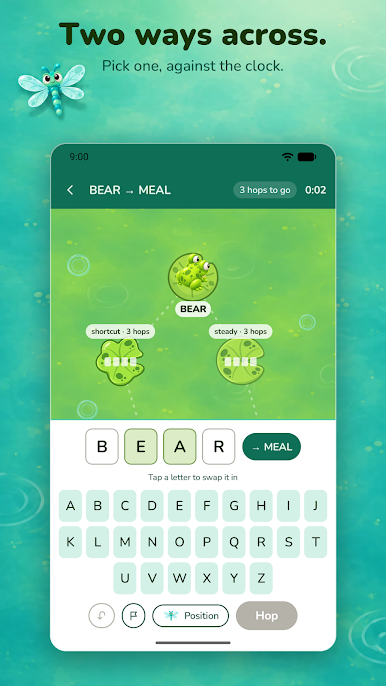
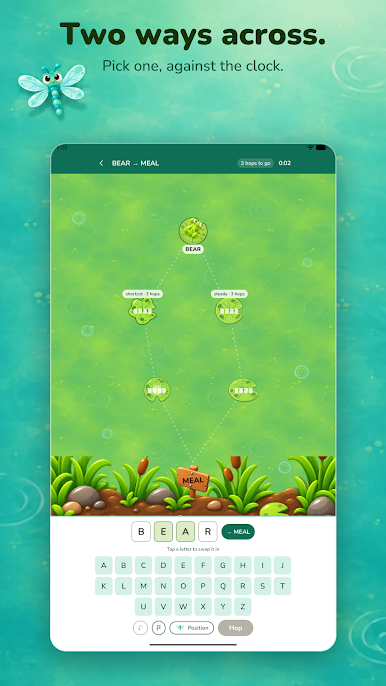
One pond a day, and everyone gets the same one. Take the shortcut through rarer words or the steady route through safer ones — or leave the pads altogether, because any real word is a legal hop. A hops-to-go counter tells you whether a hop helped without giving anything away, and if you land in a dead end, hop back.
PRACTICE POND
Endless ponds, just for fun, when today's is done.
HINTS FROM THE DRAGONFLY
Stuck? Three tiers of hint: which letter to change, which letter to use, or the whole word. The first one is free.
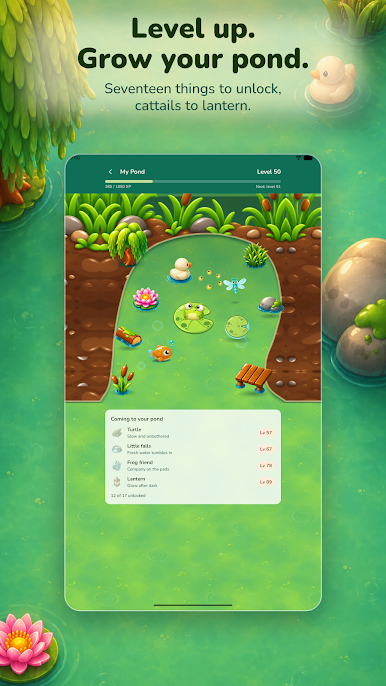
A POND THAT GROWS
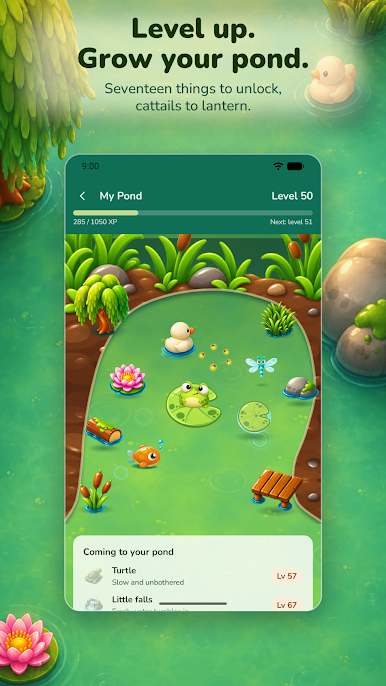
Every pond you cross earns XP. Level up and your own pond fills in — seventeen things to unlock at set levels, from cattails to a lantern, each with its own idle motion.
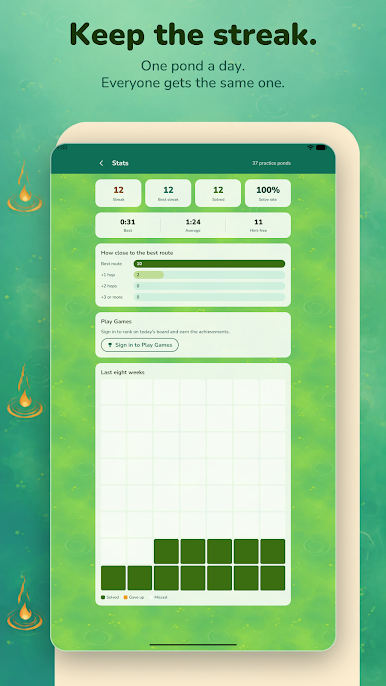
KEEP THE STREAK
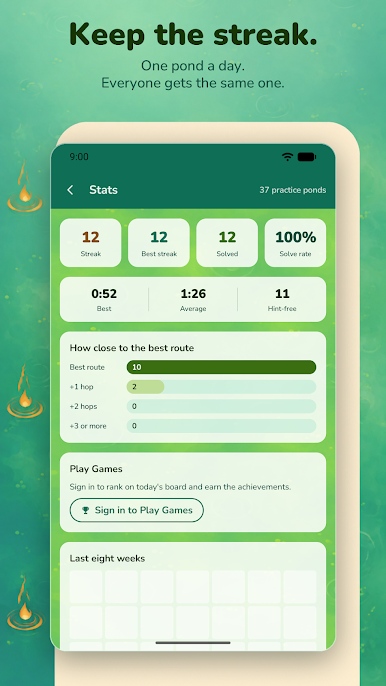
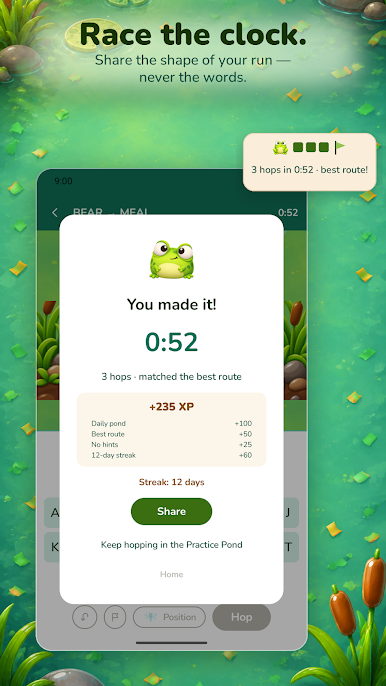
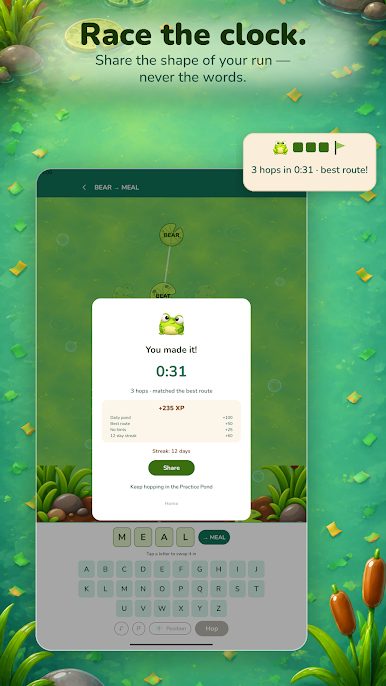
A calendar of every pond you've crossed, your best time, and how often you found the best route. Share the shape of your run — the hops and the time, never the words — so friends can race the same pond.
PLAY GAMES
Sign in to rank on today's board, best streak and total XP, and to earn twelve achievements. Optional — the game is the same without it.
Free, no accounts, playable offline (ads and Play Games need a connection). Ad-supported: an ad at launch, one between practice ponds, and optional rewarded video for the bigger hints — never before or during today's pond, and never required to play. Reminders are local and opt-in.
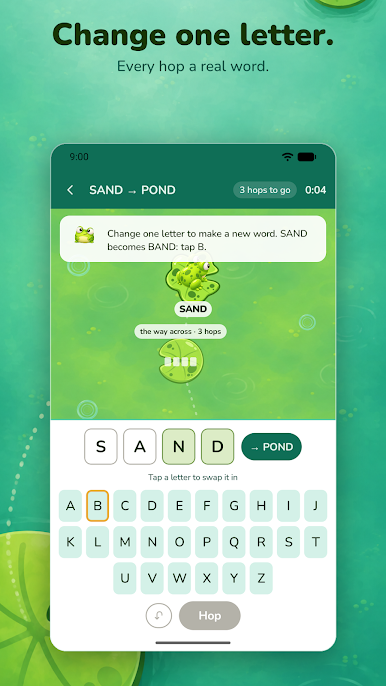
A word ladder is Lewis Carroll's Doublets (1879): change one letter at a time, every step a real word. There is no hidden answer and no coloured tiles — both ends of the ladder are in view, and the puzzle is the path between them.

Play Lily Hopper: Word Ladder on PC. It’s easy to get started.
-
Download and install BlueStacks on your PC
-
Complete Google sign-in to access the Play Store, or do it later
-
Look for Lily Hopper: Word Ladder in the search bar at the top right corner
-
Click to install Lily Hopper: Word Ladder from the search results
-
Complete Google sign-in (if you skipped step 2) to install Lily Hopper: Word Ladder
-
Click the Lily Hopper: Word Ladder icon on the home screen to start playing

