


KVK: King VS King
Play on PC with BlueStacks – the Android Gaming Platform, trusted by 500M+ gamers.

Page Modified on: Feb 14, 2026
Play KVK: King VS King on PC
Are you ready?
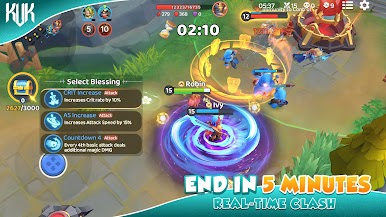
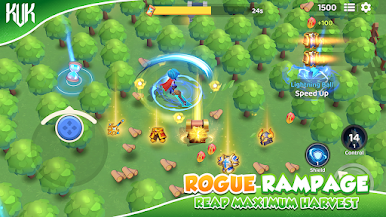
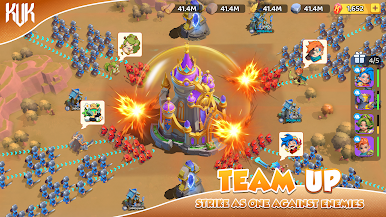
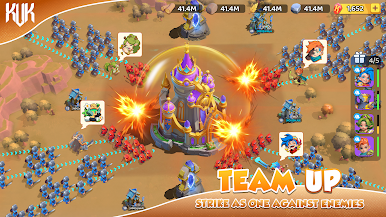
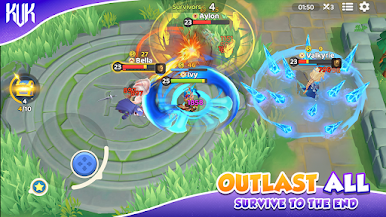
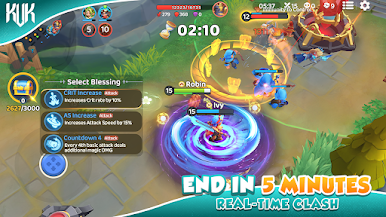
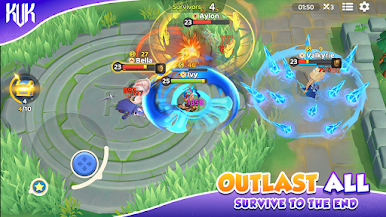
Team Battles, Ever-Shifting Battlefields
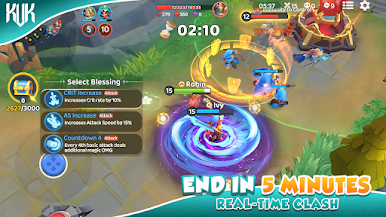
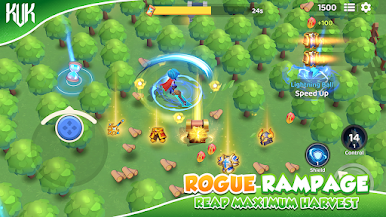
Dive into an exhilarating battle royale-style showdown! Randomized power-up buffs (BUFFs) can be acquired during combat, unlocking formidable skills and making each battle full of surprises!
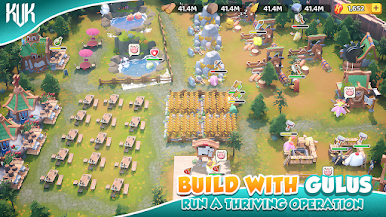
Hero Recruitment & Team Building
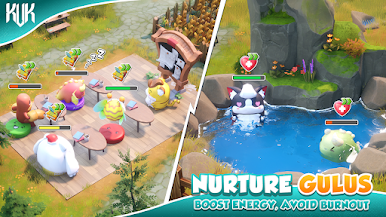
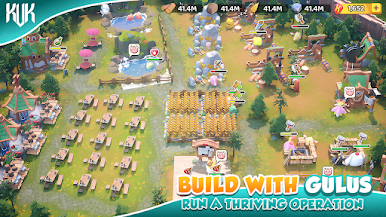
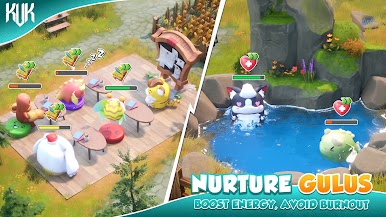
Recruit a diverse range of heroes, each with unique talents and abilities. Build your own team to battle endless dark legions!
Alliance Formation & Cooperation
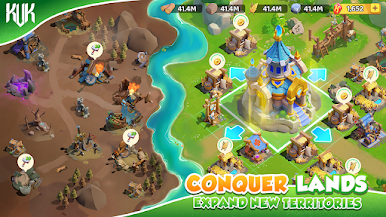
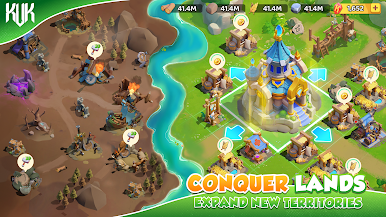
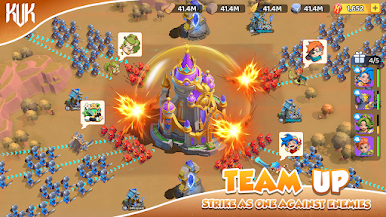
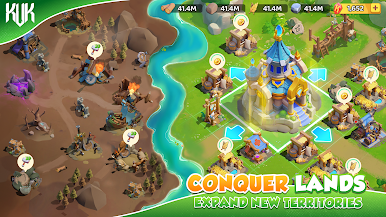
Face the dark legions together! Join alliances or create your own to collaborate with global players, conquer territories, and defend the continent!
Rich Activities & Endless Fun
Explore relics, challenge hero trials, and lead mass attacks—unlock a variety of engaging activities!
《KVK》 is a free-to-play strategy mobile game, with optional in-app purchases to enhance gameplay, but not required to enjoy the strategic experience.
If you like our game, please follow us to get more info:
Facebook:https://www.facebook.com/kvksofficial/
Discord:https://discord.gg/wYDaDkJp
Instgram:https://www.instagram.com/playkvk/
X:https://x.com/kvk_vs29580
Youtube:https://www.youtube.com/@KingsClash_4x/
Tiktok:https://www.tiktok.com/@kvk_kingclash
Official Website: https://kvk.4x.com



Play KVK: King VS King on PC. It’s easy to get started.
-
Download and install BlueStacks on your PC
-
Complete Google sign-in to access the Play Store, or do it later
-
Look for KVK: King VS King in the search bar at the top right corner
-
Click to install KVK: King VS King from the search results
-
Complete Google sign-in (if you skipped step 2) to install KVK: King VS King
-
Click the KVK: King VS King icon on the home screen to start playing

