


Tricky Puzzle: Fun Brain Story
Play on PC with BlueStacks – the Android Gaming Platform, trusted by 500M+ gamers.

Page Modified on: Feb 25, 2026
Play Tricky Puzzle: Fun Brain Story on PC or Mac
Explore a whole new adventure with Tricky Puzzle: Fun Brain Story, a Casual game created by Brames. Experience great gameplay with BlueStacks, the most popular gaming platform to play Android games on your PC or Mac.
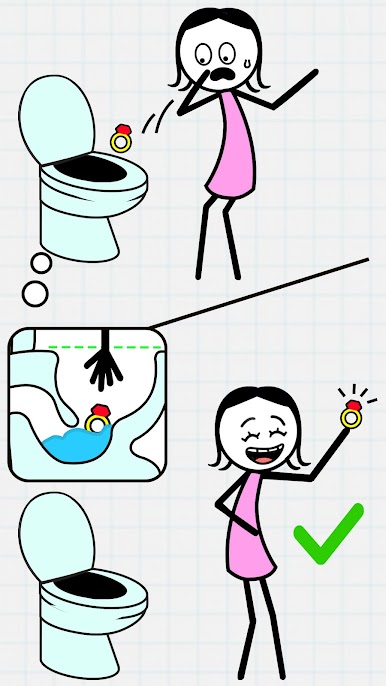
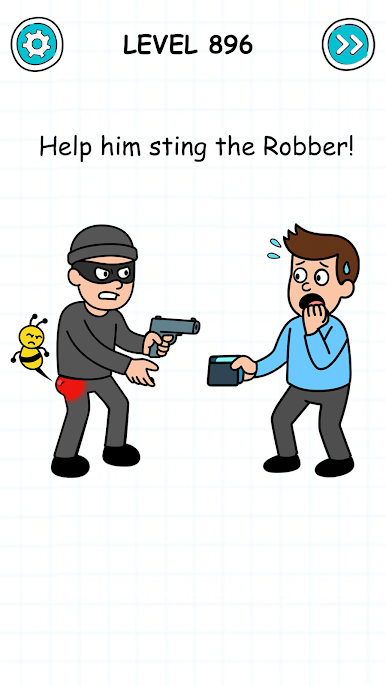
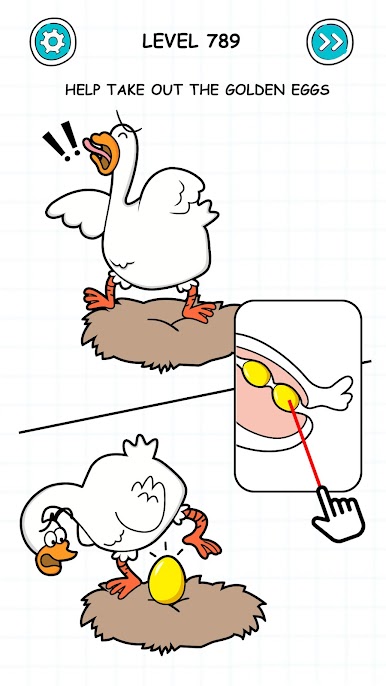
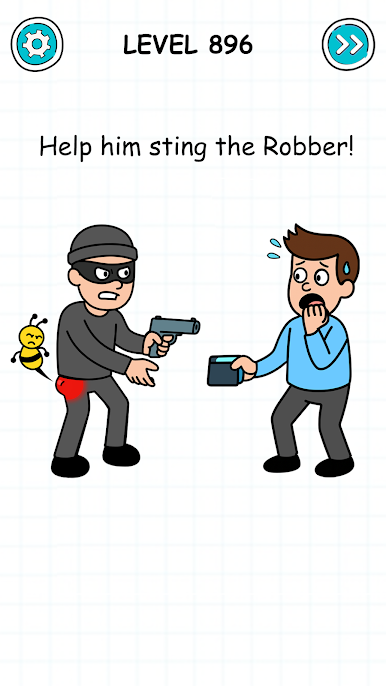
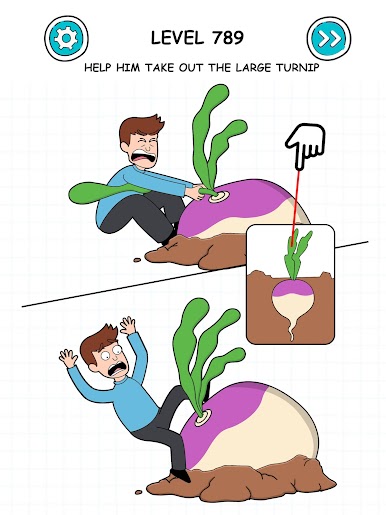
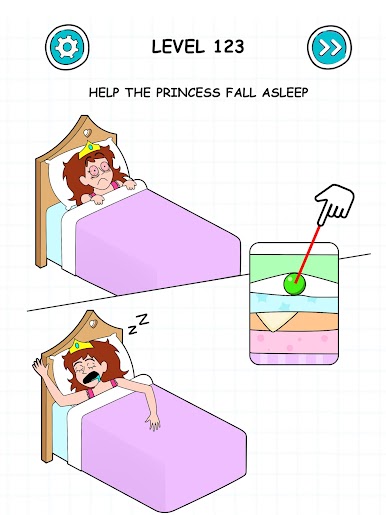
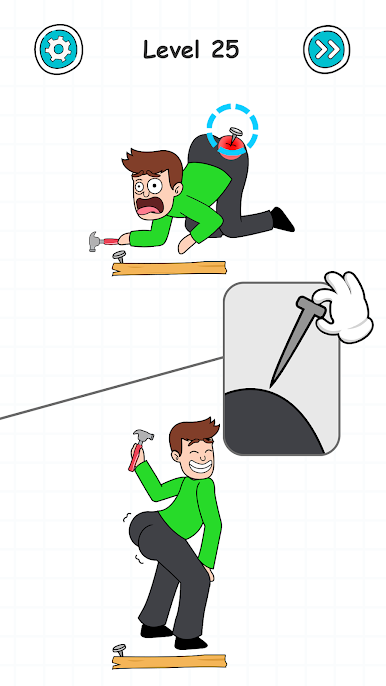
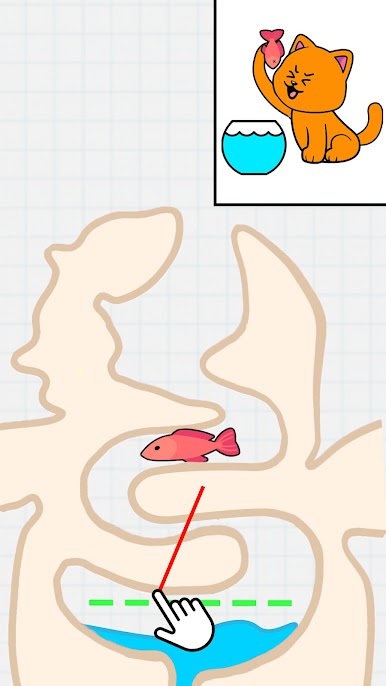
Tricky Puzzle: Fun Brain Story throws a bunch of quick, quirky scenarios at the player and asks for answers that are not the obvious ones. One level might want a tap in a weird spot, the next wants dragging an object out of the frame, or combining two things that do not look like they go together. Solutions are often lateral and a little cheeky, so it feels less like a strict logic test and more like a riddle book that keeps trying to trick the eyes. There is a light story connecting the situations, with characters getting into silly trouble and short punchlines that land fast. It is easy to pick up for a few minutes, clear a handful of puzzles, then come back later without losing the thread. The difficulty swings a bit, but that surprise is part of the fun, and it does a decent job of being stress relief instead of a grind.
On PC with BlueStacks it plays smoothly, and the mouse makes the tap-and-drag stuff feel clean. The bigger screen helps spot tiny clues tucked into backgrounds, which is nice when a level hides the answer in plain sight. It suits anyone who likes brain teasers that reward curiosity over heavy rules, enjoys short stages with a little humor, and does not mind being tricked by a puzzle and then laughing at the “oh, of course” moment right after.
Slay your opponents with your epic moves. Play it your way on BlueStacks and dominate the battlefield.


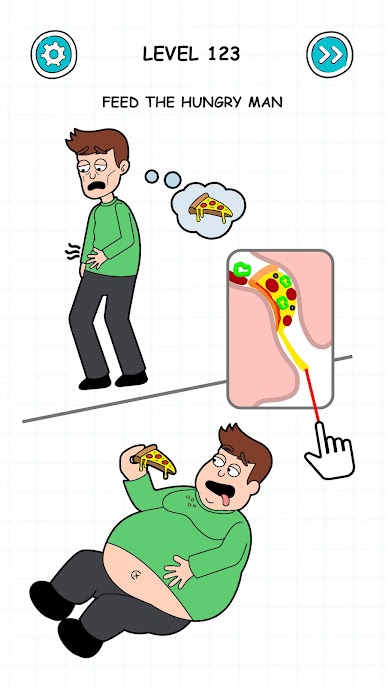

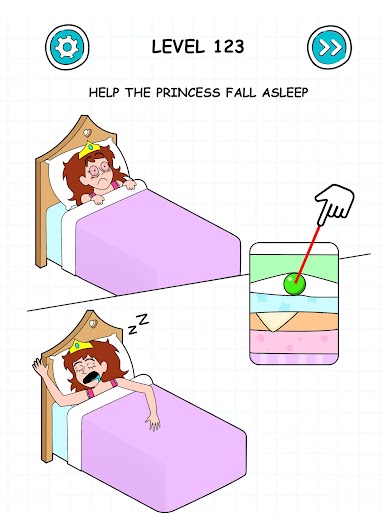
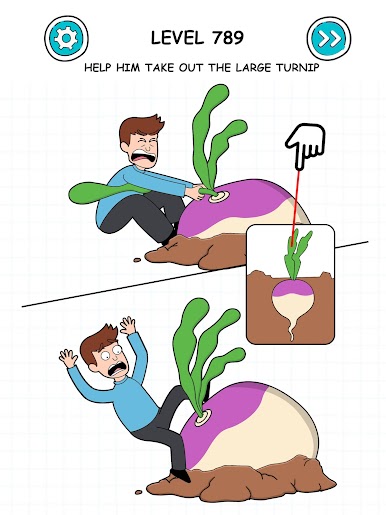
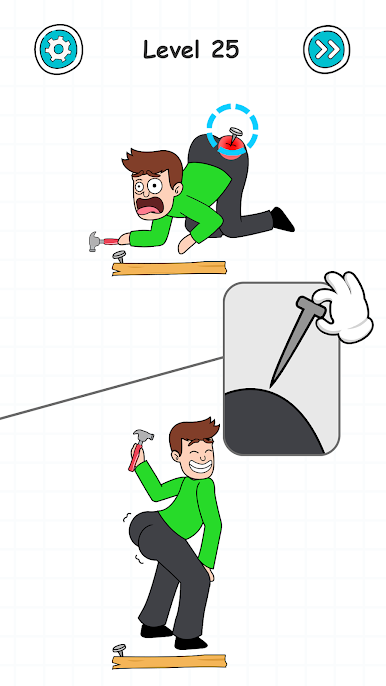
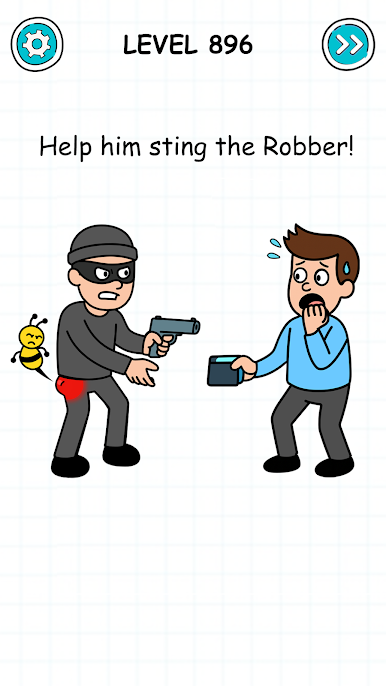
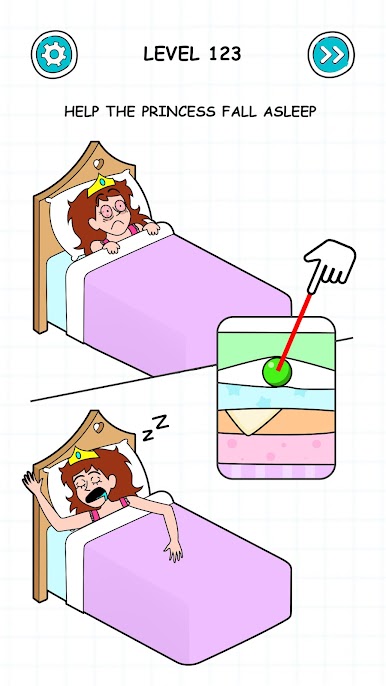
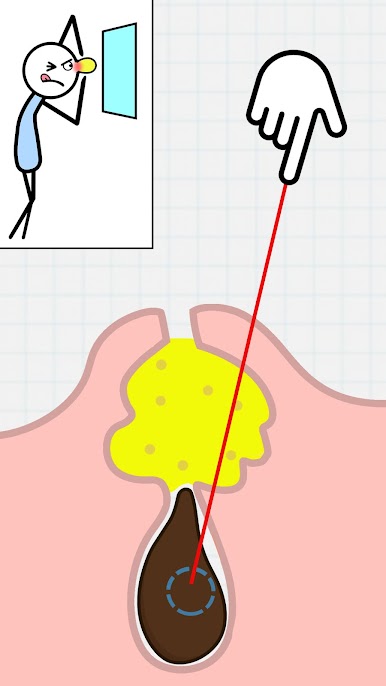

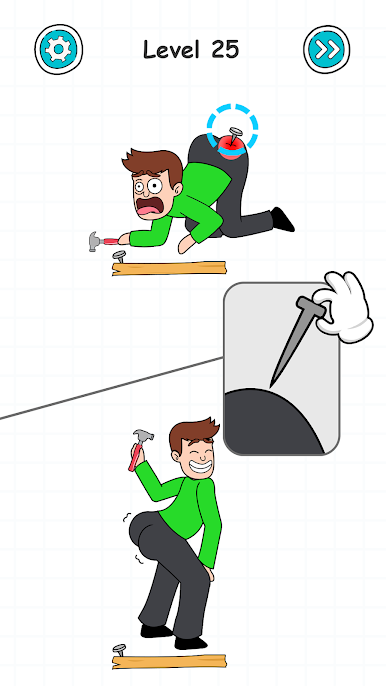








Play Tricky Puzzle: Fun Brain Story on PC. It’s easy to get started.
-
Download and install BlueStacks on your PC
-
Complete Google sign-in to access the Play Store, or do it later
-
Look for Tricky Puzzle: Fun Brain Story in the search bar at the top right corner
-
Click to install Tricky Puzzle: Fun Brain Story from the search results
-
Complete Google sign-in (if you skipped step 2) to install Tricky Puzzle: Fun Brain Story
-
Click the Tricky Puzzle: Fun Brain Story icon on the home screen to start playing

