

Freddy Playground Sandbox
Play on PC with BlueStacks – the Android Gaming Platform, trusted by 500M+ gamers.

Page Modified on: Sep 21, 2026
Play Freddy Playground Sandbox on PC or Mac
Explore a whole new adventure with Freddy Playground Sandbox, a Simulation game created by Big Host Africa. Experience great gameplay with BlueStacks, the most popular gaming platform to play Android games on your PC or Mac.
About the Game
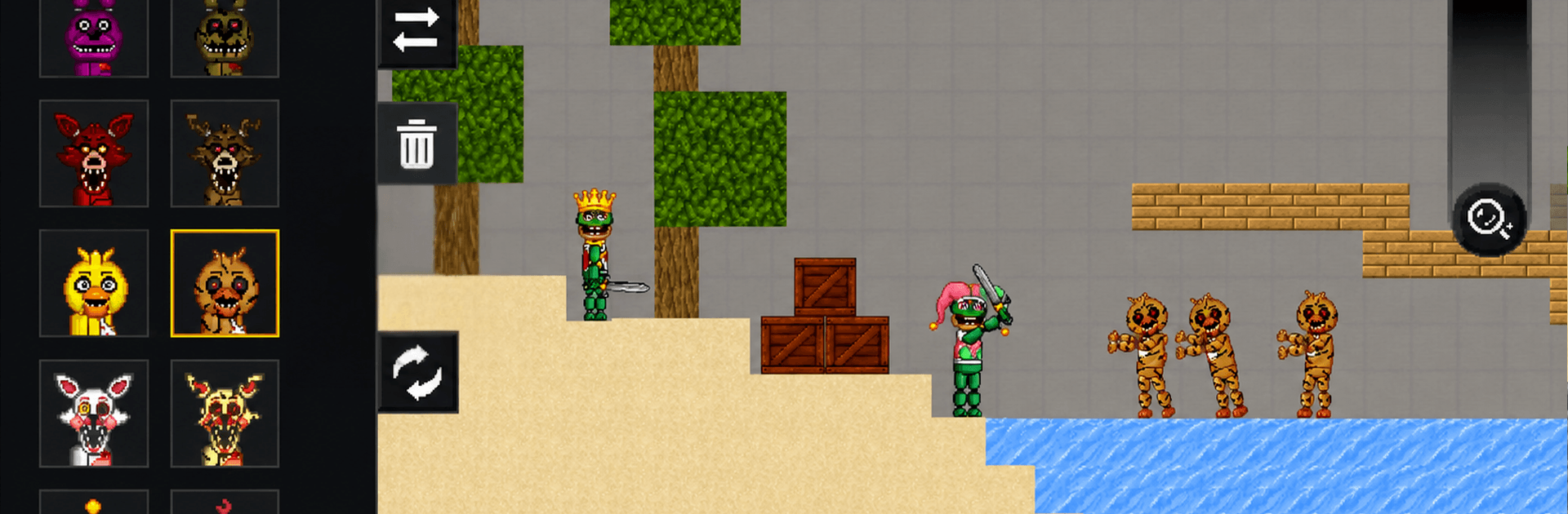
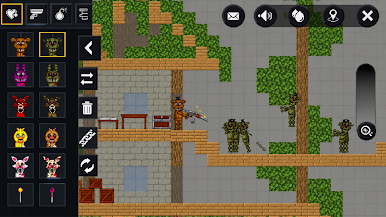
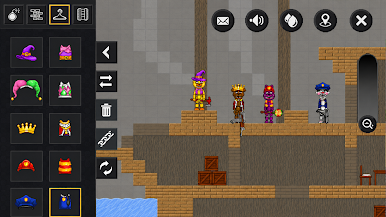
Freddy Playground Sandbox is a colorful sandbox Simulation that celebrates chaos, curiosity, and goofy physics. You’re dropped into an open playground packed with props and obstacles, then set loose to stack, fling, smash, and experiment your way into ridiculous outcomes. It’s easy to hop in, wildly flexible, and it also runs smoothly on BlueStacks.
Game Features
- Open Playground: Wander a bright, free-roam arena loaded with toys, obstacles, and weird contraptions—poke at everything, in any order.
- True Toybox Interaction: Grab items, pile them high, press suspicious buttons, and watch the world respond in unexpected (and often hilarious) ways.
- Ragdoll Shenanigans: Floppy characters tumble, bounce, and cartwheel with physics that turn tiny mishaps into slapstick moments.
- Creative Problem-Solving: Tackle obstacles however you like—brute force it, build a makeshift ramp, or chain together a silly contraption.
- Chaotic Chain Reactions: A single nudge can trigger spectacular crashes, ricochets, and outcomes you definitely didn’t plan.
- Quick Challenges: Short, playful tasks encourage exploration and offbeat solutions without locking you into a strict path.
- Easy Controls: Simple inputs keep the focus on timing, tinkering, and experimentation instead of memorizing complex moves.
- Replay-Friendly Sessions: Reset, remix, and try new ideas—no two runs make the same mess, which keeps things fresh and snappy.
- Colorful 3D Look: Bold colors and clean visuals make props easy to spot and the mayhem easy to track.
Start playing Freddy Playground Sandbox on BlueStacks and get a smoother, more comfortable PC or Mac setup.
Play Freddy Playground Sandbox on PC. It’s easy to get started.
-
Download and install BlueStacks on your PC
-
Complete Google sign-in to access the Play Store, or do it later
-
Look for Freddy Playground Sandbox in the search bar at the top right corner
-
Click to install Freddy Playground Sandbox from the search results
-
Complete Google sign-in (if you skipped step 2) to install Freddy Playground Sandbox
-
Click the Freddy Playground Sandbox icon on the home screen to start playing

