

Tower Math™
Play on PC with BlueStacks – the Android Gaming Platform, trusted by 500M+ gamers.

Page Modified on: Oct 27, 2025
Run Tower Math™ on PC or Mac
Why limit yourself to your small screen on the phone? Run Tower Math™, an app by Dan Russell-Pinson, best experienced on your PC or Mac with BlueStacks, the world’s #1 Android emulator.
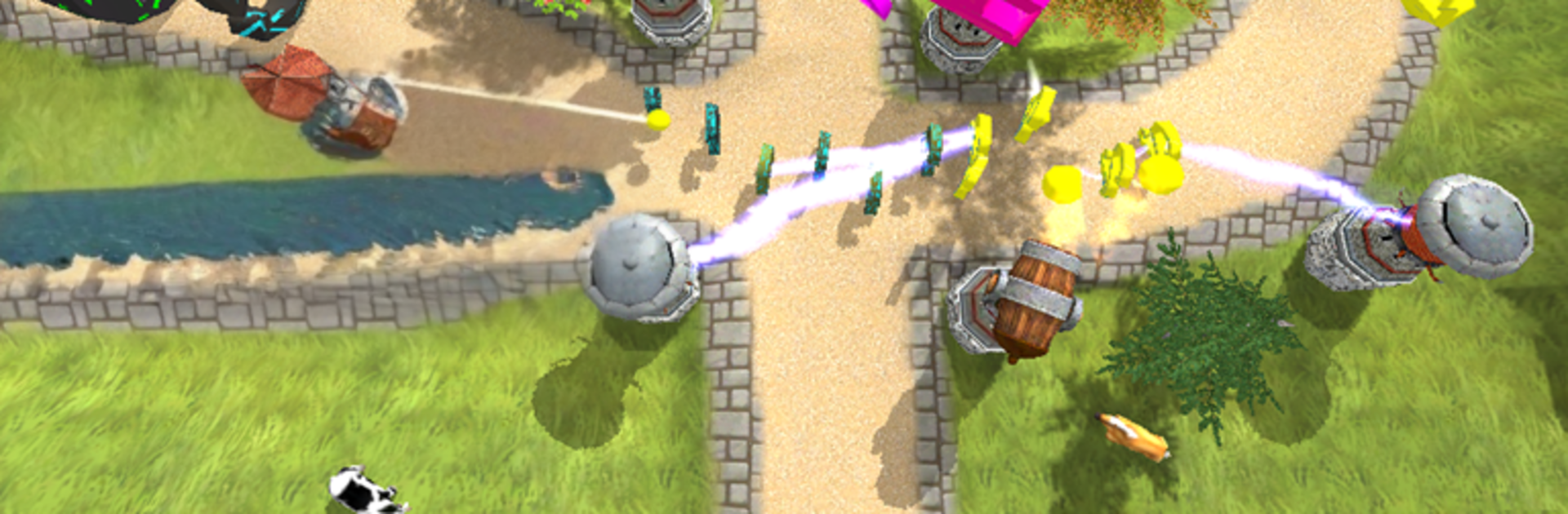
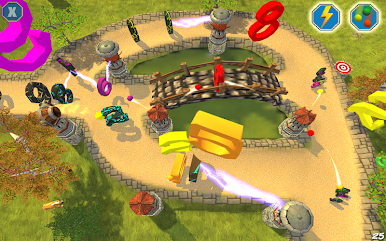
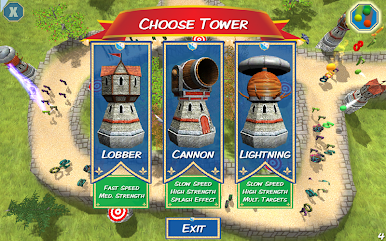
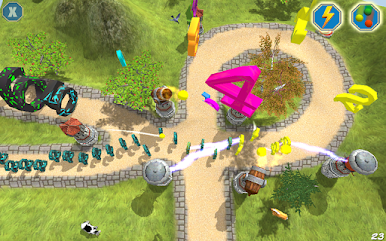
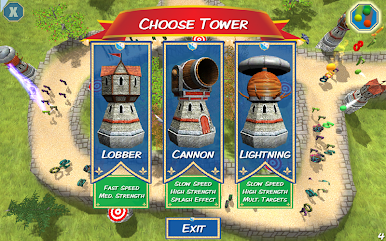
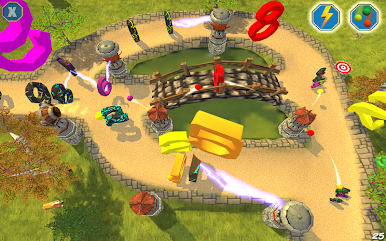
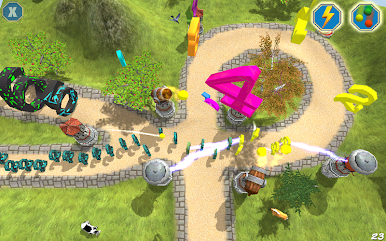
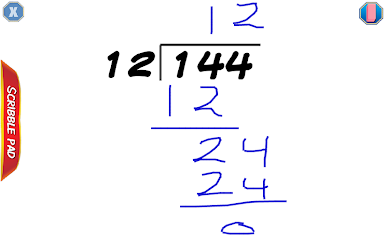
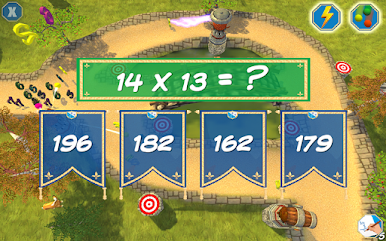
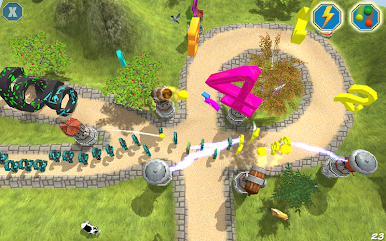
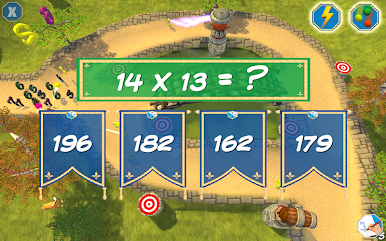
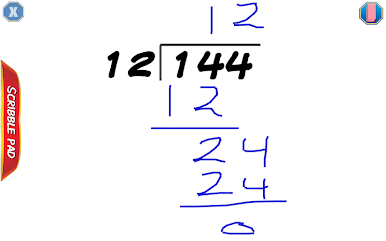
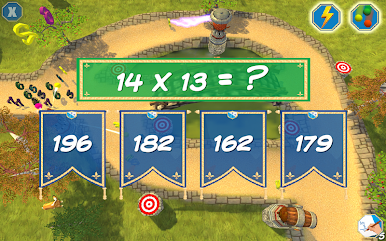
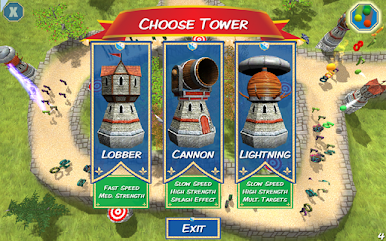
Tower Math feels like a classic tower defense game that sneaks in real math practice without turning it into homework. The story is simple and kind of cute, numbers got turned into little monsters by a cranky wizard, and the player builds towers by doing quick addition, subtraction, multiplication, or division. Correct answers pop up new towers and different towers have different effects, so solving well actually matters for beating the wave. There are special powers to earn, like a Freeze Ray that slows everything and a Magic Rain that helps clear the screen when things get busy. The look is bright 3D, the sounds are cheerful, and there is a nice rhythm to placing towers, answering problems, and watching the path. Each stage gives a bronze, silver, or gold medal, so it nudges for cleaner play without being mean about it.
It suits kids, but an adult who likes number drills would not hate it either. Progress saves under a player profile, up to five, which makes family sharing easy. There are 20 scenes, enough variety to keep practice from feeling stale. No ads, no in‑app purchases, no social pop ups, so it stays focused. On a PC with BlueStacks, the bigger screen and mouse control make dropping towers fast and neat, and the math prompts are easier to see. It is a straightforward idea done with care, fun first, learning naturally folded in, and it never spams the player with junk.
Ready to experience Tower Math™ on a bigger screen, in all its glory? Download BlueStacks now.
Play Tower Math™ on PC. It’s easy to get started.
-
Download and install BlueStacks on your PC
-
Complete Google sign-in to access the Play Store, or do it later
-
Look for Tower Math™ in the search bar at the top right corner
-
Click to install Tower Math™ from the search results
-
Complete Google sign-in (if you skipped step 2) to install Tower Math™
-
Click the Tower Math™ icon on the home screen to start playing

