


Sportybet
Play on PC with BlueStacks – the Android Gaming Platform, trusted by 500M+ gamers.

Page Modified on: Jun 19, 2026
Play Sportybet on PC
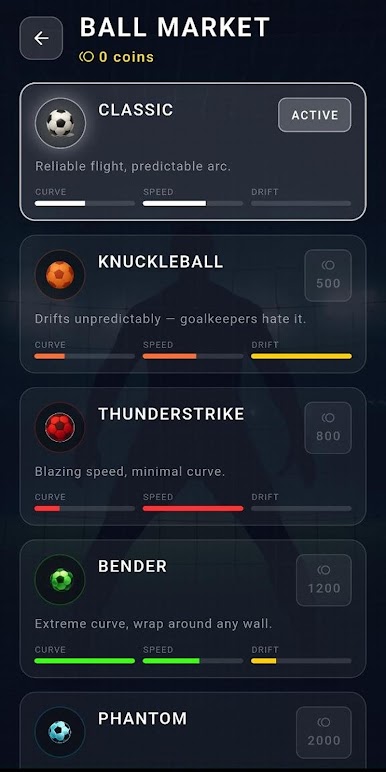
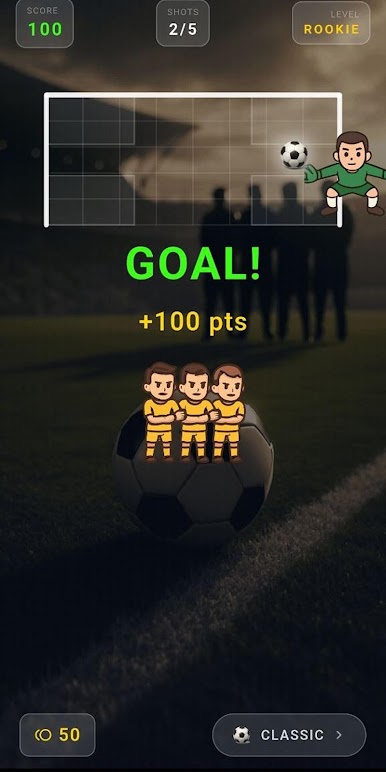
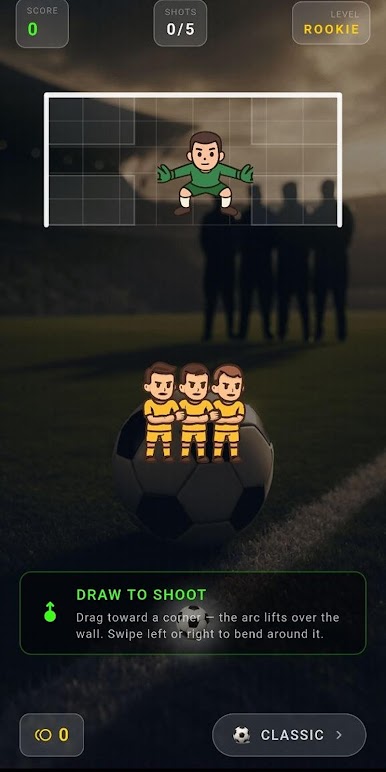
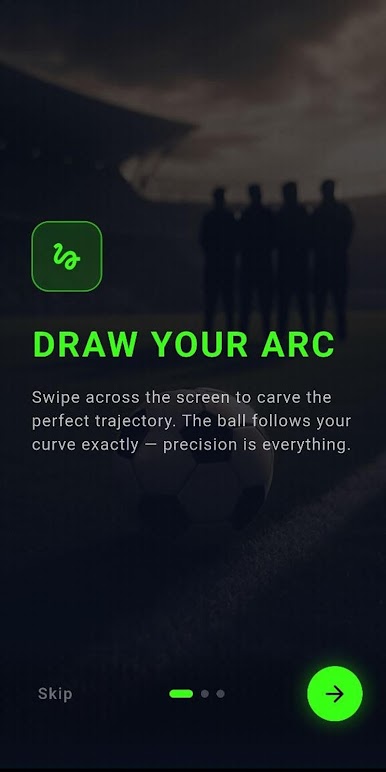
Hit a corner for maximum points. Hit the wall and you take a penalty. Five difficulty tiers change how many players block the line and how fast the goalkeeper reacts. A ball shop adds distinct flight behavior—curve, speed, knuckle drift—so each shot is a different kind of strike with the same gesture.
Five shots per round, no timers or energy gates: only arc control, wall reading, and corner precision under stadium visuals that scale to any screen.
Play Sportybet on PC. It’s easy to get started.
-
Download and install BlueStacks on your PC
-
Complete Google sign-in to access the Play Store, or do it later
-
Look for Sportybet in the search bar at the top right corner
-
Click to install Sportybet from the search results
-
Complete Google sign-in (if you skipped step 2) to install Sportybet
-
Click the Sportybet icon on the home screen to start playing

