


Special Ops: PvP Sniper Shooer
Play on PC with BlueStacks – the Android Gaming Platform, trusted by 500M+ gamers.

Page Modified on: Jan 18, 2024
Main Special Ops: PvP Sniper Shooer on PC
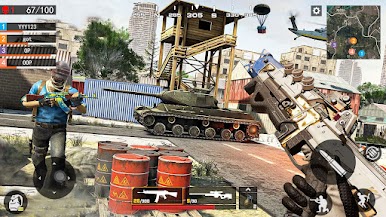
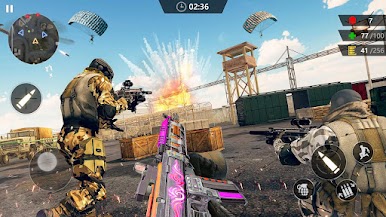
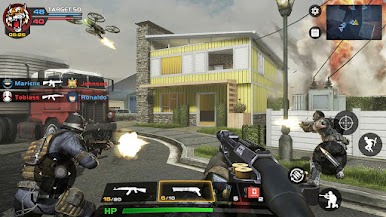
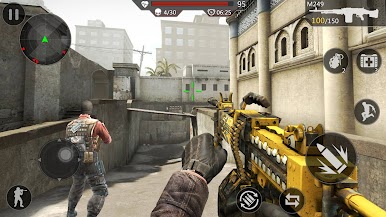
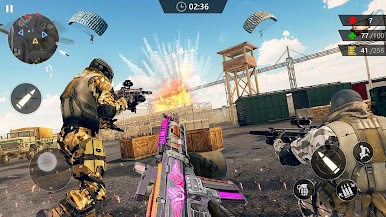
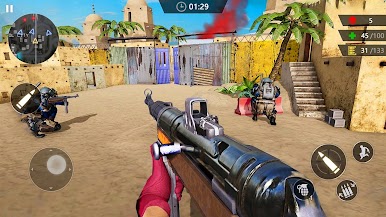
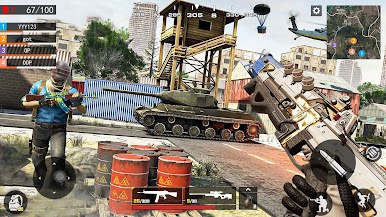
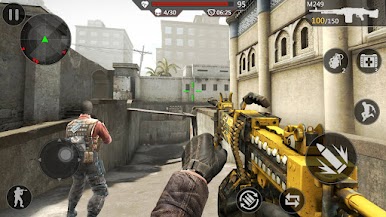
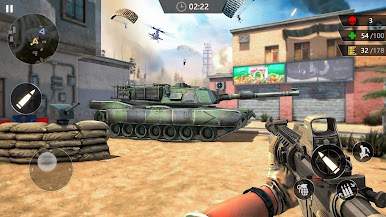
It’s an awesome first person shooter game that will let you go into battle against soldiers, snipers, and other fearless combat veterans. Will you be able to hold your own in this thrilling action game? The enemies will show you no mercy. Join a match and team up with a squad in prison,storage,small town,and more. You’ll need to hunt down and eliminate your enemies with everything from sniper rifles and machine guns to grenades and pistols. Fight your way to the top of the leaderboard, earn tons of gold, and prove you’ve got what it takes to become an elite warrior. Are you ready? The combat is real, and you can be the hero. Good Luck!
===Game Features===
√ Realistic 3D graphics and cool animations
√ Play in multiple battlegrounds and lots of thrilling missions
√ Many maps with different tactics
√ Easy play and smooth control
√ Weapons: guns, pistols, snipers, automatic rifles, shotguns, grenades!
√ Completely offline that you can play everywhere and any time
√ Perfect optimization even for weak devices!
Are you ready to shoot, run, hide, and kill? Join our team battles and gain a reputation for YOU and your team. Enjoy this battle game !


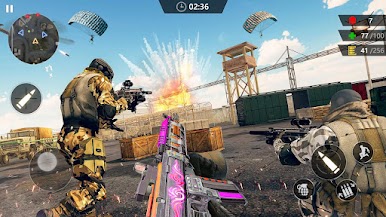
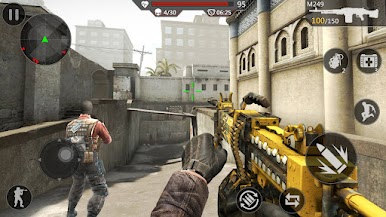
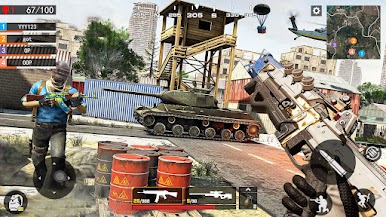
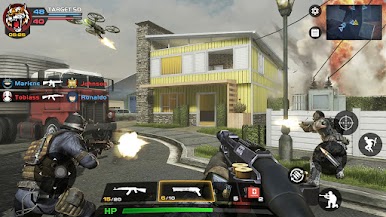




Play Special Ops: PvP Sniper Shooer on PC. It’s easy to get started.
-
Download and install BlueStacks on your PC
-
Complete Google sign-in to access the Play Store, or do it later
-
Look for Special Ops: PvP Sniper Shooer in the search bar at the top right corner
-
Click to install Special Ops: PvP Sniper Shooer from the search results
-
Complete Google sign-in (if you skipped step 2) to install Special Ops: PvP Sniper Shooer
-
Click the Special Ops: PvP Sniper Shooer icon on the home screen to start playing

