


Frozen Feast
Play on PC with BlueStacks – the Android Gaming Platform, trusted by 500M+ gamers.

Page Modified on: May 26, 2026
Main Frozen Feast on PC
Welcome to Frozen Feast — the coziest corner of a frozen apocalypse!
Someone has to keep the lights on at the end of the world, and that someone is you. Get your comfiest snow boots on, grab an axe, and get to work rebuilding a dilapidated shack into the most beloved refuge the frozen north has ever seen.
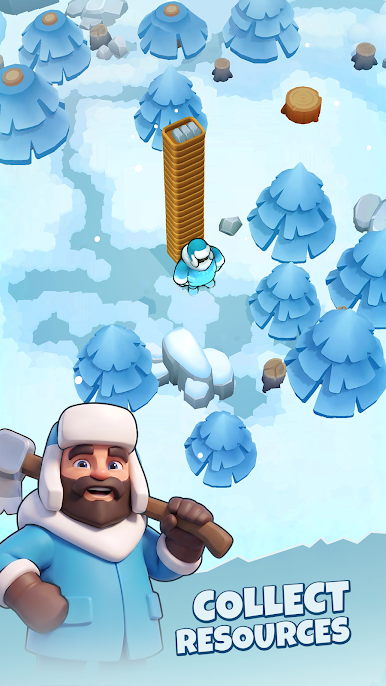
🪓 CHOP, BREAK & CLEAR
The old shack is a mess, crates and clutter galore! Clear it all out and transform the ruins into a thriving establishment, room by room.
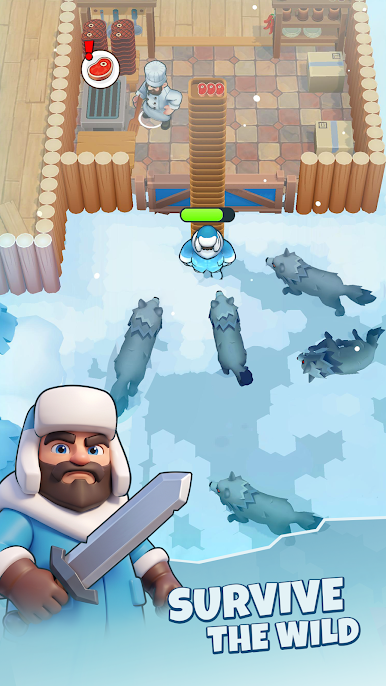
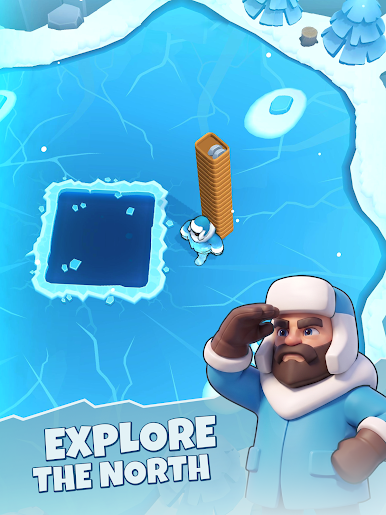
🍖 HUNT, FISH & FEAST
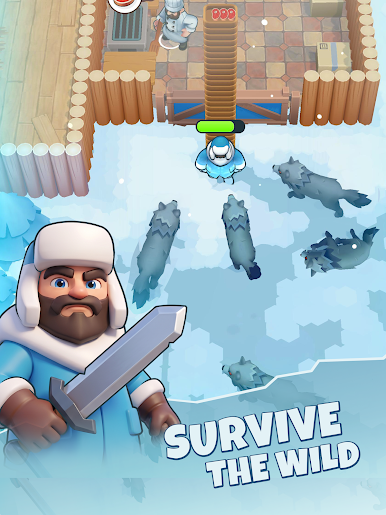
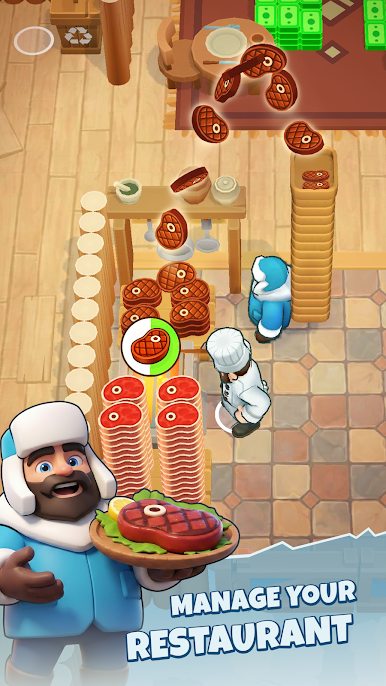
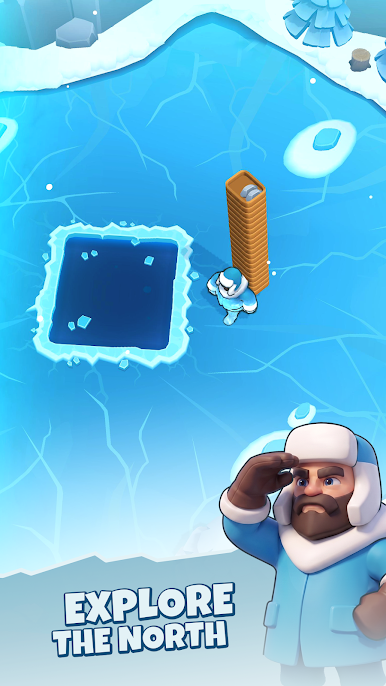
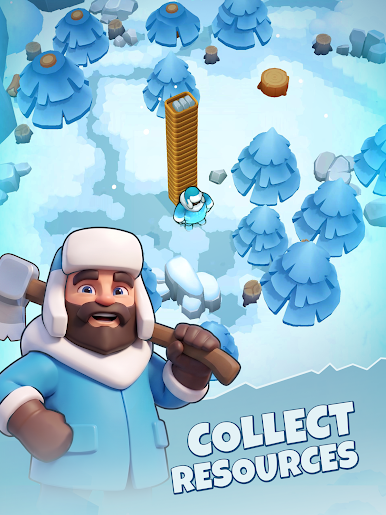
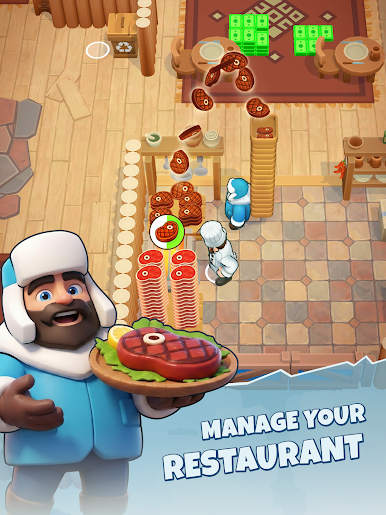
Head into the wilderness to hunt wolves or brave the ice to catch some fish! Bring back the goods, fire up the grill, and serve hot, hearty meals your patrons will travel miles for.
🏚️ BUILD & EXPAND
A few dinky tables and a fireplace won't cut it forever. Add cozy rooms, hire staff, upgrade your kitchen, and grow your shelter into the legendary sanctuary every frozen wanderer dreams of.
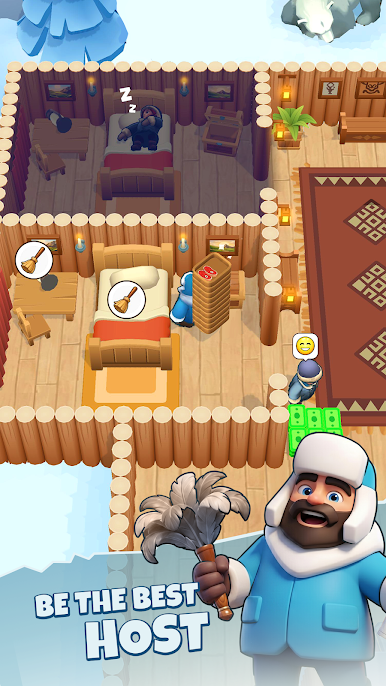
🧑🍳 MANAGE IT ALL
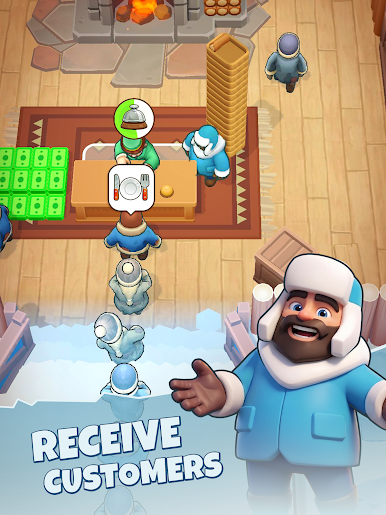
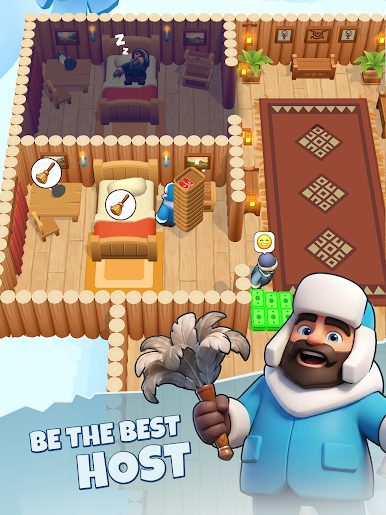
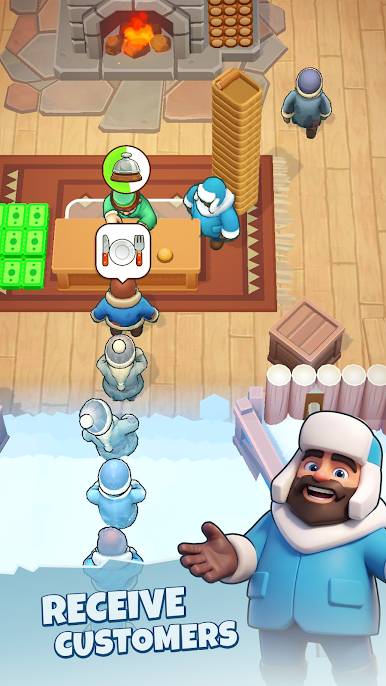
Seat guests, clean tables, manage your resources, juggle orders, and keep the endless queue moving! Patrons from around the world are dreaming of a warm meal and a dry bed.
The world may be frozen, but your shelter? Always open.
Break a leg, Innkeeper!
Play Frozen Feast on PC. It’s easy to get started.
-
Download and install BlueStacks on your PC
-
Complete Google sign-in to access the Play Store, or do it later
-
Look for Frozen Feast in the search bar at the top right corner
-
Click to install Frozen Feast from the search results
-
Complete Google sign-in (if you skipped step 2) to install Frozen Feast
-
Click the Frozen Feast icon on the home screen to start playing

