


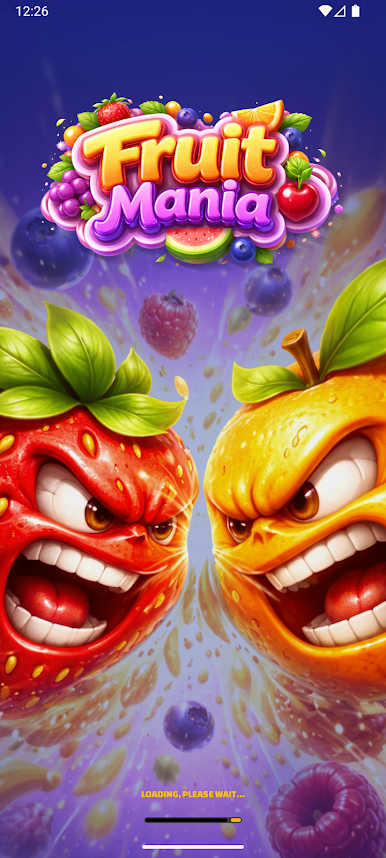
Fruit Mania
Play on PC with BlueStacks – the Android Gaming Platform, trusted by 500M+ gamers.

Page Modified on: Feb 27, 2026
Main Fruit Mania on PC
colorful explosions, exciting challenges, and endless fun!
If you love classic match-style games, you’ll absolutely enjoy this fruity adventure. Merge
delicious fruits, clear levels, complete objectives, and unlock new exciting stages packed with
sweet surprises.
🍍 How to Play
Fruit Mania is easy to learn but challenging to master!
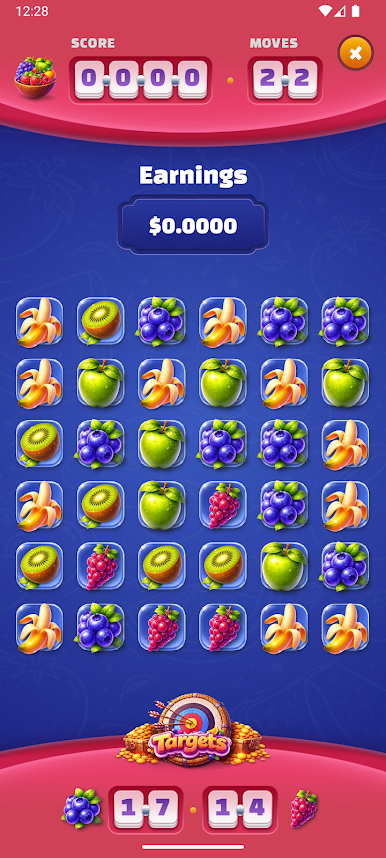
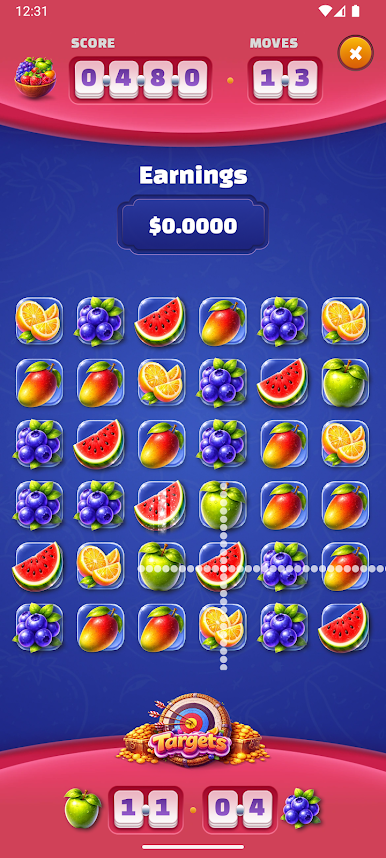
🍓 Merge matching fruits to clear them
🍇 Create powerful combos for massive fruit explosions
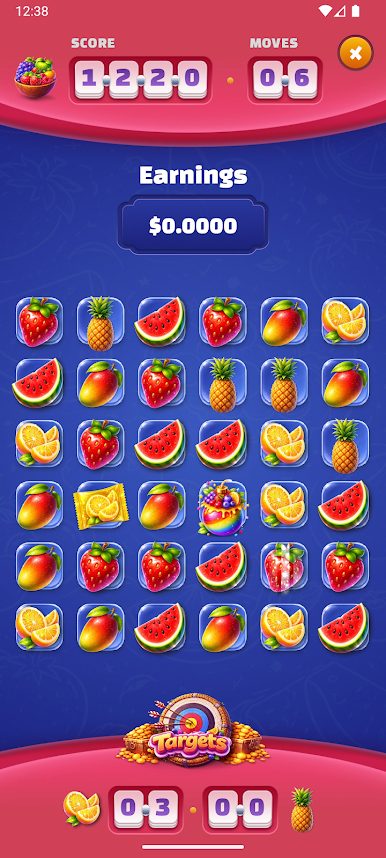
🍊 Complete level goals (like collecting N berries!)
🍉 Unlock new levels and discover fresh challenges
Each level gives you a specific mission — for example, collect 20 berries or clear 15 oranges
before your moves run out. Plan carefully, think strategically, and use your moves wisely to
succeed!
🍒 Exciting Features
✅ Smooth and colorful fruit animations
✅ Hundreds of fun and challenging levels
✅ Increasing difficulty to test your skills
✅ Simple controls – just tap and merge
✅ Play anytime, anywhere
✅ Relaxing yet addictive gameplay
The more fruits you merge at once, the stronger your combo becomes! Chain reactions can help
you complete levels faster and achieve higher scores.
🍑 Strategic & Fun
Fruit Mania isn’t just about matching — it’s about strategy.
You’ll need to:
• Decide which fruits to merge first
• Plan moves ahead
• Focus on level objectives
• Use smart combinations to clear hard stages
As levels progress, new challenges appear that require better planning and sharper thinking.
🥝 Perfect for Everyone
Whether you’re a casual player looking to relax or a puzzle lover who enjoys strategic challenges,
Fruit Mania is the perfect game for you. Invite your friends and enjoy the game now!
Play Fruit Mania on PC. It’s easy to get started.
-
Download and install BlueStacks on your PC
-
Complete Google sign-in to access the Play Store, or do it later
-
Look for Fruit Mania in the search bar at the top right corner
-
Click to install Fruit Mania from the search results
-
Complete Google sign-in (if you skipped step 2) to install Fruit Mania
-
Click the Fruit Mania icon on the home screen to start playing

