

K-9 Mail
Play on PC with BlueStacks – the Android Gaming Platform, trusted by 500M+ gamers.

Page Modified on: Nov 18, 2025
Run K-9 Mail on PC or Mac
Get freedom from your phone’s obvious limitations. Use K-9 Mail, made by Mozilla Thunderbird, a Communication app on your PC or Mac with BlueStacks, and level up your experience.
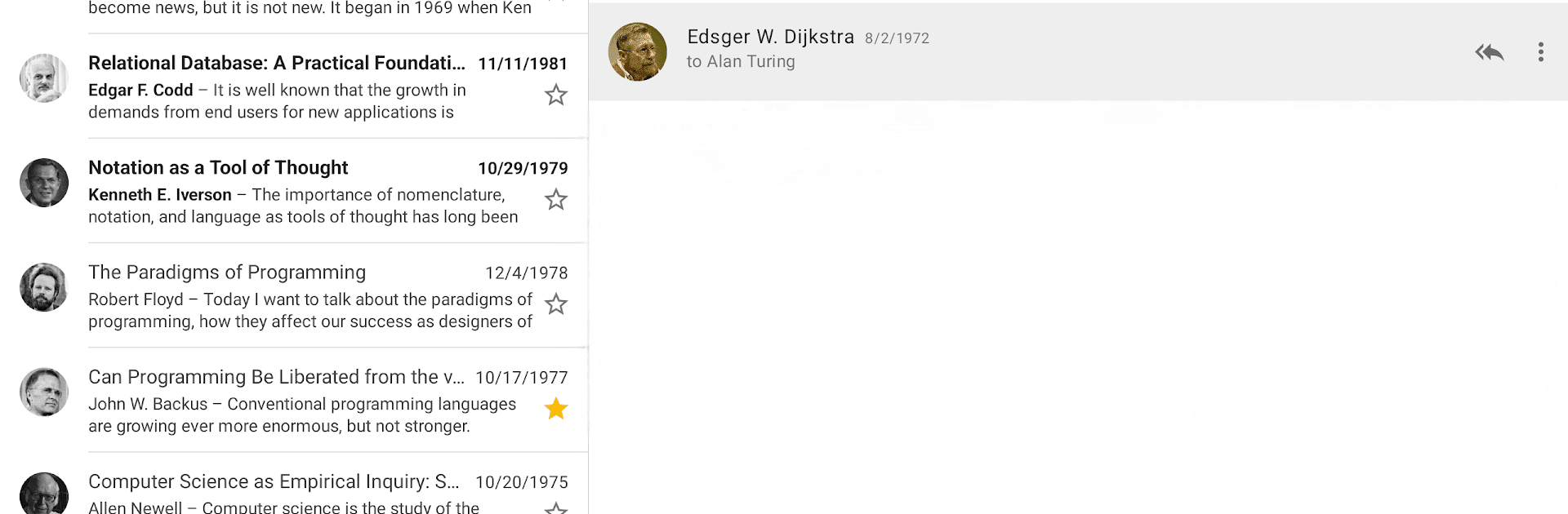
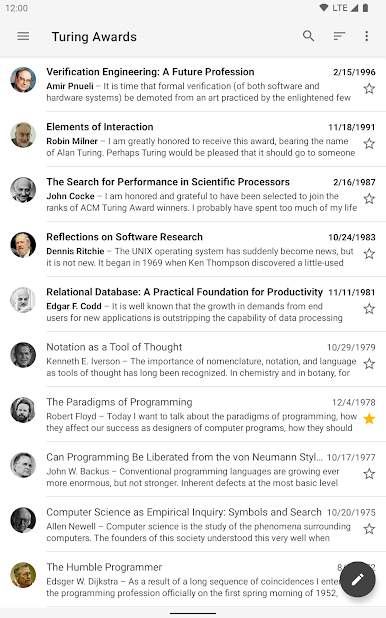
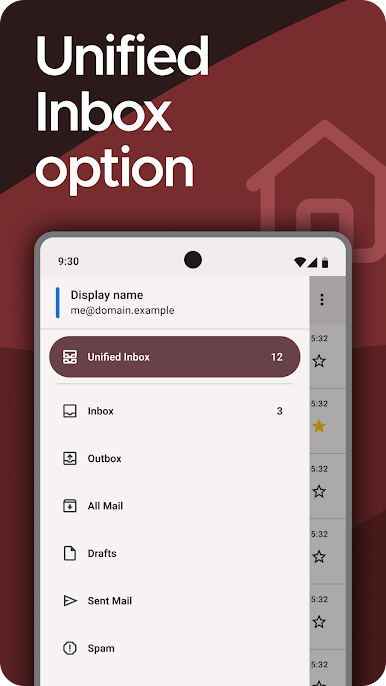
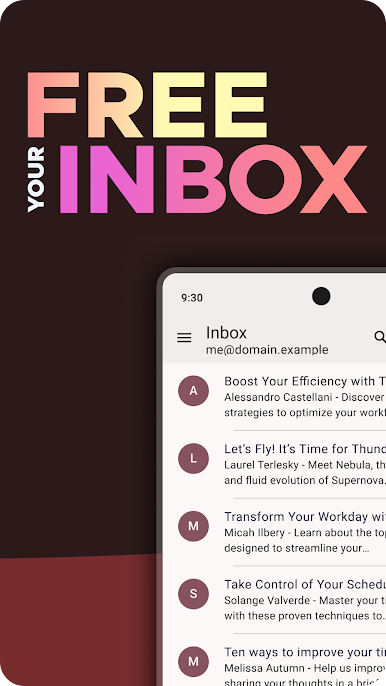
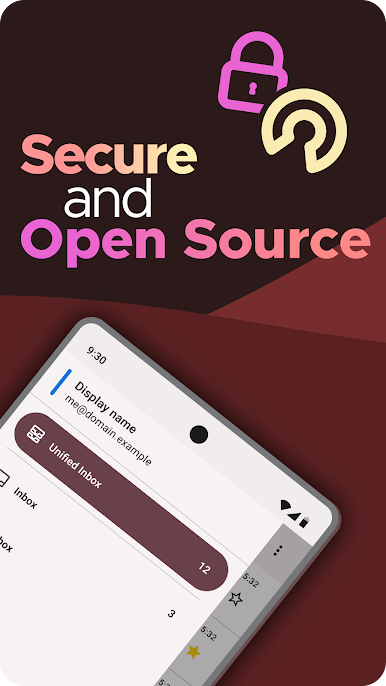
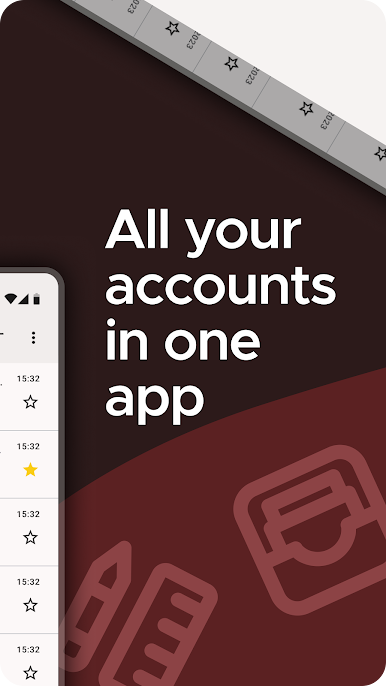
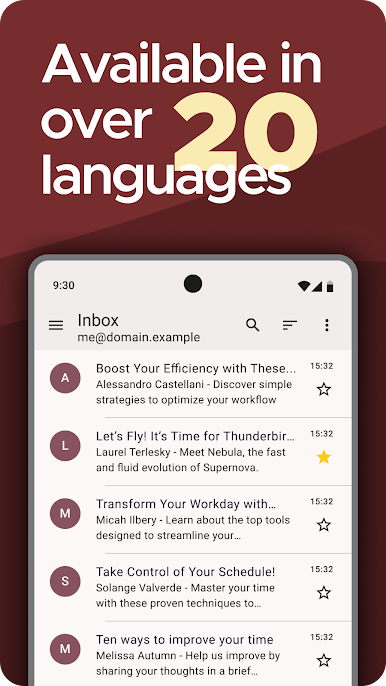
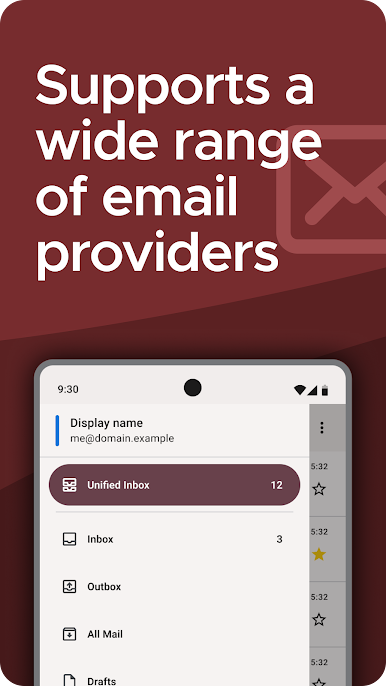
K-9 Mail is that no-nonsense email app people install when they want control without extra fluff. It handles multiple accounts from different providers and pulls everything into one unified inbox, so checking mail does not feel like a chore. The interface is clean and quick, taps do what they should, and nothing feels hidden behind weird menus. It is open source and privacy focused, so it only talks to the actual email provider and does not sneak in trackers. Sync can run quietly in the background or use push, and search works both on the phone and on the server, which is great when a message is not stored locally but you still need it now.
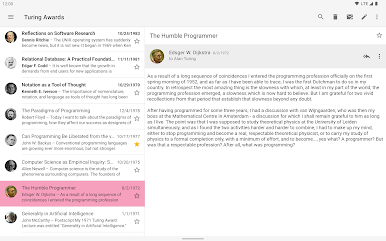
Encryption is built in through OpenPGP using PGP/MIME, and it plays nicely with the OpenKeychain app for sending and reading protected mail. Filters, folders, and notifications behave predictably, and the app just shrugs at big mailboxes. On PC with BlueStacks it feels comfortable, almost like a lightweight desktop client. Typing long replies with a keyboard, skimming threads in a resizable window, and picking attachments through the file picker all feel straightforward. It is part of the Thunderbird family these days, still community made, which shows in the focus on reliability rather than shiny tricks. Not flashy, just fast, private, and dependable, which is exactly what an email app should be.
Big screen. Bigger performance. Use BlueStacks on your PC or Mac to run your favorite apps.
Play K-9 Mail on PC. It’s easy to get started.
-
Download and install BlueStacks on your PC
-
Complete Google sign-in to access the Play Store, or do it later
-
Look for K-9 Mail in the search bar at the top right corner
-
Click to install K-9 Mail from the search results
-
Complete Google sign-in (if you skipped step 2) to install K-9 Mail
-
Click the K-9 Mail icon on the home screen to start playing

