


F-Secure AV Test
Play on PC with BlueStacks – the Android Gaming Platform, trusted by 500M+ gamers.

Page Modified on: Aug 22, 2024
Run F-Secure AV Test on PC or Mac
Multitask effortlessly on your PC or Mac as you try out F-Secure AV Test, a Tools app by F-Secure Corporation on BlueStacks.
About the App
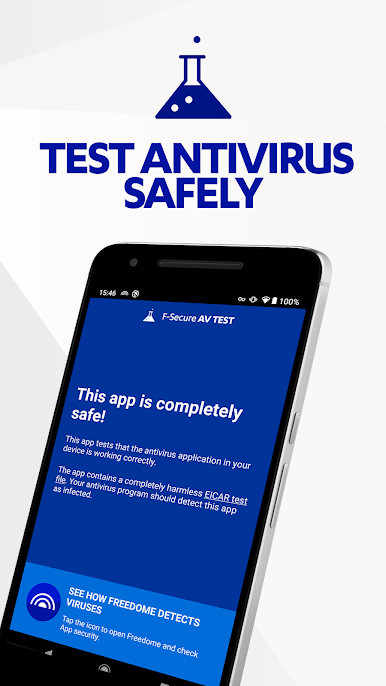
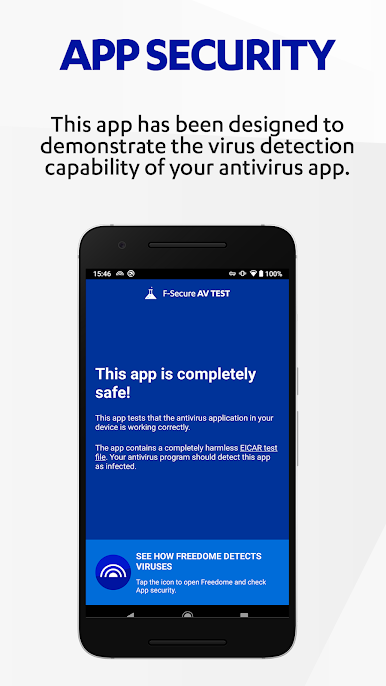
F-Secure AV Test is a simple way to make sure your antivirus is actually paying attention. It’s not an antivirus itself—it’s a safe, purpose-built test that should trigger your security app so you can see it in action. Quick to try, easy to understand, and great for sanity-checking your setup on the go.
App Features
-
Safe, industry-standard test: Uses the well-known EICAR test file principle to simulate malware behavior without any real risk. It’s harmless by design but should be flagged by working protection.
-
See what your antivirus does: Install or scan the app and you should get an alert and a recommendation to remove or quarantine it. No alert? That’s your cue to review settings or scanning exclusions.
-
Works across security suites: Designed for Android security apps, and even PC antivirus can react to the app package if you transfer or download it through your computer.
-
No setup, no gimmicks: There’s nothing to tweak. Open, run the check, and confirm your defenses respond the way they should.
-
Great for demos and training: Show teammates or clients what a real-time detection looks like—without touching real malware or risky samples.
-
From F-Secure Corporation: Built by a long-standing security company you’ve likely heard of. It’s a practical Tools app focused entirely on validation.
-
Optional desktop testing: Prefer checking from your computer? You can install and run F-Secure AV Test with BlueStacks and observe how your desktop security reacts to the test scenario.
BlueStacks gives you the much-needed freedom to experience your favorite apps on a bigger screen. Get it now.
Play F-Secure AV Test on PC. It’s easy to get started.
-
Download and install BlueStacks on your PC
-
Complete Google sign-in to access the Play Store, or do it later
-
Look for F-Secure AV Test in the search bar at the top right corner
-
Click to install F-Secure AV Test from the search results
-
Complete Google sign-in (if you skipped step 2) to install F-Secure AV Test
-
Click the F-Secure AV Test icon on the home screen to start playing

