

Photo Album F-Stop Pro
Play on PC with BlueStacks – the Android Gaming Platform, trusted by 500M+ gamers.

Page Modified on: Sep 5, 2025
Run Photo Album F-Stop Pro on PC or Mac
Upgrade your experience. Try Photo Album F-Stop Pro, the fantastic Photography app from Seelye Engineering, from the comfort of your laptop, PC, or Mac, only on BlueStacks.
About the App
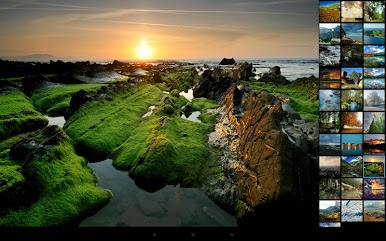
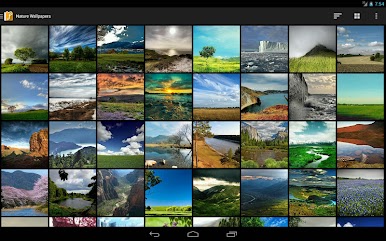
Photo Album F-Stop Pro, developed by Seelye Engineering, is your ultimate photography companion. This handy app elevates your photo experience, unlocking a treasure trove of features for organizing, editing, and sharing your media. Expect seamless interaction, intuitive controls, and the ability to customize your photo gallery like never before.
App Features
-
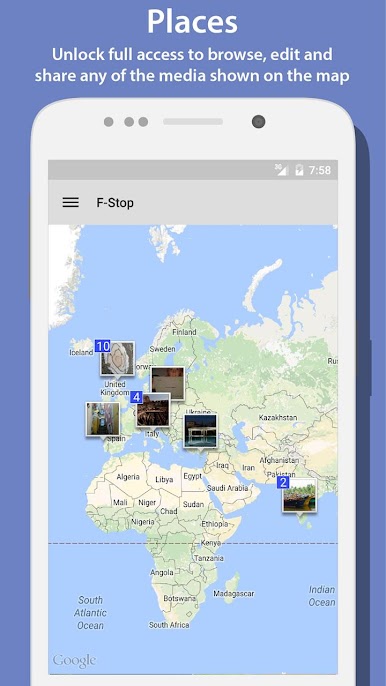
PLACES
Use Google Maps to visualize your media locations. With the PRO unlock, enjoy full options to browse, edit, and share directly from the map. -
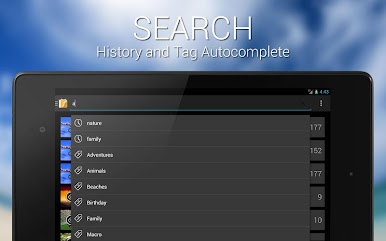
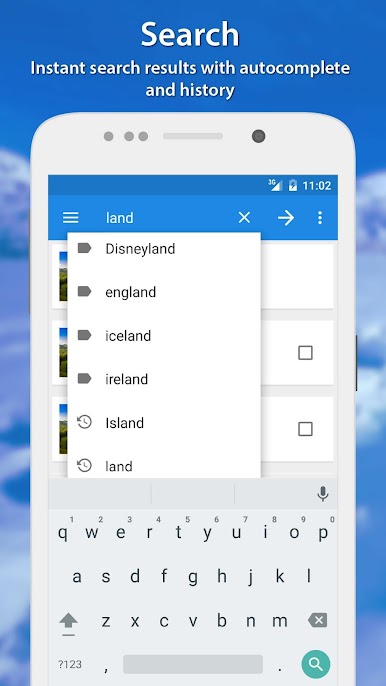
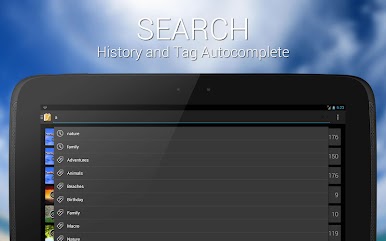
SEARCH
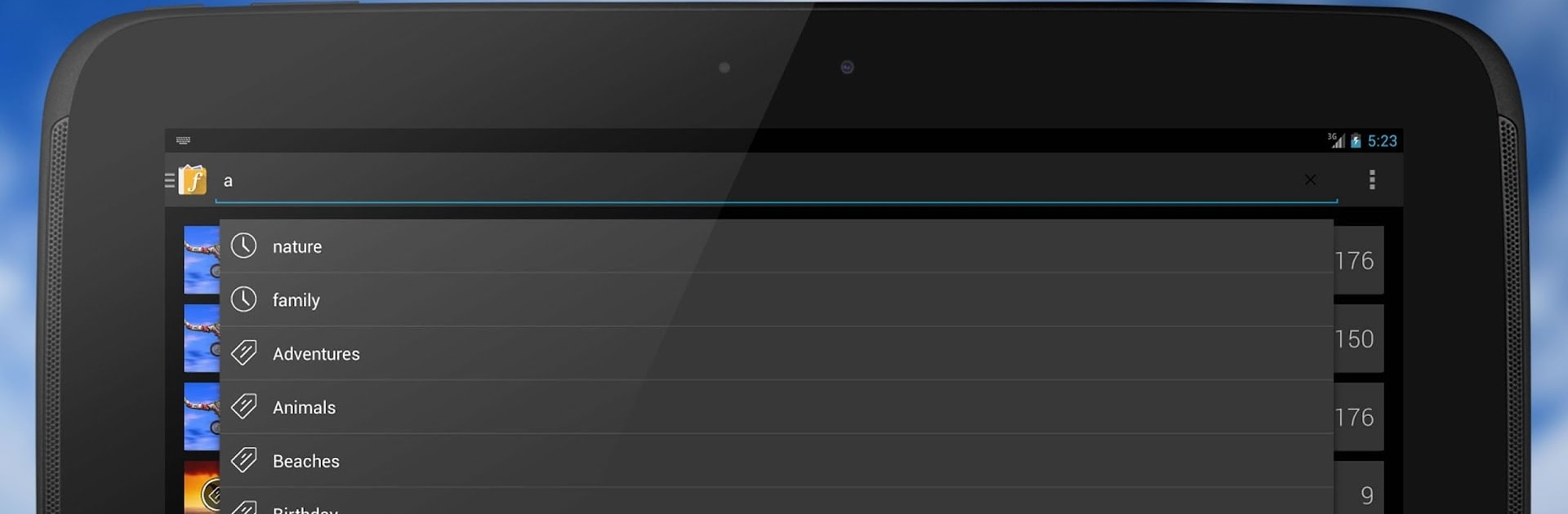
Say goodbye to limited search results. The PRO version brings back every image that fits your criteria, not just a handful. -
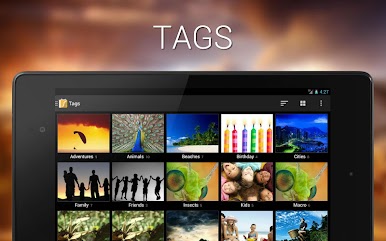
WRITE METADATA
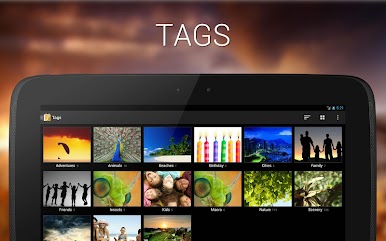
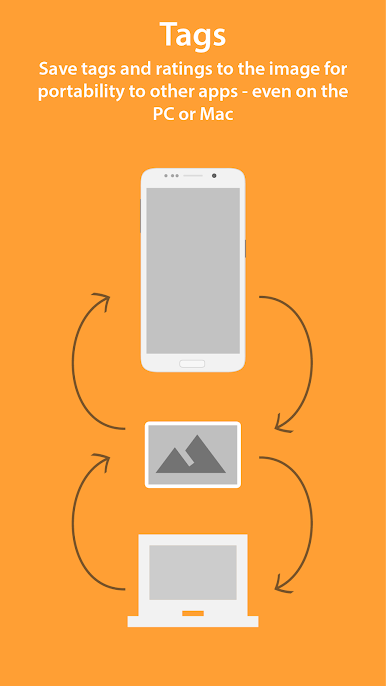
Seamlessly save tags and ratings directly in your JPGs or as sidecar files. Compatible with apps like Adobe Lightroom and Windows Live Photo Gallery! -
CUSTOM SORTING & NAVIGATION
Drag and sort media your way; personalize your navigation drawer by editing or hiding items. -
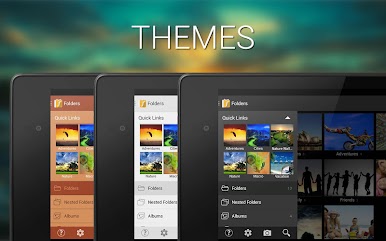
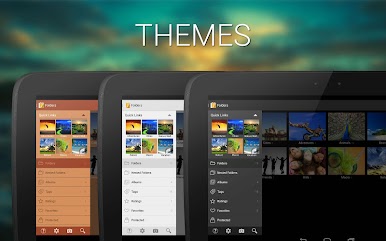
THEMES & BOOKMARKS
Unlock diverse themes for a personalized look. Add unlimited bookmarks for easy access. -
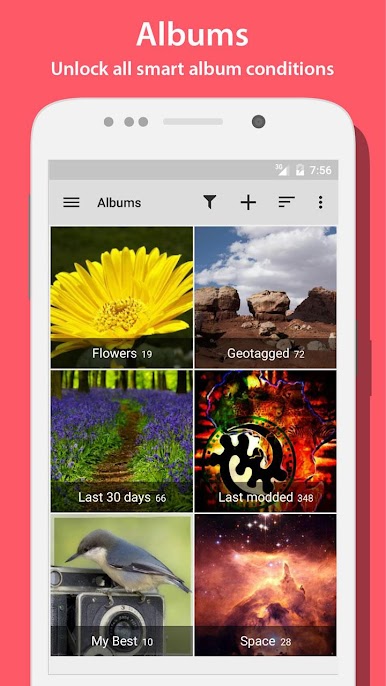
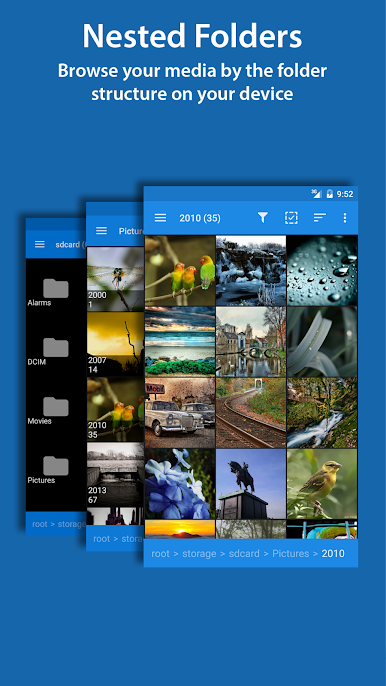
NESTED & SMART ALBUMS
Organize with nested folders and albums. Unlock smart album conditions for a better sorting experience. -
START-UP SCREEN
Choose where you jump in—Folders, Albums, Tags—it’s up to you!
Explore more on BlueStacks to enjoy this rich, photography-focused app.
Ready to experience Photo Album F-Stop Pro on a bigger screen, in all its glory? Download BlueStacks now.
Play Photo Album F-Stop Pro on PC. It’s easy to get started.
-
Download and install BlueStacks on your PC
-
Complete Google sign-in to access the Play Store, or do it later
-
Look for Photo Album F-Stop Pro in the search bar at the top right corner
-
Click to install Photo Album F-Stop Pro from the search results
-
Complete Google sign-in (if you skipped step 2) to install Photo Album F-Stop Pro
-
Click the Photo Album F-Stop Pro icon on the home screen to start playing

