


Tricky Mean2
Play on PC with BlueStacks – the Android Gaming Platform, trusted by 500M+ gamers.

Page Modified on: Apr 2, 2026
Play Tricky Mean2 on PC
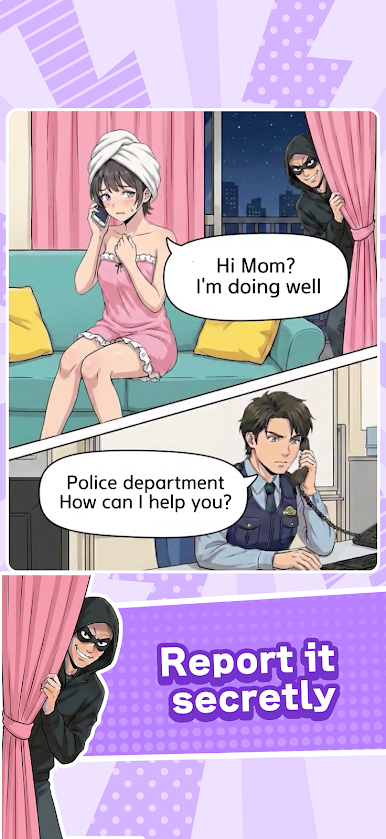
The mischievous puzzle game where you move items to change the illustration is back and better than ever!
The popular “move to solve” mechanic from the first game returns, with upgraded stage designs, gimmicks, and visual effects!
Help a woman win back her husband’s attention, solve chaotic trouble-filled scenes with clever ideas, and tackle plenty of delightfully tricky challenges waiting for you!
・Tons of new stages added
・Even more deceptive twists
・Upgraded satisfying success effects
・Perfect brain training for short breaks
Whether you cleared the first game or you’re brand new, there’s something here for you!
Ready to test your insight?
EU / California users can opt-out under GDPR / CCPA.
Please respond from the pop-up displayed when starting in the app or within the settings in the app.







Play Tricky Mean2 on PC. It’s easy to get started.
-
Download and install BlueStacks on your PC
-
Complete Google sign-in to access the Play Store, or do it later
-
Look for Tricky Mean2 in the search bar at the top right corner
-
Click to install Tricky Mean2 from the search results
-
Complete Google sign-in (if you skipped step 2) to install Tricky Mean2
-
Click the Tricky Mean2 icon on the home screen to start playing

