


Last Hold
Play on PC with BlueStacks – the Android Gaming Platform, trusted by 500M+ gamers.

Page Modified on: May 27, 2026
Play Last Hold on PC
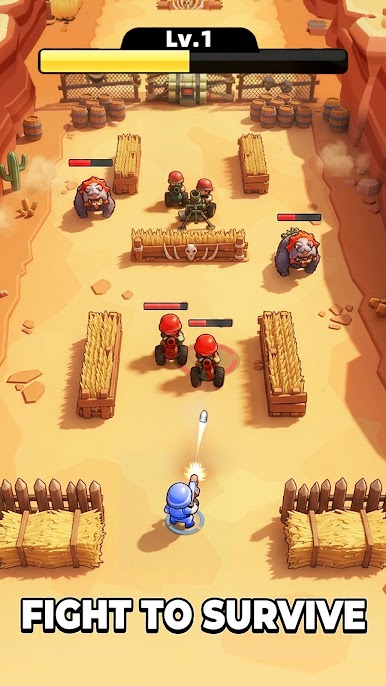
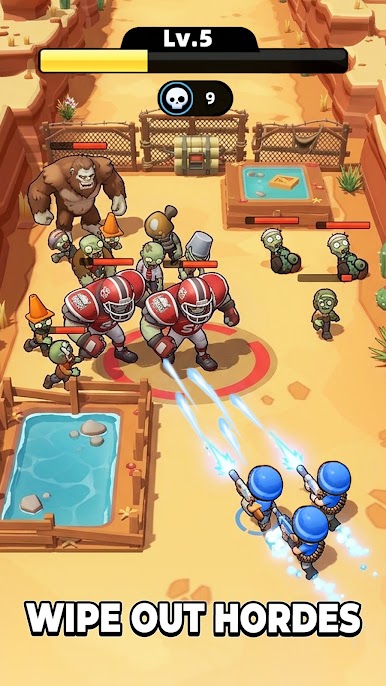
Last Hold is a high-octane, cartoon-style military shooter that blends fast-paced action with deep Roguelike strategy. you are a tactician who must evolve mid-battle to survive.
【TACTICAL REINFORCEMENT GATES】
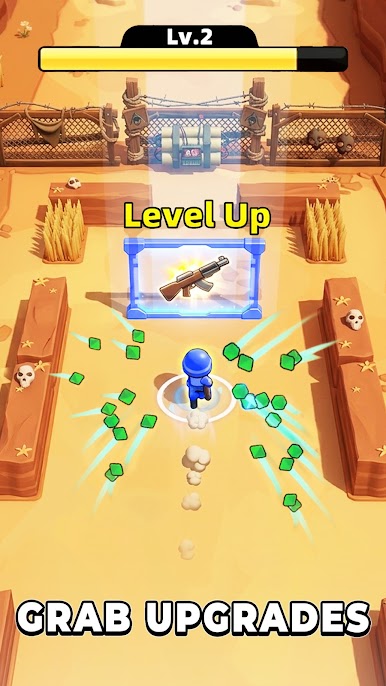
Navigate through dynamic "Tactical Gates" on the battlefield. Instantly double your projectiles or boost your range. Choose the right path under fire to turn your pea-shooter into a weapon of mass destruction!
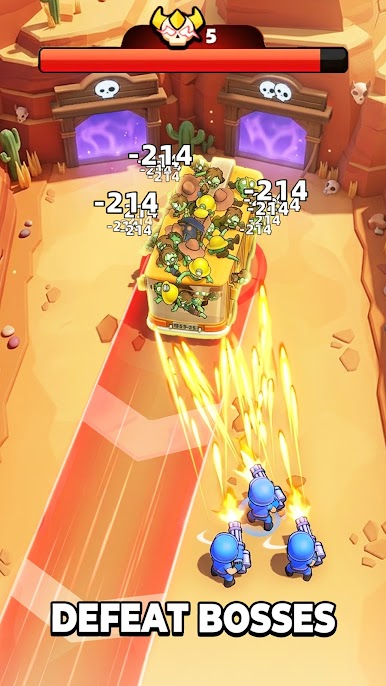
【EPIC BOSS CONFRONTATIONS】
Face off against massive military machines! From giant heavy-duty tanks to high-tech combat mechs, each Boss features unique attack patterns that will test your reflexes and your build.
【ONE-THUMB ACTION】
Easy to learn, hard to master. Move to dodge, stop to shoot. Experience fluid controls designed for precision movement in intense bullet-hell scenarios.
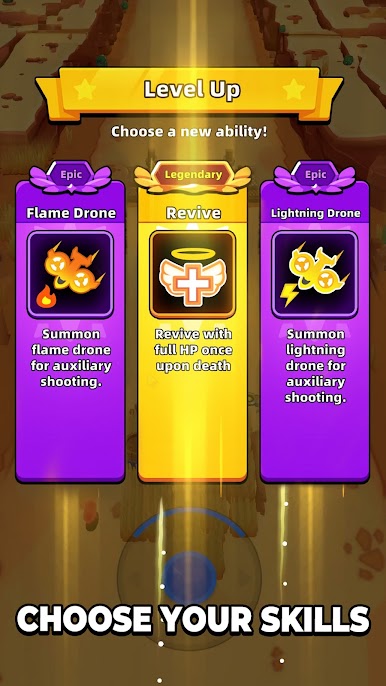
【LEVEL UP YOUR ARSENAL】
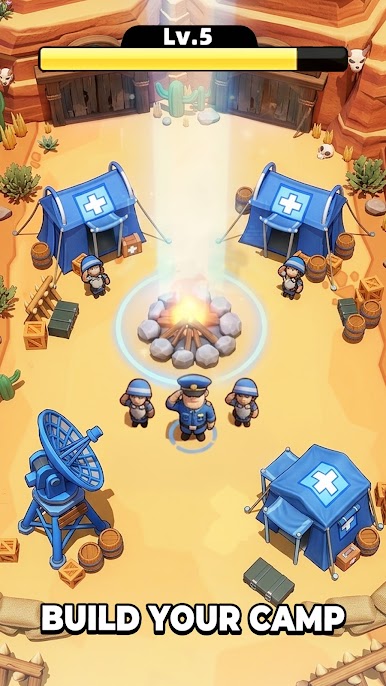
Collect and upgrade a vast array of military gear. Unlock specialized weapons, tactical vests, and gadgets to increase your base power before heading back into the fray.
Play Last Hold on PC. It’s easy to get started.
-
Download and install BlueStacks on your PC
-
Complete Google sign-in to access the Play Store, or do it later
-
Look for Last Hold in the search bar at the top right corner
-
Click to install Last Hold from the search results
-
Complete Google sign-in (if you skipped step 2) to install Last Hold
-
Click the Last Hold icon on the home screen to start playing

