


Fun Clicker
Play on PC with BlueStacks – the Android Gaming Platform, trusted by 500M+ gamers.

Page Modified on: Feb 4, 2026
Main Fun Clicker on PC
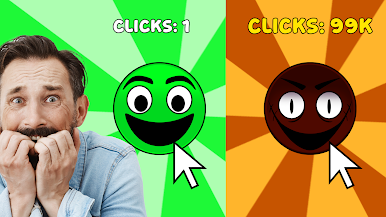
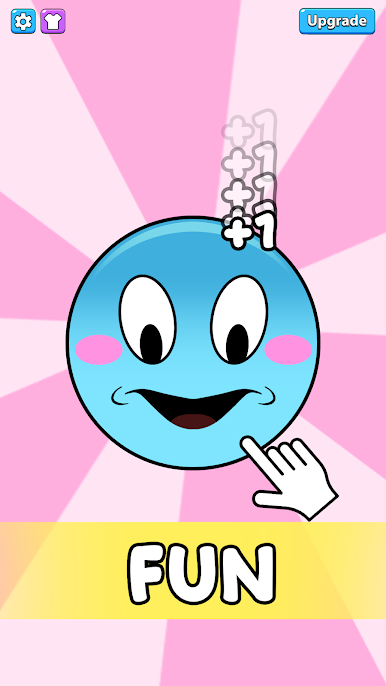
Cute characters, funny emojis, chill vibes. Just click and relax. Easy, right?
👉 Keep clicking…
Something feels a little weird.
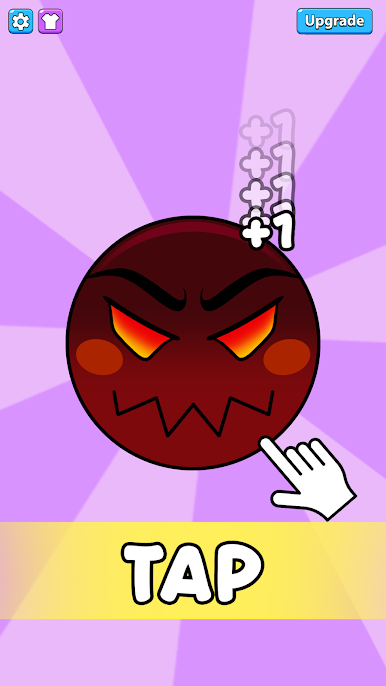
Each level introduces a new character — emojis 😆, silly faces 🤡, and familiar icons that look harmless at first. But the more you tap, the more their expressions change. Smiles fade. Eyes stare. The fun slowly turn spoopy
🎮 Fun Clicker: So Spoopy is perfect for short play sessions and casual players who enjoy meme games, clicker games, and strange surprises. You’ll keep saying “just one more click” — and regret it.
😈 Game Features:
- Easy and relaxing clicker gameplay
- Multiple levels, each with a different character
- Fun 😄 → creepy 😵 transformations
- Meme-style spoopy moments
- Casual, weird, and addictive
Click more. Relax. And watch the fun turn spoopy with Fun Clicker 👻"

Play Fun Clicker on PC. It’s easy to get started.
-
Download and install BlueStacks on your PC
-
Complete Google sign-in to access the Play Store, or do it later
-
Look for Fun Clicker in the search bar at the top right corner
-
Click to install Fun Clicker from the search results
-
Complete Google sign-in (if you skipped step 2) to install Fun Clicker
-
Click the Fun Clicker icon on the home screen to start playing

