

Era Evolution: Age Up & Run
Play on PC with BlueStacks – the Android Gaming Platform, trusted by 500M+ gamers.

Page Modified on: May 22, 2026
Play Era Evolution on PC or Mac
Join millions to experience Era Evolution, an exciting Adventure game from CookApps. With BlueStacks App Player, you are always a step ahead of your opponent, ready to outplay them with faster gameplay and better control with the mouse and keyboard on your PC or Mac.
About the Game
Era Evolution is an Adventure game from CookApps that turns a high-speed runner into a smart, long-term build. You’re not just sprinting for coins—you’re shaping a timeline, unlocking new eras, and tuning a loadout that hits harder every run. Expect quick decisions, crunchy upgrades, and a big, satisfying crash at the end of every track.
Game Features
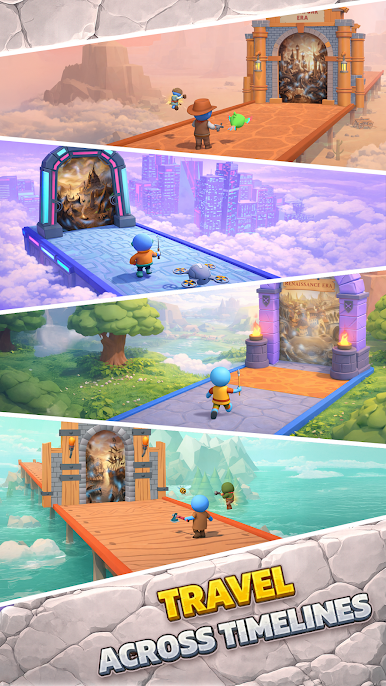
- Timeline Hopping: Race through distinct timelines packed with multiple eras, each with its own look, tougher routes, and bigger challenges waiting at the finish line.
- Risk-Reward Runs: Pick routes on the fly—hit coin gates, grab power cards, or take the risky path for juicier multipliers and resources.
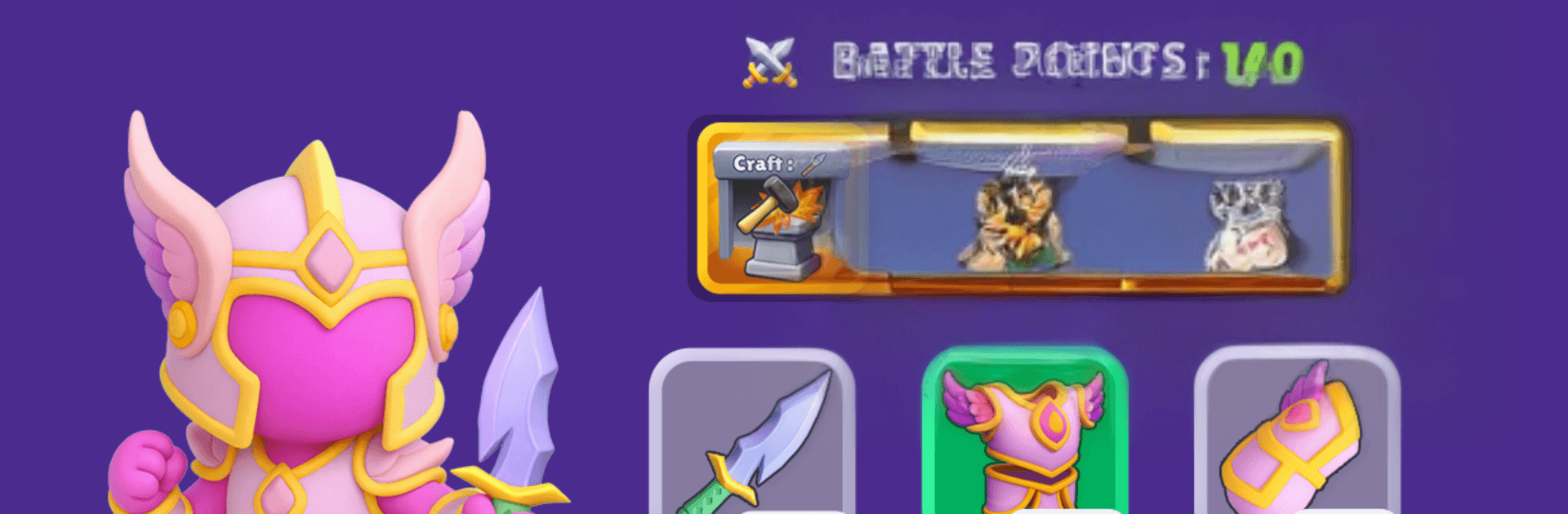
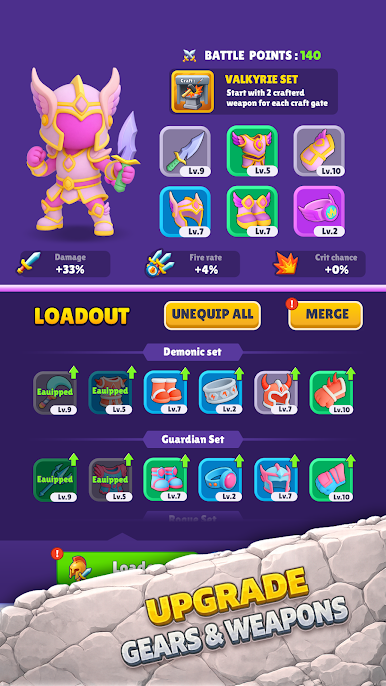
- Build Your Loadout: Upgrade powerful armor that directly boosts speed, strength, multiplier stacking, resource income, and the impact of your end-of-track smash.
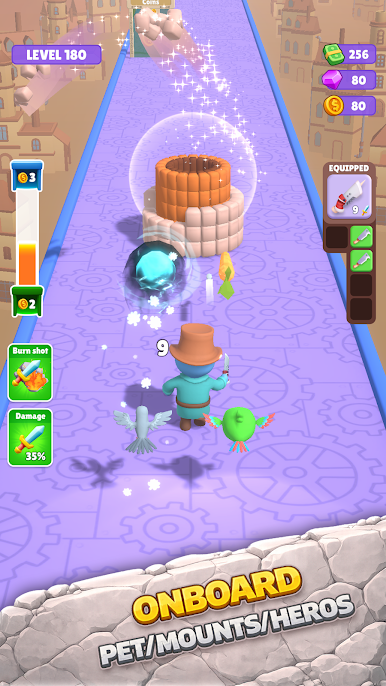
- Legends and Allies: Recruit legends and helpful companions for passive boosts and clever perks. Mix and match with your gear to create tight synergies that carry you through late-game walls.
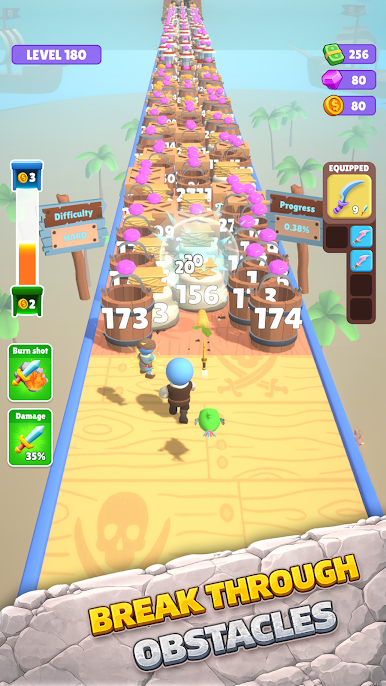
- Smash-Focused Finales: Every track ends with a destruction challenge. The stronger your build, the more you obliterate—yes, you’ll feel it.
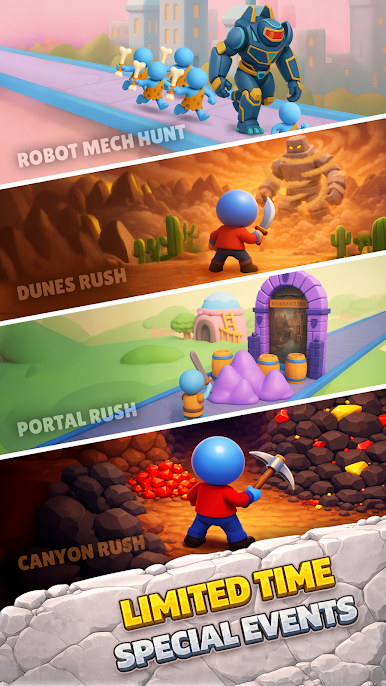
- Events and Seasons: Jump into time-limited events to snag exclusive upgrades and push past normal progression caps.
- Faster Era Breakthroughs: Optimize your setup to crack tougher era gates and unlock new timelines sooner without grinding yourself into the ground.
- Smooth on PC: Prefer a bigger screen and crisp controls? Era Evolution runs great on BlueStacks.
Slay your opponents with your epic moves. Play it your way on BlueStacks and dominate the battlefield.
Play Era Evolution: Age Up & Run on PC. It’s easy to get started.
-
Download and install BlueStacks on your PC
-
Complete Google sign-in to access the Play Store, or do it later
-
Look for Era Evolution: Age Up & Run in the search bar at the top right corner
-
Click to install Era Evolution: Age Up & Run from the search results
-
Complete Google sign-in (if you skipped step 2) to install Era Evolution: Age Up & Run
-
Click the Era Evolution: Age Up & Run icon on the home screen to start playing

